
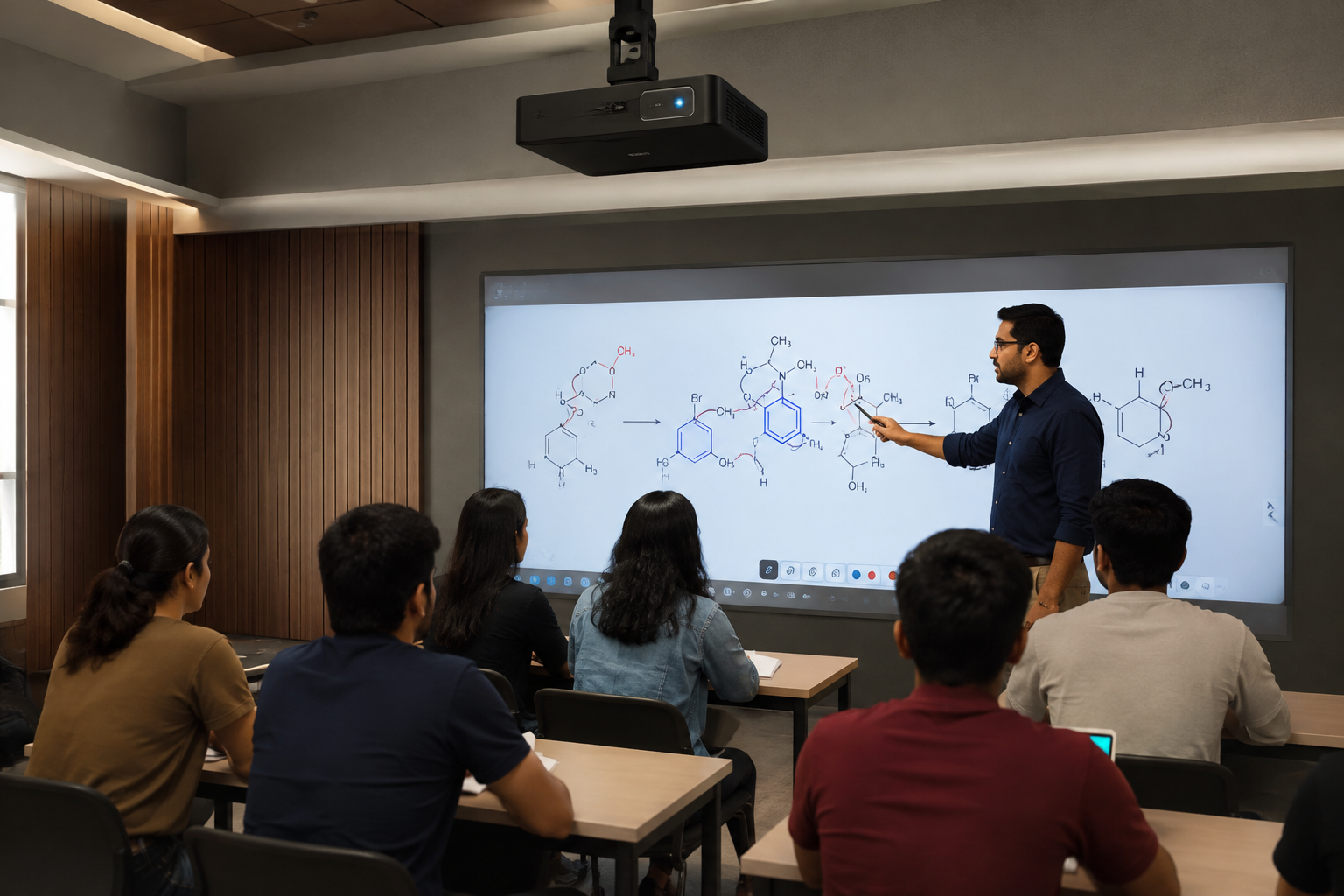
A student misses a Tuesday physics class for a family occasion. A month later, three students ask the same question about the same rotational motion problem. Exam week arrives, and forty students want to revisit one specific derivation, not the entire syllabus.
These are not three different problems. All three stem from the same underlying challenge, and a well-implemented recorded class system addresses each of them.
Most modern coaching centers already hit record during live sessions. Far fewer use that footage well. This guide covers how recorded classes actually function inside a coaching center, not as a backup file, but as a working part of how students revise, catch up, and get their doubts cleared.
Coaching centers running NEET, JEE, or board exam batches face a specific pressure. Every topic gets covered once, at a fixed pace, in a fixed lecture. Students who fall behind, get confused, or simply miss a class have no natural way to catch up without repeating an entire live session.
Recorded classes fix this, but only when the center treats them as a designed feature rather than a passive safety net.
Absentee Makeup: The Most Basic Use Case, Done Right
Every coaching center understands the obvious use case here. A student misses a session and watches it later.
The mistake is treating this as the whole feature. A raw three-hour recording is not the same as a usable makeup class.
What Actually Helps an Absent Student:
- A recording split by topic, not one long unedited block
- A short note on what was covered, so they know where to start
- Access within 24 hours, while the material is still fresh in classmates' minds
Coaching centers that get this right see fewer repeated doubt-clearing requests, since students arrive already caught up instead of starting from zero.
Pre-Exam Revision: Why Rewatching Beats Reading Notes
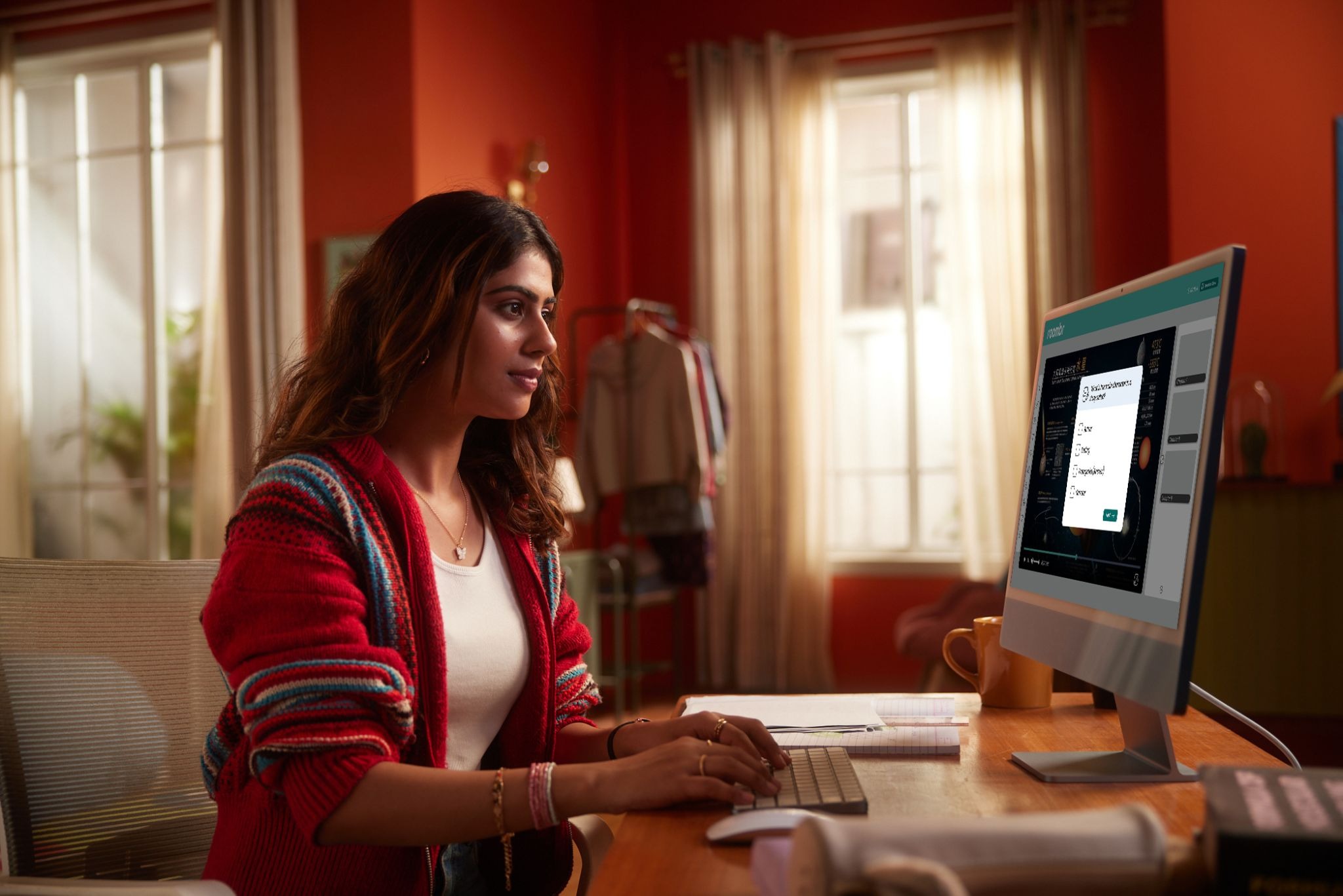
Revision and makeup are not the same use case, even though both rely on recorded classes.
A student catching up on a missed class needs the full session. A student revising before an exam needs one specific explanation, fast.
This distinction shows up across the coaching industry. Platforms that record every live lesson often frame it as two separate features, makeup for absences and unlimited revision, rather than one generic backup.
This matters more during exam season. A physics teacher explaining a tricky derivation on the board, with voice and pacing intact, often works better for last-minute revision than static notes.
Why This Beats Reading Notes During Revision:
- Tone and emphasis carry information that text strips out
- Students can pause and rewind exactly where they got confused
- A well-tagged recording takes minutes to find the right segment, not an hour
This matters even more in multilingual batches. A teacher who code-switches between English and a regional language while explaining a hard concept gives students something notes never capture: the exact phrasing that made the idea click the first time.
Building a Searchable Class Library
None of this works if recordings live in one long, unsorted folder.
A searchable class library turns recorded classes from raw footage into an actual study tool. This is the single biggest gap between coaching centers that use recordings well and those that just store them.
A Basic Tagging Structure That Works:
Even a simple spreadsheet linking video files to these four tags beats an unsorted folder. Most coaching centers skip this step entirely, and it is the cheapest fix on this list.
Doubt-Clearing Sessions Using Recorded Content
Doubt-clearing sessions get faster and more precise when teachers can point to a specific moment in a recorded class instead of re-explaining a concept cold.
Coaching platforms increasingly build doubt-support systems around this pattern, pairing dedicated doubt-clearing sessions with recorded material students can revisit on their own.
A Practical Doubt-Clearing Workflow Using Recorded Classes:
- Student flags a timestamp where they got confused
- Teacher reviews that segment before the doubt session
- The session focuses only on the gap, not the whole topic again
This turns a 30-minute doubt session into a focused 10-minute one. Teachers spend less time repeating context and more time resolving confusion.
A Real Example: How This Plays Out in a Chemistry Batch
Picture a NEET batch of sixty students. A chemistry teacher covers chemical bonding on a Thursday evening.
Four students are absent. Two more sit through the class but leave confused about hybridisation. A week later, twelve students ask to revisit the same topic before a mock test.
Without recorded classes, the teacher repeats the explanation three separate times across the week, eating into time meant for new material.
With a properly tagged recording, the four absentees watch the full session that weekend. The two confused students rewatch just the eight-minute hybridisation segment. The twelve mock-test students get a link to that same segment instead of a repeat class.
One recording, tagged correctly, replaces what would otherwise be three separate teaching interruptions.
Who Gets Access, and for How Long
This is one of the most overlooked questions, yet it has a bigger impact than many coaching centres expect.
Parents and students both ask, directly or indirectly, whether recorded classes stay private to their batch. Getting this wrong creates real trust problems.
A Basic Access Policy Should Cover:
- Whether recordings are batch-locked or open to the whole center
- How long recordings stay available, one term, one year, or indefinitely
- Whether students can download files or only stream them
- Who can share access outside the enrolled batch
A written policy, even a short one, prevents awkward conversations later and signals that the coaching center takes student data seriously.
Some centers share this policy at enrollment, alongside fee structure and batch timings. It takes five minutes to write and removes an entire category of parent complaints later in the year.
What to Look for in Recording Hardware for This Use Case
The hardware question comes up fast once a coaching center commits to recorded classes as a real feature, not an afterthought.
Four broad approaches exist, and they are not equally suited to this specific use case.
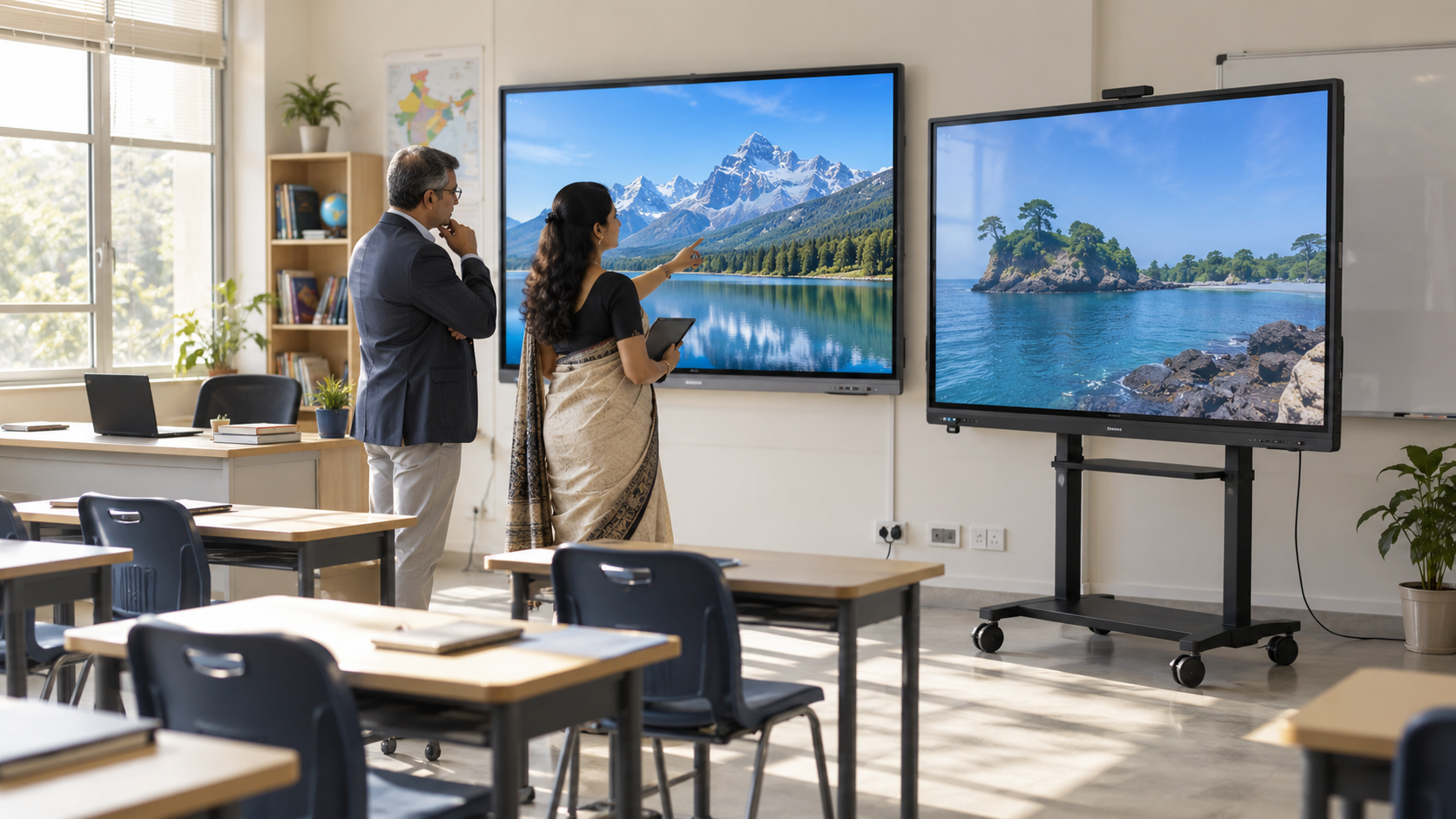
Four broad approaches exist, and they are not equally suited to this specific use case.Interactive flat panels or smart panels solve the basic board-and-voice capture problem, but most are built around a fixed screen size, typically 65 to 86 inches. As batch sizes grow beyond a few dozen students, maintaining clear visibility for those at the back of the room becomes more challenging.
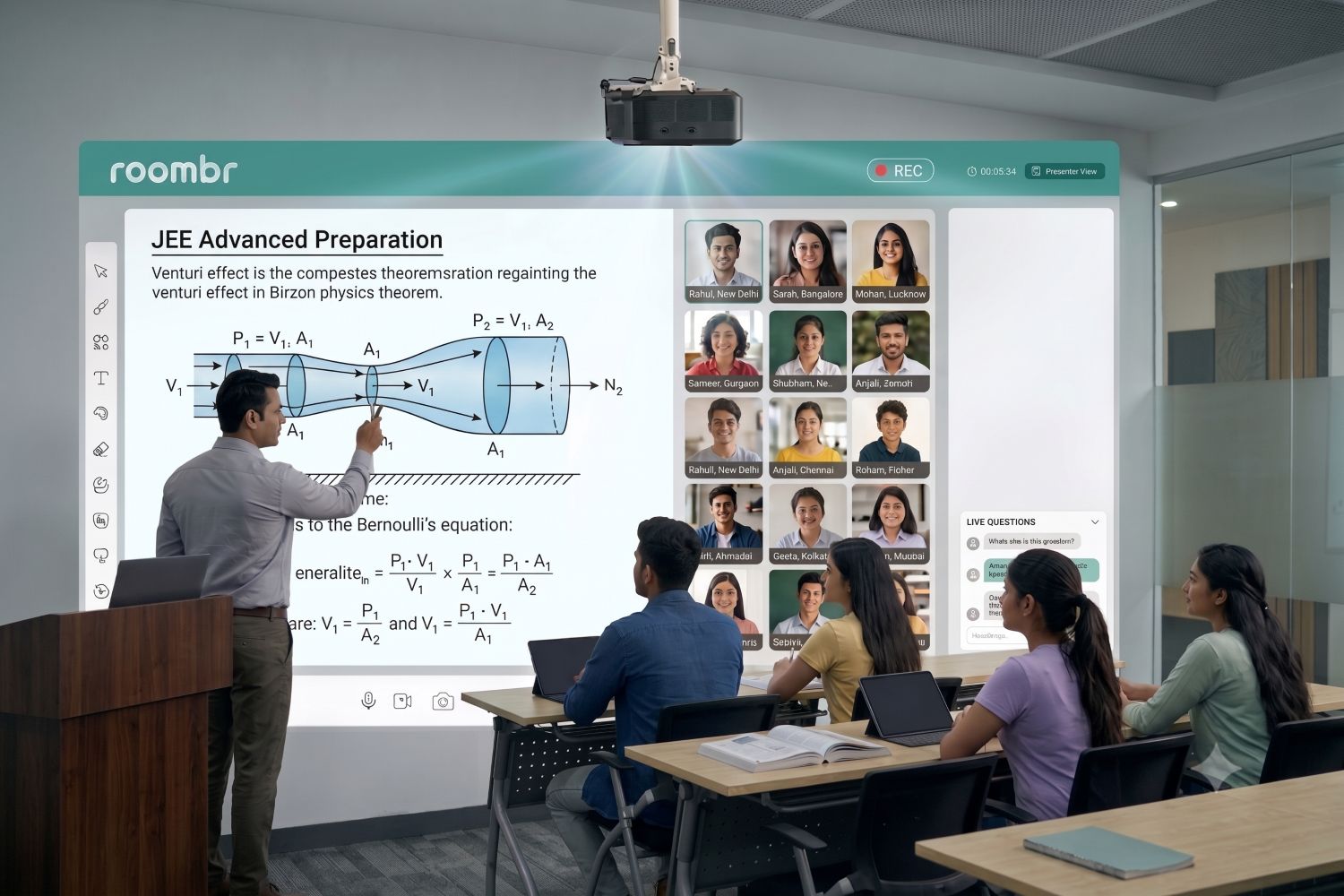
An all-in-one smart classroom system takes this further. An advanced projection-based setup like Roombr transforms an entire wall into a scalable 50 to 200-inch interactive canvas instead of relying on a fixed-size display, ensuring every student has a clear view regardless of classroom size. It automatically captures the teacher's voice and board content in perfect sync, with every lesson securely saved to the cloud without requiring separate capture cards or third-party recording software.
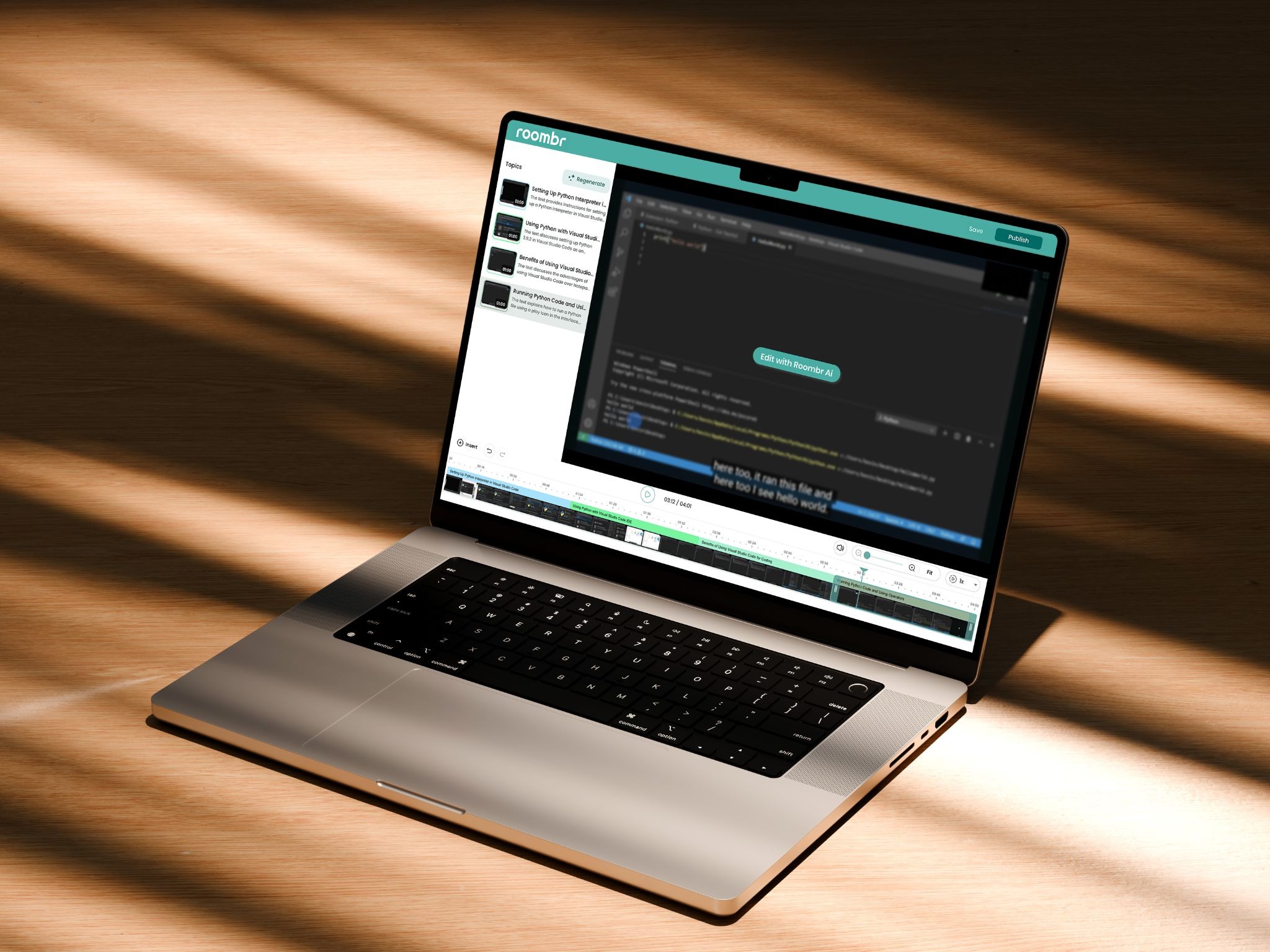
Recording is only part of the experience. Roombr automatically organizes every lesson into a searchable digital library using AI-powered chaptering and topic tagging. Instead of scrubbing through an hour-long lecture, students can search for a concept, jump directly to the relevant explanation, and replay only the section they need. This makes recorded classes significantly more useful for revision, absentee makeup, and focused doubt-clearing while reducing the administrative effort required from teachers.
Cost is often the deciding factor when choosing a classroom recording solution. A detailed smart board cost guide breaks down what different hardware tiers actually cost in India. This helps coaching centers compare a basic webcam setup, an interactive panel, and a fully integrated smart classroom system.
Is Anyone Actually Watching? Measuring Real Usage
Coaching centers invest in recorded classes and then rarely check whether students actually use them.
This matters because unused recordings tell you something. Either the topic did not need reinforcement, or students cannot find what they need, which points straight back to the tagging problem.
Simple Ways to Check Usage:
- Track which recorded classes get the most views before exams
- Ask students directly which recordings they opened
- Compare doubt-clearing volume before and after a topic's recording goes live
If a recording gets zero views a week before the related exam, the library's organization is worth revisiting.
Some coaching centers go further and ask teachers to flag which topics generate the most repeated doubts across batches. Cross-referencing that list against view counts on the matching recorded classes shows whether the library is solving the problem it was built for.
A recording with high views and falling doubt-clearing requests on the same topic is a strong sign the system is working as intended.
Common Mistakes Coaching Centers Make with Recorded Content
- Recording everything, sorting nothing. A growing pile of unlabeled files gets opened less every month, until nobody bothers checking it at all.
- Poor audio quality. If the teacher's voice is muffled or distant, revision becomes harder than just reading notes.
- No stated access or retention policy. Parents eventually ask, and a vague answer damages trust faster than a clear one.
- Treating the library as a backup, not a tool. A resource nobody actively promotes to students rarely gets used, however good it is.
- Skipping short topic notes. Students should know what a video covers before pressing play, not after ten minutes in.
FAQs About Recorded Classes in Coaching Centers
1. Do recorded classes help exam results?
They help most when used for targeted revision rather than passive rewatching. Students who search out specific segments before exams get more value than those who rewatch full sessions from start to finish.
This is why tagging matters so much. A well-organized library turns a vague study habit into a focused one.
2. How long should a coaching center keep recorded classes available?
Most centers keep recordings available through the current course or academic year, then archive or remove them based on their access policy.
3. What is the minimum setup needed to start recording classes well?
A basic webcam setup is enough to start, but it often struggles with board visibility and audio quality. For consistent board-and-voice capture, coaching centers typically choose an interactive flat panel, smart board, or an all-in-one smart class projector like Roombr, which also adds automatic lesson recording, cloud playback, and AI-powered searchable recordings.
4. Should doubt-clearing sessions be recorded too?
Yes, since future students with the same doubt can watch a past session instead of booking a fresh one, reducing repeat questions for teachers.
5. How should a coaching centre organize recorded classes so students can easily find the right lesson?
Tag each recording by subject, chapter, and session type at minimum. A simple spreadsheet linking video files to these tags works better than an unsorted folder.
Bringing Recorded Classes Together
Recorded classes become valuable only when they're easy to capture, organize, and revisit. That means reliable board-and-voice recording, a searchable lesson library, clear access policies, and a workflow that makes finding the right explanation effortless.
Get these basics right, and recorded classes evolve from simple video files into one of the most valuable learning resources your coaching center offers, supporting revision, absentee makeup, and faster doubt-clearing throughout the academic year.
Start small if needed. Organize one subject's recordings, define a simple access policy, and review how students use the library before the next exam cycle. As students experience the convenience of searchable recordings, adoption tends to grow naturally.
If your coaching center is looking for a solution that combines wall-sized interactive teaching, automatic lesson recording, AI-powered chaptering, searchable playback, and cloud-based access in one platform, Roombr for Tutors is designed around how coaching centers actually teach, revise, and manage recorded classes—not just how they store videos.

Foziya Abuwala
Share
Step Into the future of
Education with Roombr