
A new lab can become an expensive storeroom if a school buys equipment before deciding how students will use it.
The CBSE Composite Skill Lab requirement calls for more than filling a room with tools. Schools must plan the space around selected skill subjects, safe practical work and daily teaching. They must also understand where classroom technology genuinely helps.
What Is a CBSE Composite Skill Lab?
A CBSE Composite Skill Lab is a flexible space where students learn practical skills through projects, demonstrations and hands-on work.
Unlike a science lab, it is not limited to one subject. It can support areas such as agriculture, automotive studies, information technology, healthcare, retail and electronics.
The lab supports the goals of the National Education Policy (NEP) 2020 and the National Curriculum Framework for School Education (NCF-SE) 2023. Both encourage schools to connect academic concepts with practical learning.
The CBSE Skill Education curriculum includes subjects across several sectors. This means every school may need a different mix of tools and learning zones.
Who Needs a CBSE Composite Skill Lab, and by When?
The CBSE Circular Skill-13/2026, issued on 20 March 2026, confirms two timelines:
- Schools applying for fresh CBSE affiliation must establish the lab as an affiliation requirement.
- Existing CBSE-affiliated schools must establish it by 22 August 2027.
The deadline may look distant, but planning can take months. Schools need time to select skill subjects, prepare the room, procure equipment, and train teachers.
Starting early also reduces the risk of buying unsuitable equipment close to the deadline.
CBSE Composite Skill Lab Setup Requirements
CBSE allows schools to choose between two space arrangements.
Choose the Space Carefully
Two 400 sq ft rooms require 800 sq ft in total. That is 200 sq ft more than the single-lab option.
However, the two-room arrangement separates younger and senior students. This may help schools that plan different activities for each group.
Space should not be measured only by floor area. Schools must also consider movement, storage, power access, and safe distances around tools.
Match Equipment to the Skill Subjects
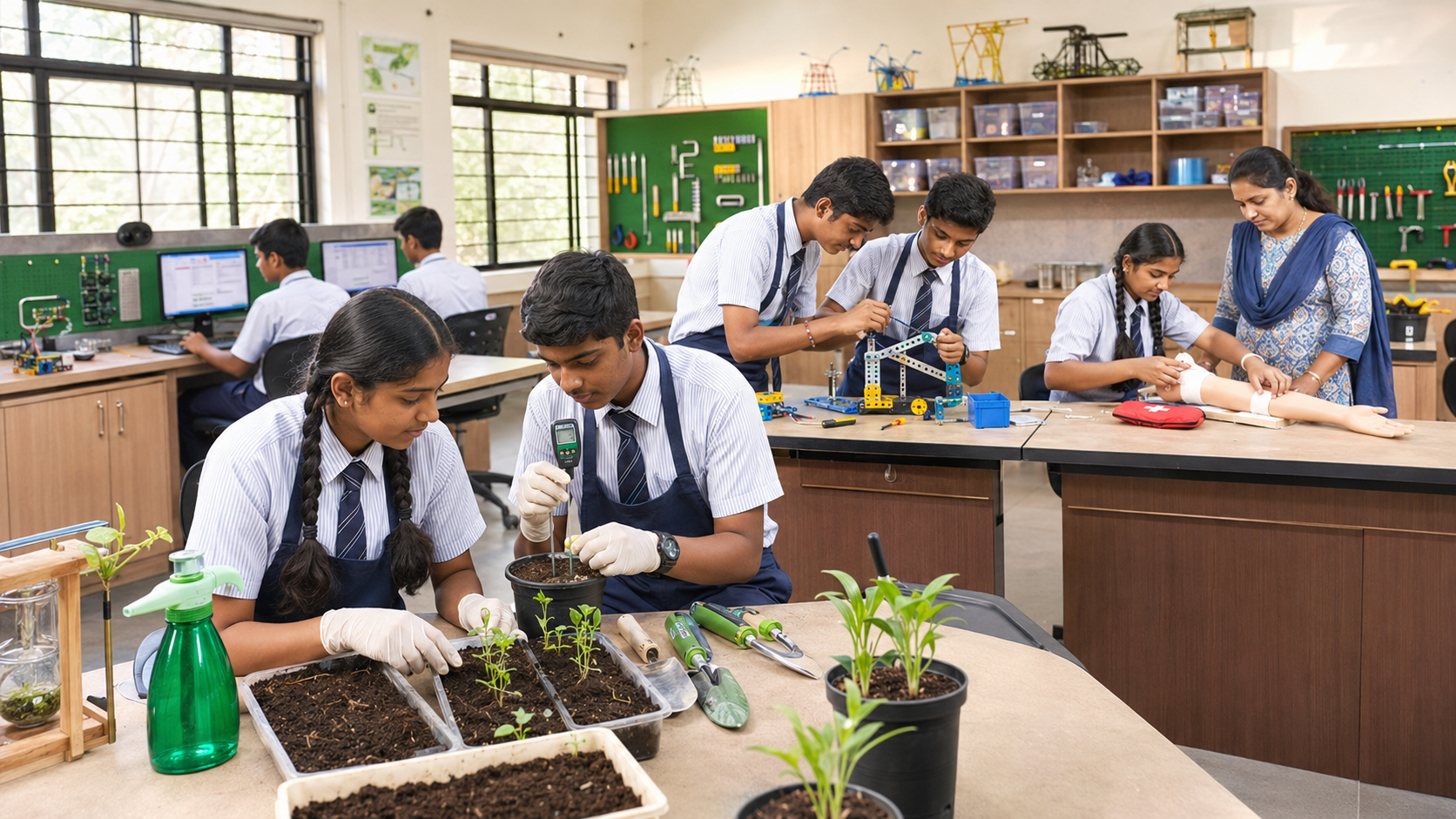
CBSE states that its equipment list is suggestive. Schools can adapt it according to their readiness and requirements.
This distinction matters. There is no single CBSE Composite Skill Lab equipment list that suits every school.
For example:
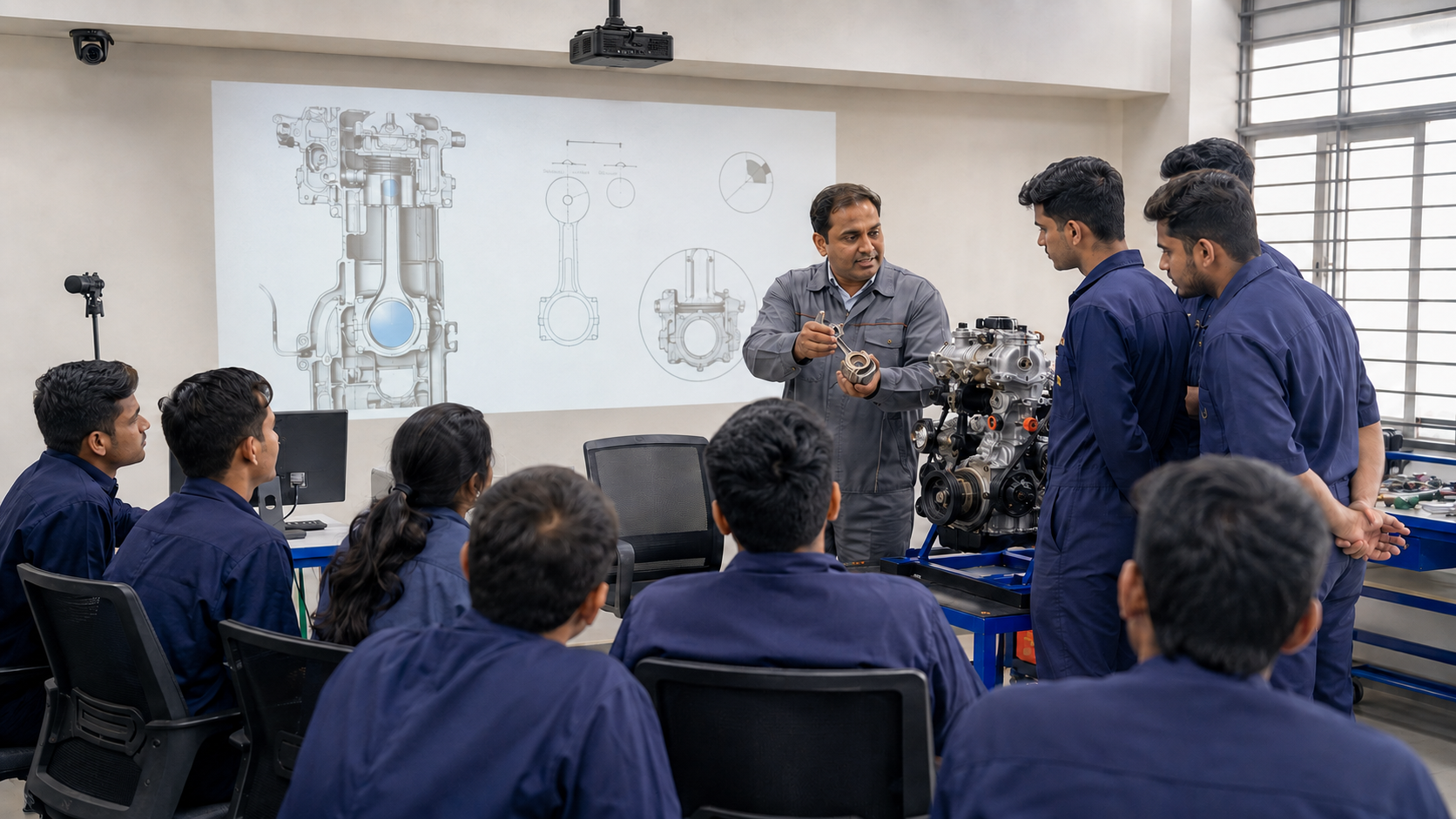
- Automotive learning may require models, components and safe mechanical tools.
- Agriculture may need gardening tools, plant-care materials and testing resources.
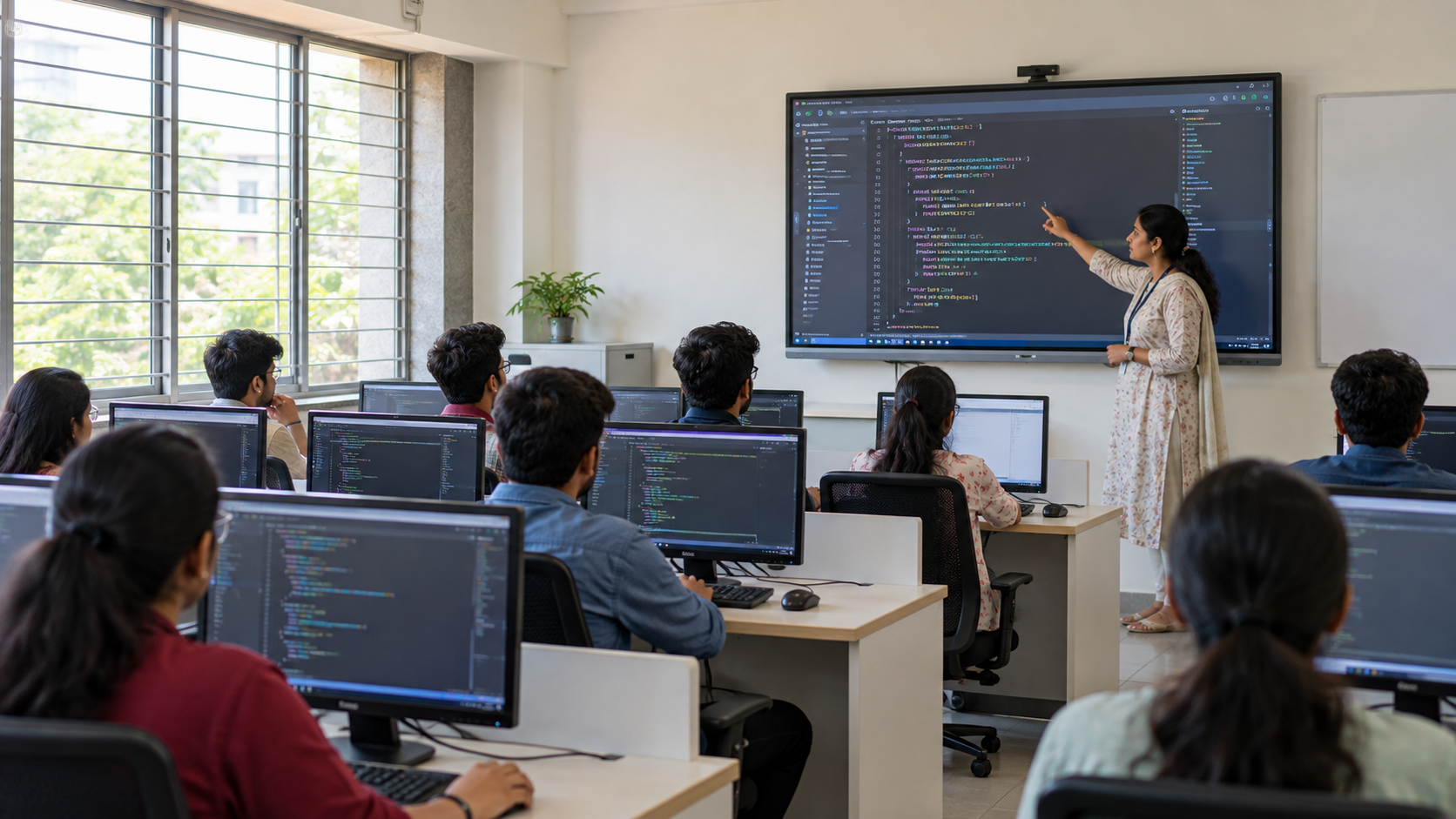
- Information Technology and IT-enabled Services courses may require computers, connectivity and presentation systems.
- Healthcare training may require practice models and appropriate hygiene measures.
Start with the skills being offered. Then map every tool to a task students will perform.
How Does a CBSE Composite Skill Lab Support CBSE Skill Education?
The purpose of CBSE skill education is to help students apply what they learn. A Skill Lab provides the physical setting for this shift.
Students can observe a process, try it, receive feedback, and improve their work. This creates a stronger learning cycle than explanation alone.
CBSE’s support-material page also states that Skill Education through Kaushal Bodh is mandatory for Classes VI–VIII from the 2026–27 session. Schools can review the available CBSE books and support materials while planning activities.
A well-used lab can support:
- Practical demonstrations
- Group projects
- Problem-solving activities
- Skill assessments
- Reflection and peer feedback
- Connections between theory and work
The important word is “used.” A well-equipped room has little value if teachers cannot include it in regular lessons.
Where Does Classroom Technology Fit?
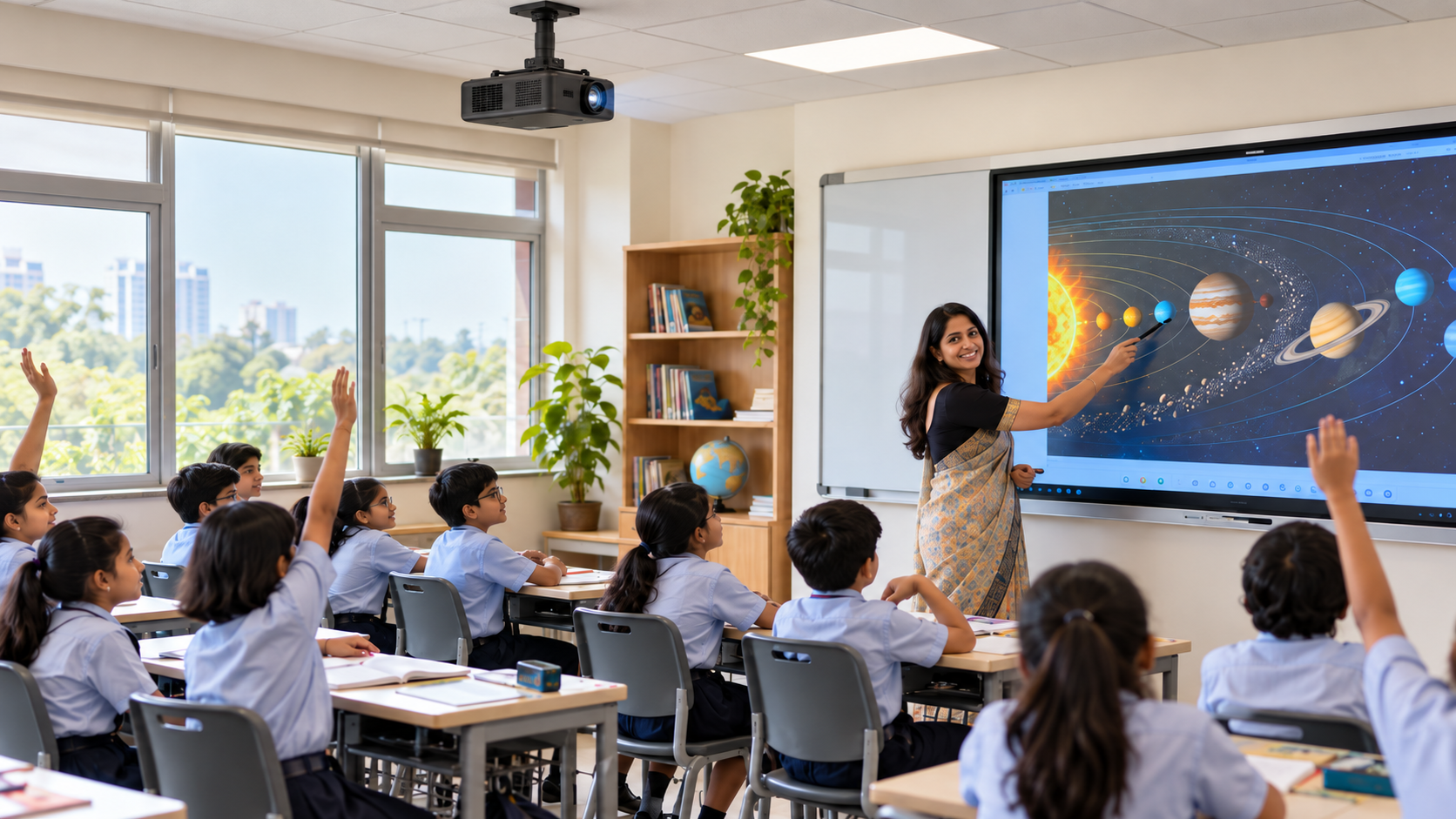
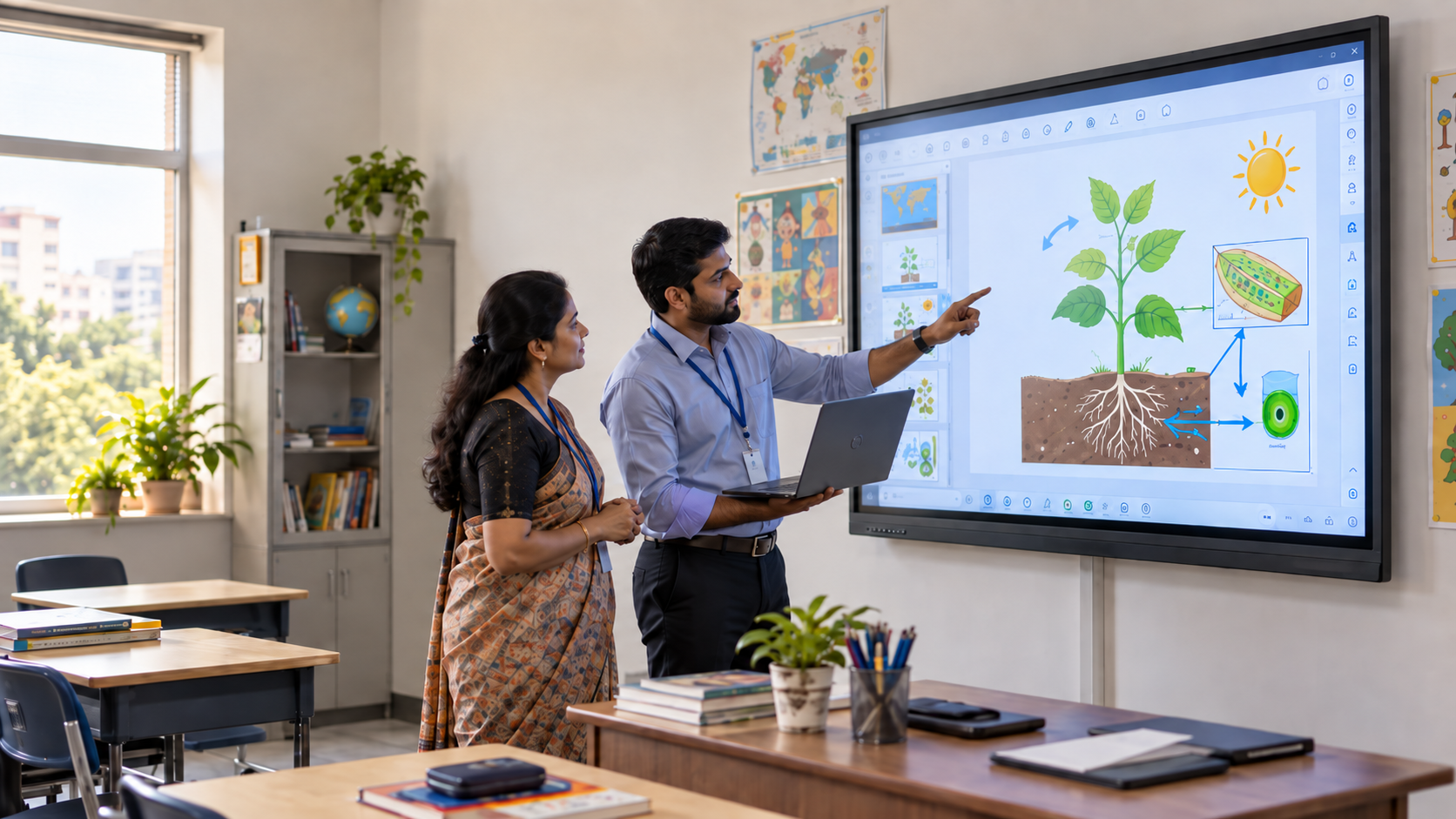
Within a CBSE Composite Skill Lab, technology should make practical work easier to see, explain, record, and review.
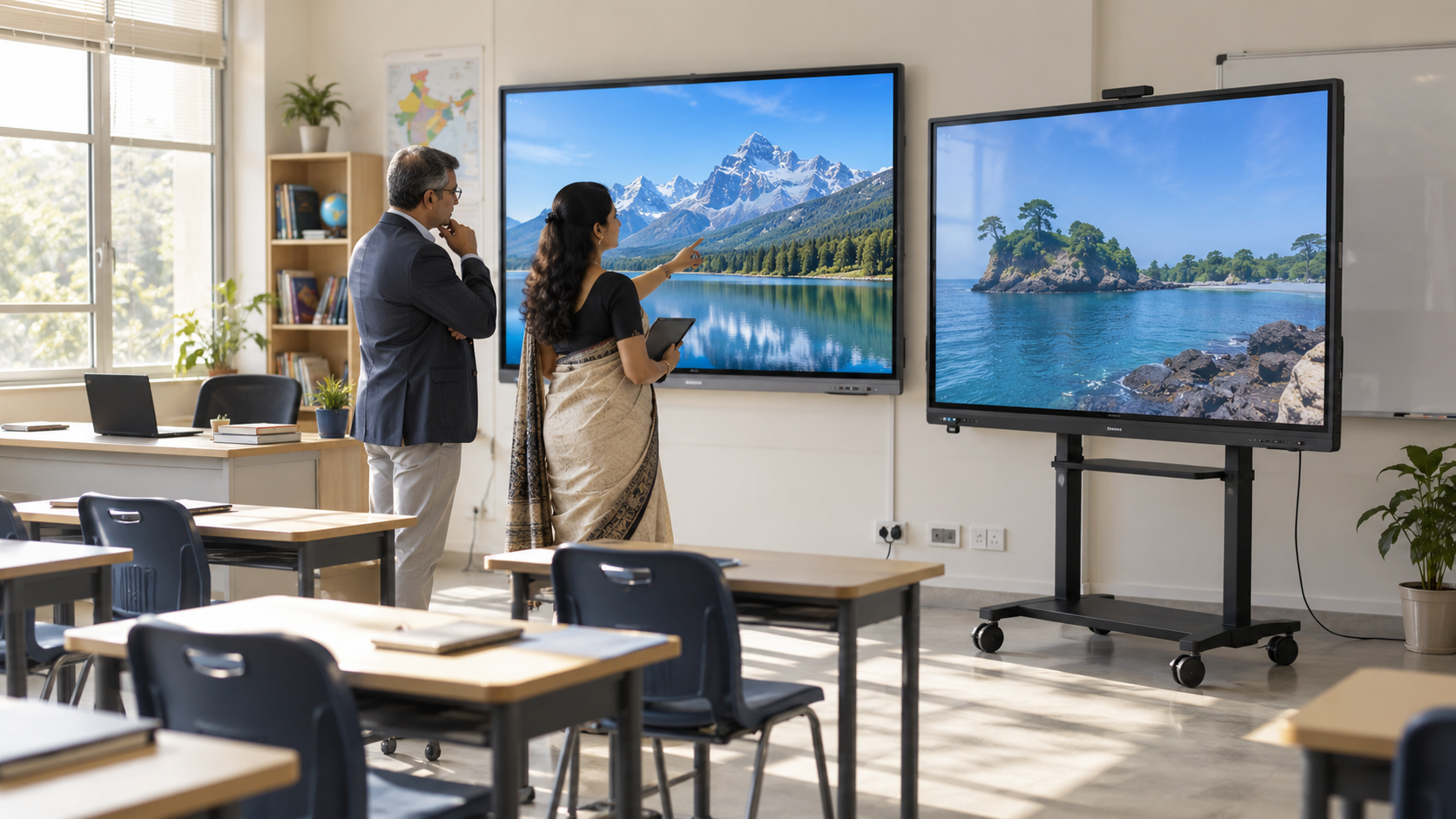
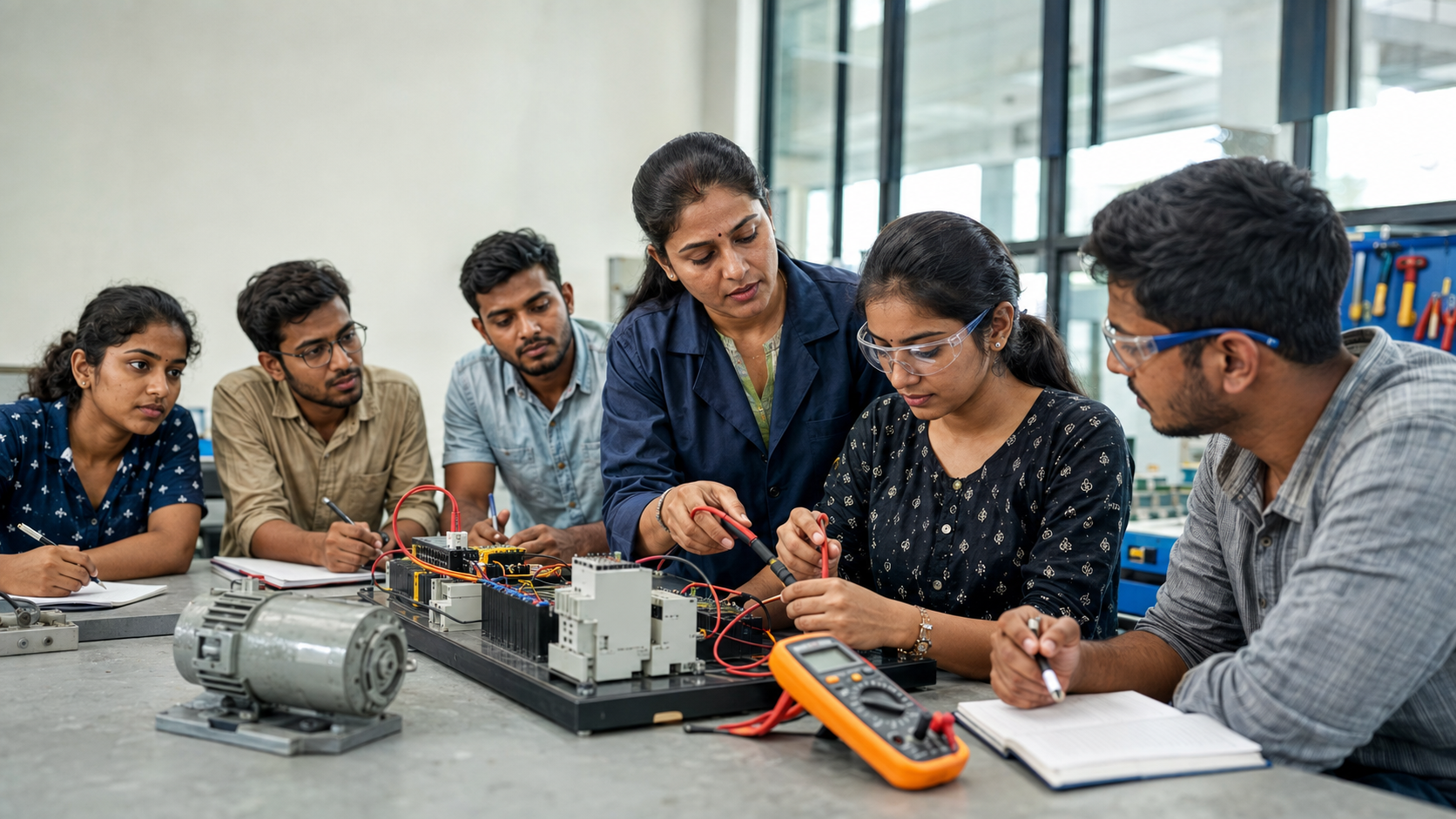
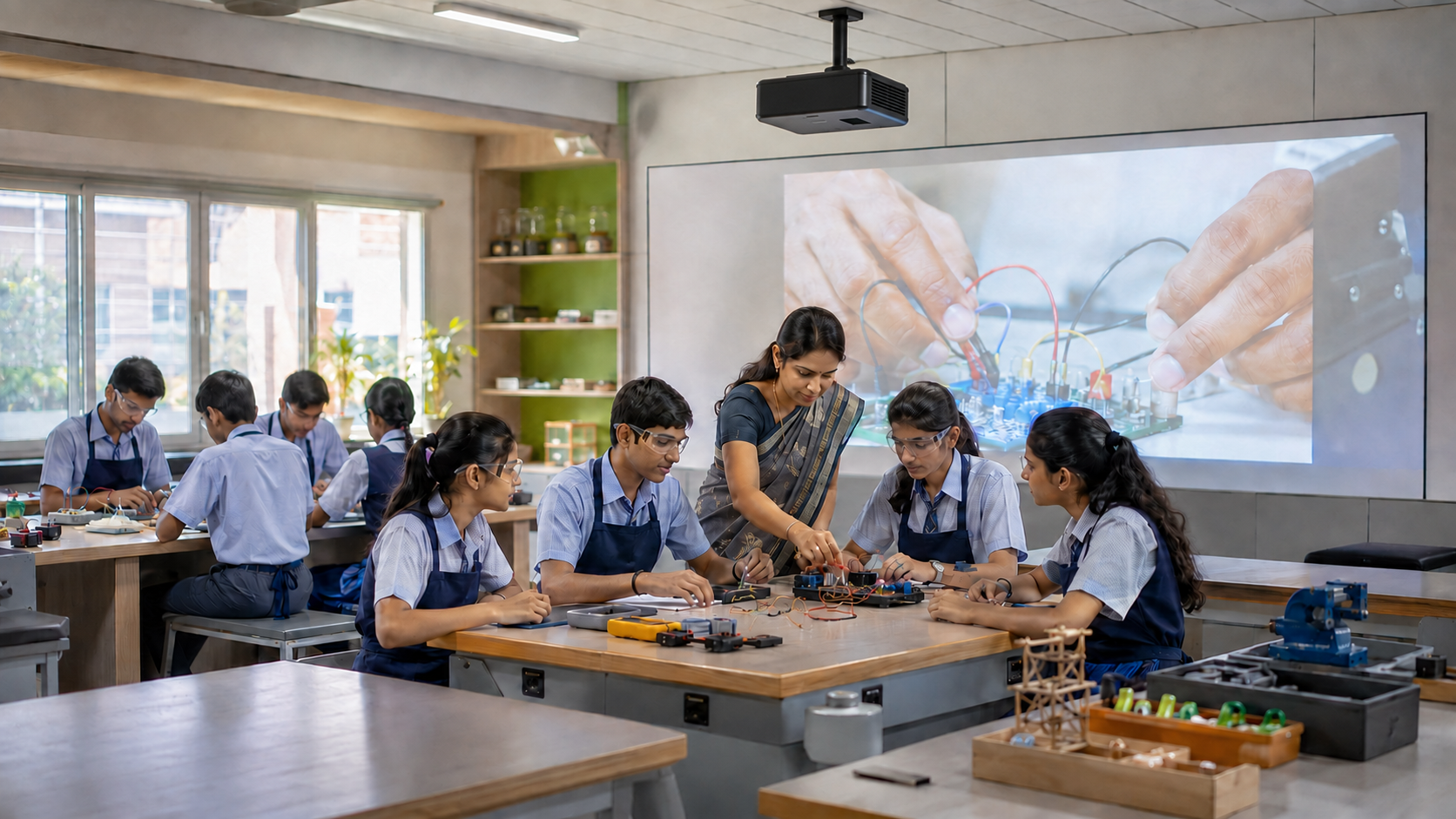
Consider an electronics activity. Ten students near the table may see the wiring clearly, while the rest of the class struggles. A camera and large interactive display can show the same process to everyone.
Useful applications include:
Schools can consult this smart classroom equipment list when planning the digital layer. The guide on educational equipment for smart science labs shows how cameras, displays, and recording tools can improve hands-on teaching.
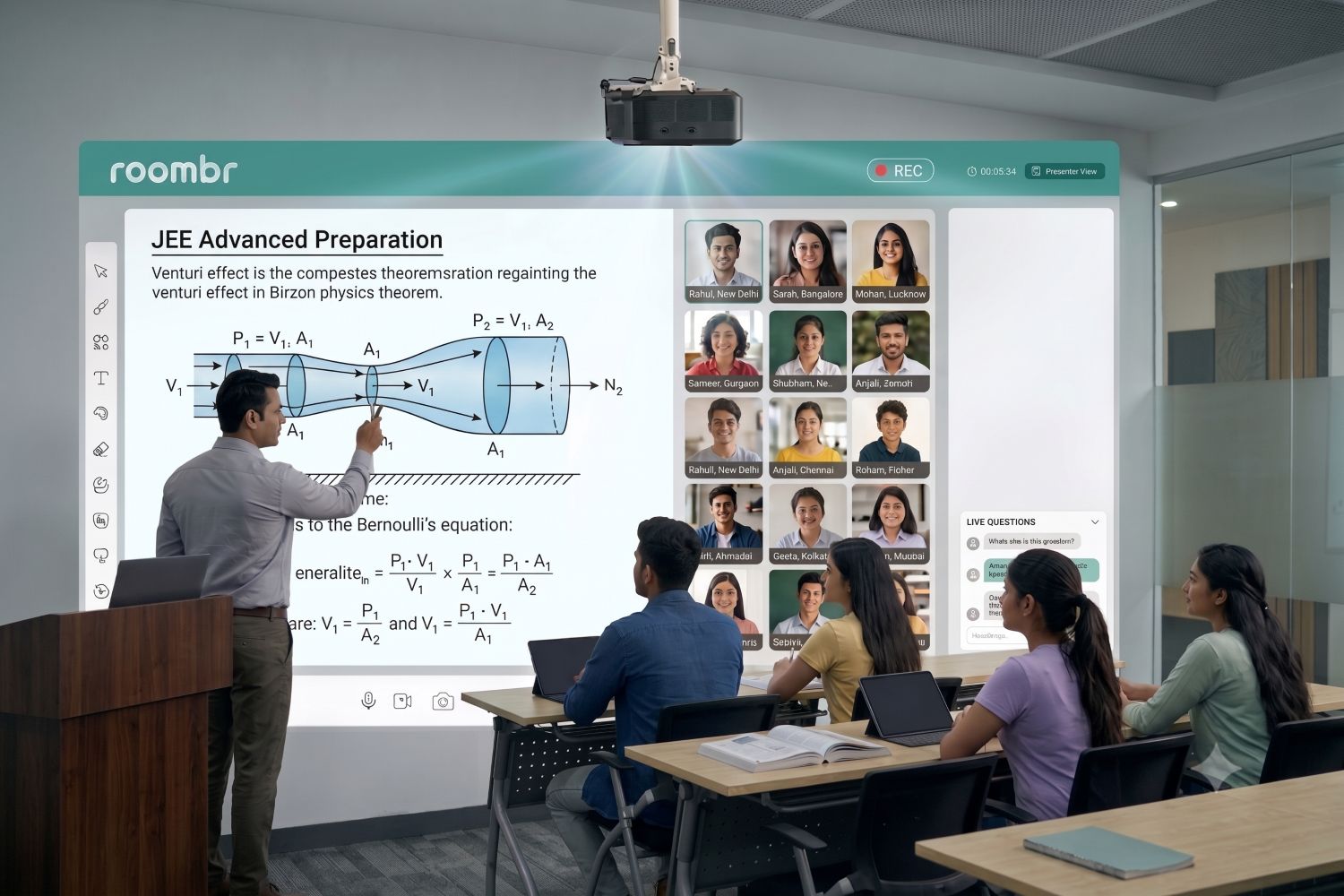
Roombr brings display, annotation, computing, cameras, audio and recording into an integrated teaching unit. This simplifies classroom management by bringing separate devices into one system.
What Classroom Technology Cannot Replace
A digital display can improve instruction, but it cannot turn an ordinary classroom into a complete skill lab.
It does not replace:
- Trade-specific tools and machinery
- Protective equipment
- Consumable materials
- Safe storage
- Ventilation and other safety provisions
- Qualified teachers
- Physical practice by students
Schools should treat classroom technology as the teaching layer. The practical layer still requires suitable tools, materials, and supervised student work.
CBSE Composite Skill Lab Planning Checklist
Before approving a purchase, ask:
- Which CBSE skill subjects will the school offer?
- What activities will students perform?
- Which tools are essential for those activities?
- Can students move and work safely?
- Can every student see the demonstration?
- Can teachers record and reuse important lessons?
- How will practical learning be assessed?
- Will teachers receive hands-on training?
- Who will maintain the tools and technology?
- Does the system work as one workflow?
This checklist helps schools avoid buying impressive equipment that teachers rarely use.
Frequently Asked Questions
1. Is a CBSE Composite Skill Lab mandatory?
Yes. It is mandatory for schools seeking fresh CBSE affiliation. Existing affiliated schools must establish one by 22 August 2027.
2. What is the minimum space required?
Schools can create one 600 sq ft lab for Classes VI–XII. They may instead create two 400 sq ft labs for separate class groups.
3. What equipment is required?
The equipment depends on the selected skill subjects. Schools need relevant tools, machinery, materials and safety provisions. CBSE describes its equipment list as suggestive.
4. Is a smart board enough for a Composite Skill Lab?
No. A smart board can support demonstrations, annotation and digital content. It cannot replace physical tools, trade equipment or practical student work.
5. How can technology support CBSE skill education?
Interactive teaching tools can enlarge demonstrations, record processes, support assessment and provide reusable learning resources. They help teachers explain practical work more clearly.
Build a Skill Lab That Teachers Can Actually Use
A CBSE Composite Skill Lab should combine physical practice with clear instruction. Tools allow students to perform the work. Technology helps teachers demonstrate, explain, record, and assess it.
Schools planning the digital teaching layer can explore Roombr for schools. Roombr supports interactive instruction, practical demonstrations, recording and assessment within one connected classroom workflow.
Book a Roombr demo to discuss how the system can fit your lab space and teaching needs.
Editorial Note: This article was reviewed using official CBSE resources available as of August 2026.

Foziya Abuwala
Share
Step Into the future of
Education with Roombr