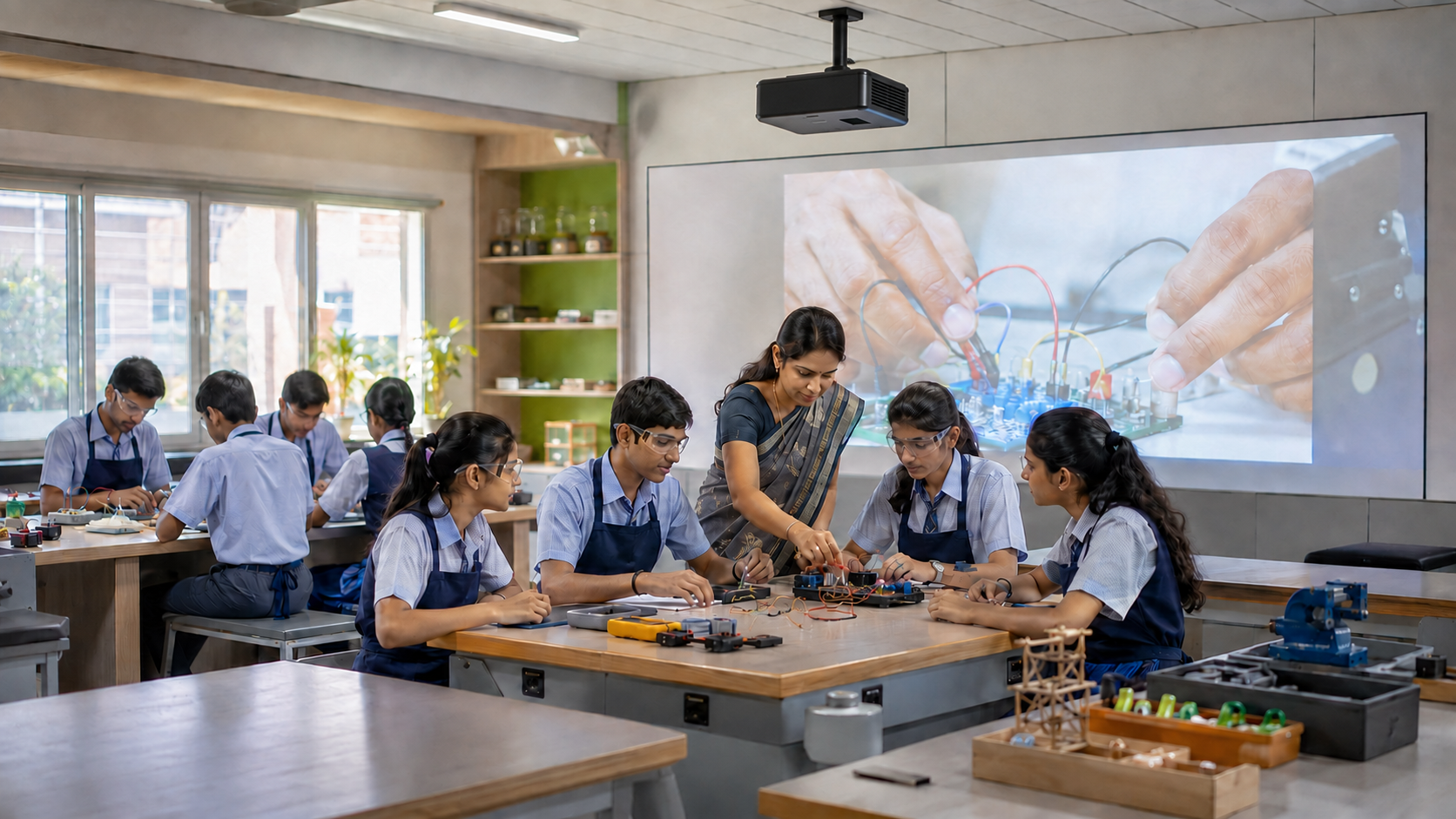


Walk into ten Indian classrooms today, and you will likely hear ten different names for the same wall-mounted screen. Some teachers call it a smart board. Others call it a digital board. A few still say interactive whiteboard, even when the device in front of them isn't a whiteboard at all, and doesn't need a projector.
This confusion isn't just about language. When a school or college is budgeting for classroom technology, confusing these terms can lead to buying the wrong device for the wrong room.
With that distinction in mind, here's what each term covers today, and where the lines genuinely blur.
What Is a Smart Board?
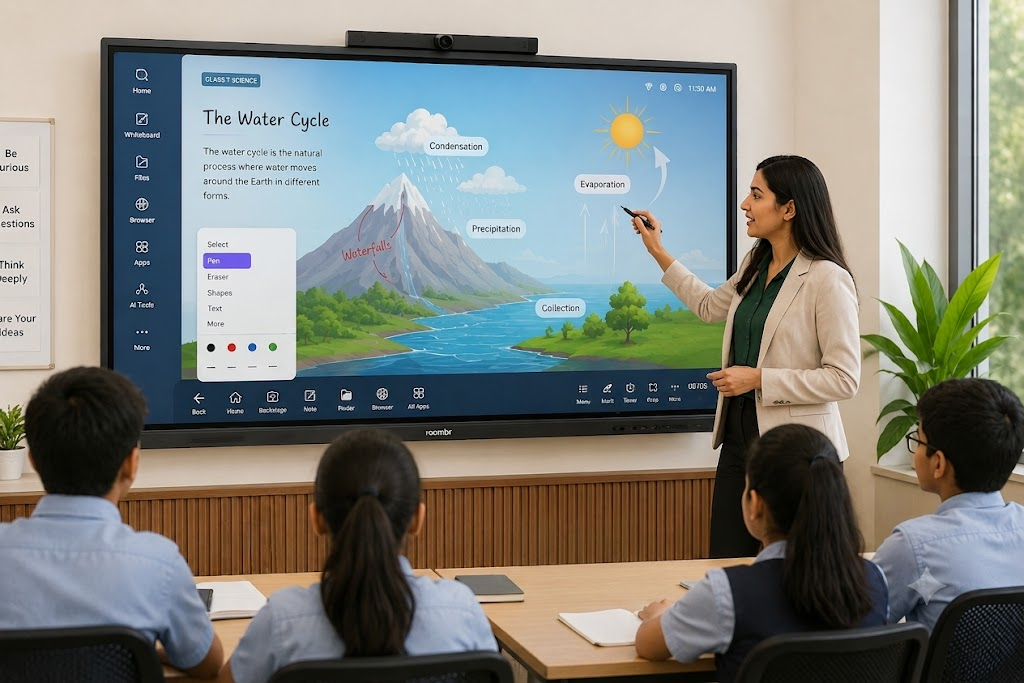
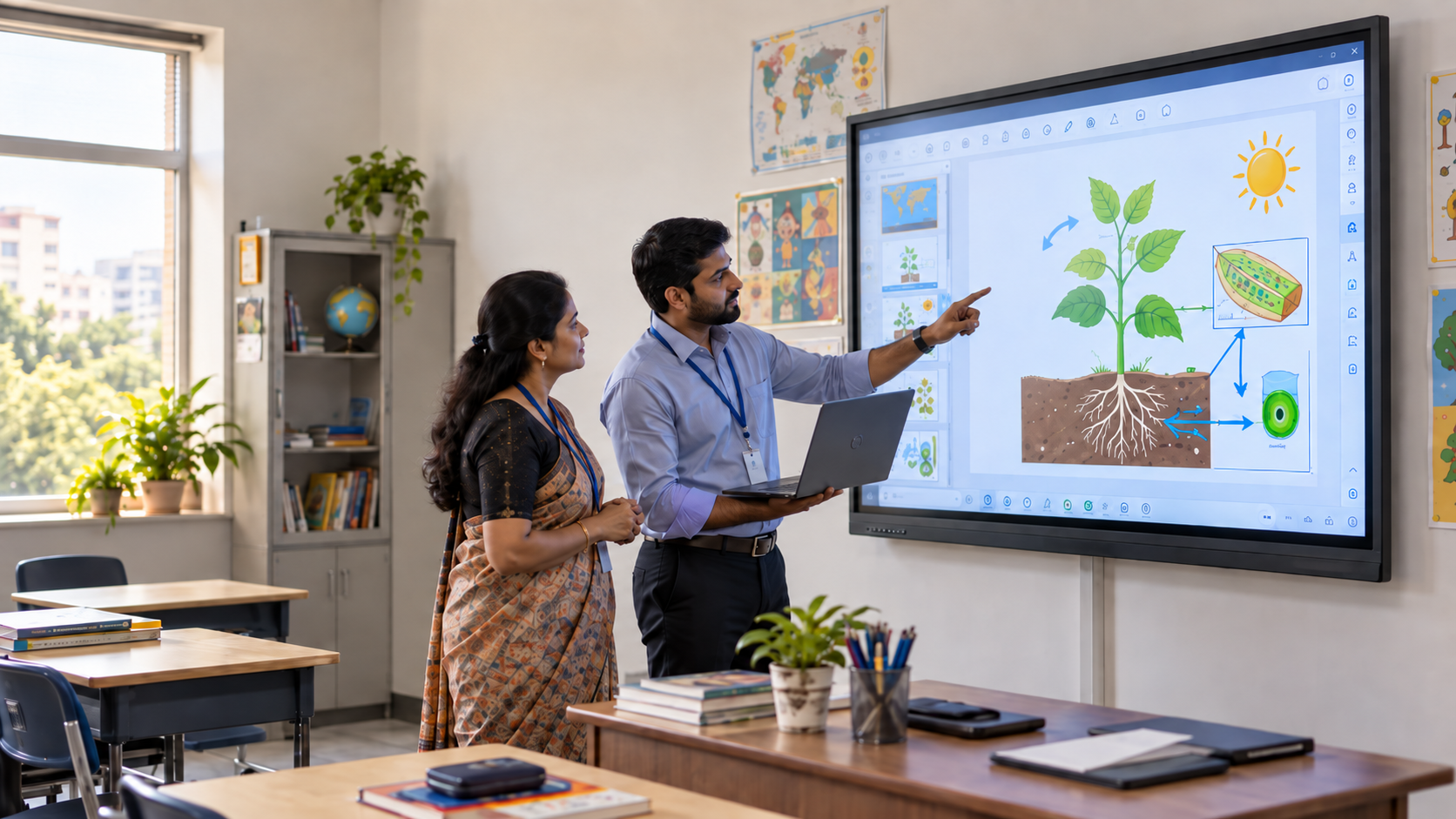
A smart board is a large, touch-enabled display that combines a screen, a computer, and interactive whiteboarding software into one device. Teachers can write, annotate, run multimedia lessons, and launch apps directly on the screen, without connecting a separate laptop or projector.
Not every smart board works the same way underneath. Broadly, Indian classrooms use two types of smart boards.
Interactive Flat Panel Displays (IFPDs) or Interactive Flat Panels (IFPs)
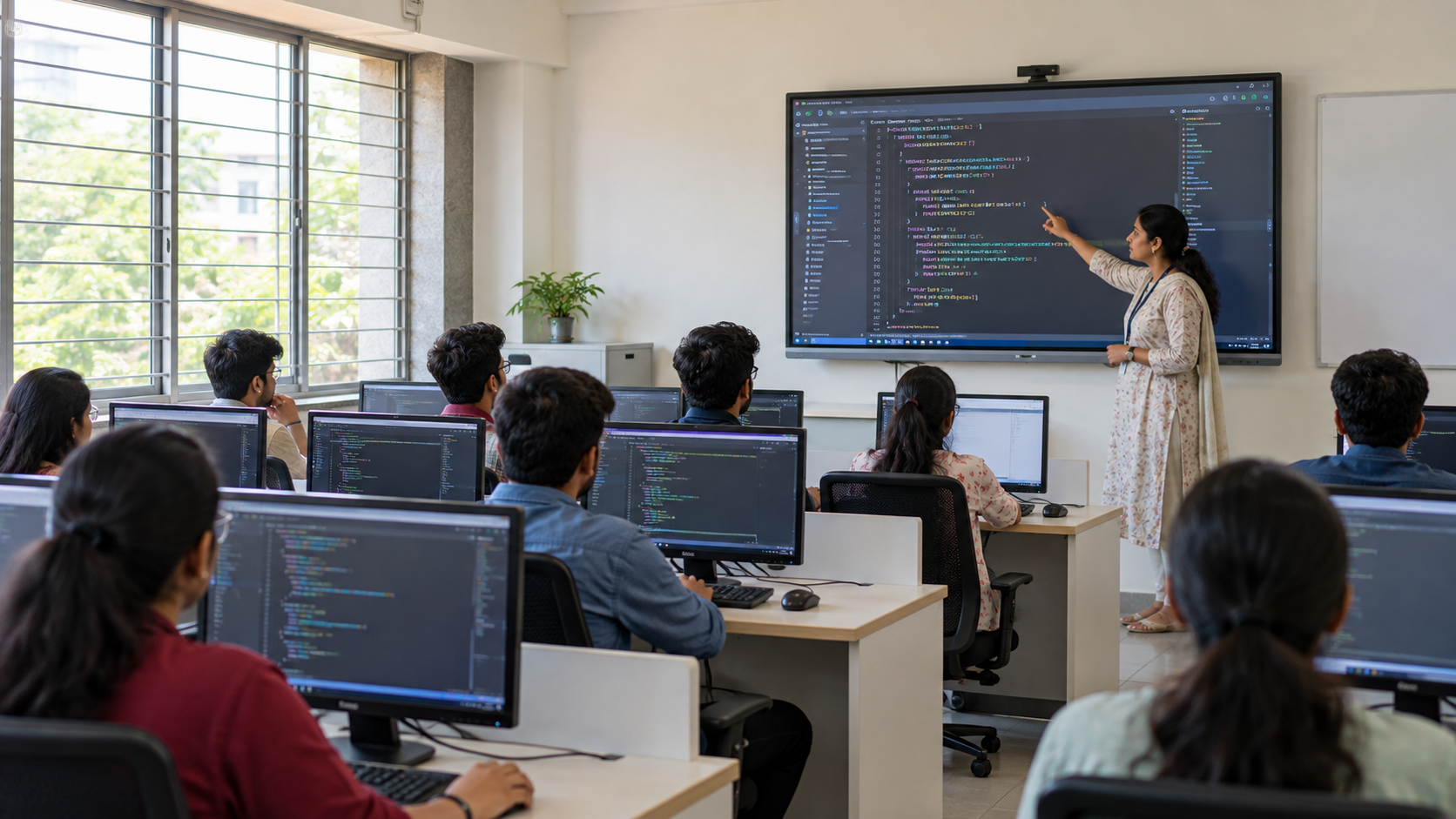
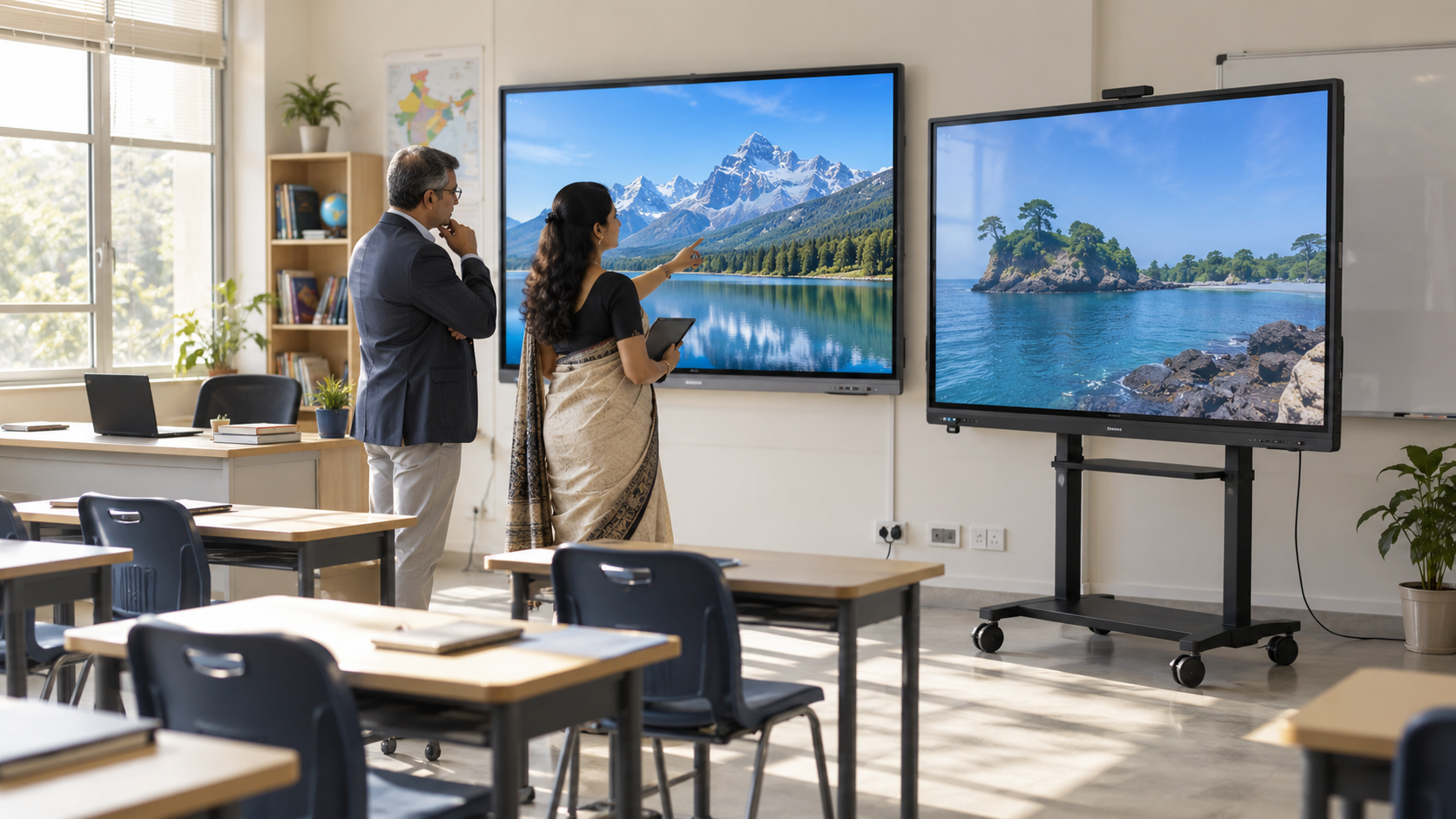
This is what most people picture when they hear "smart board." An IFPD is a large LED touchscreen, similar to a giant tablet mounted on a wall. Common features include:
- Touch-enabled LED screen with multi-touch support
- Built-in Android or Windows operating system, sometimes both (dual OS)
- Infrared or capacitive touch technology, with capacitive being more responsive but typically pricier
- Wi-Fi, Bluetooth, USB, and HDMI connectivity
- Fixed screen sizes, usually 65 to 86 inches for classrooms
Advanced Projection-Based Displays
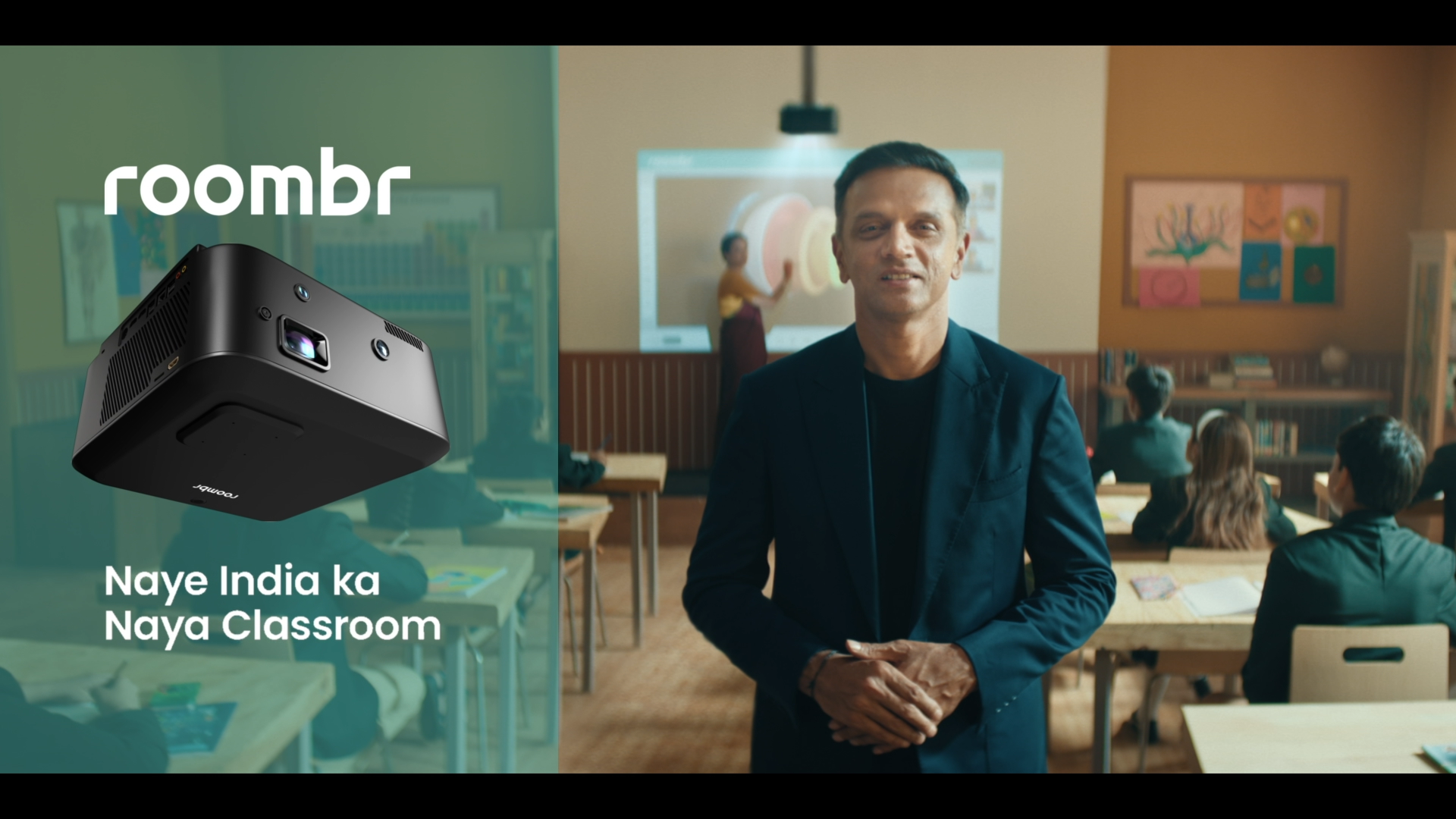
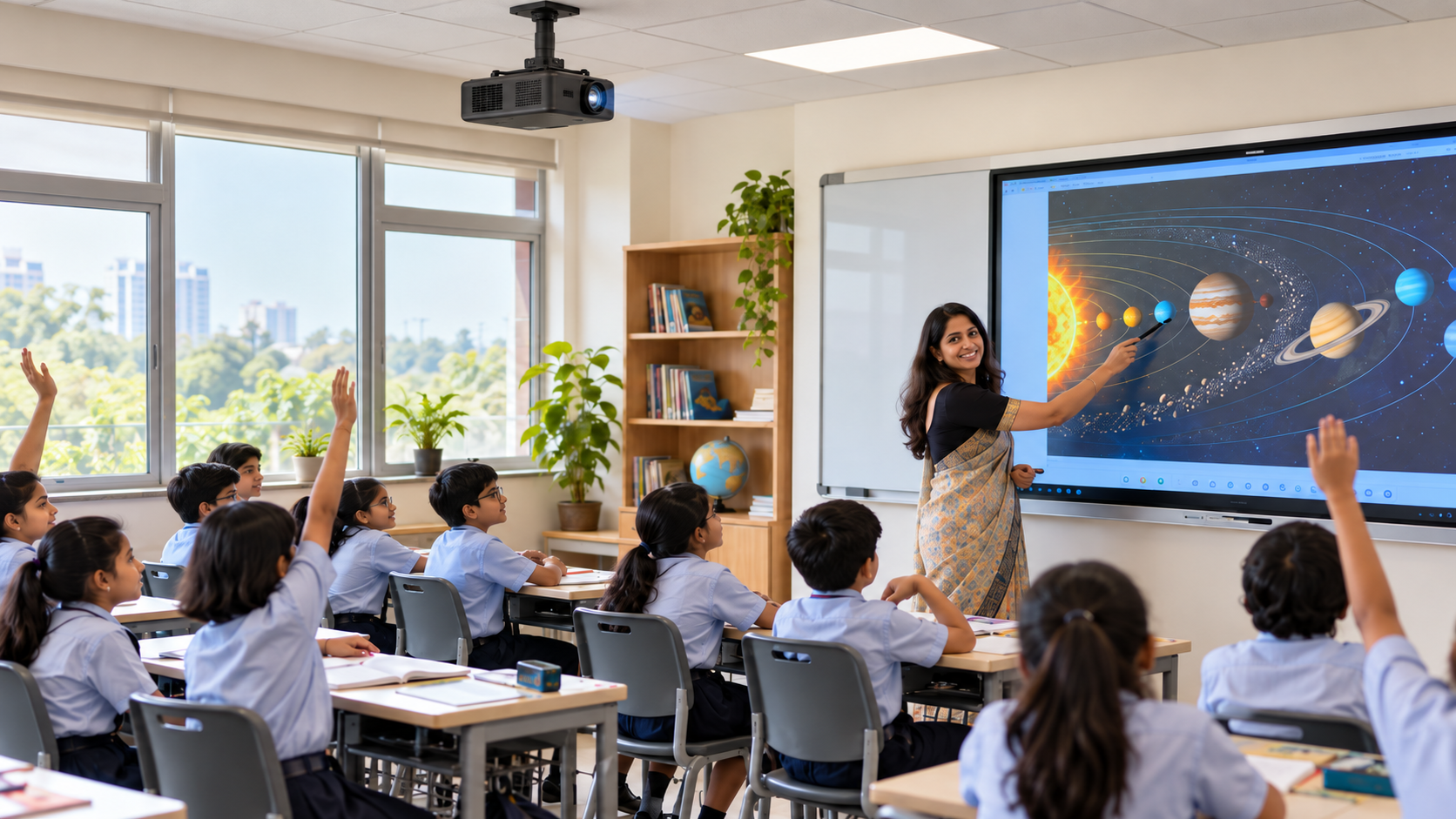
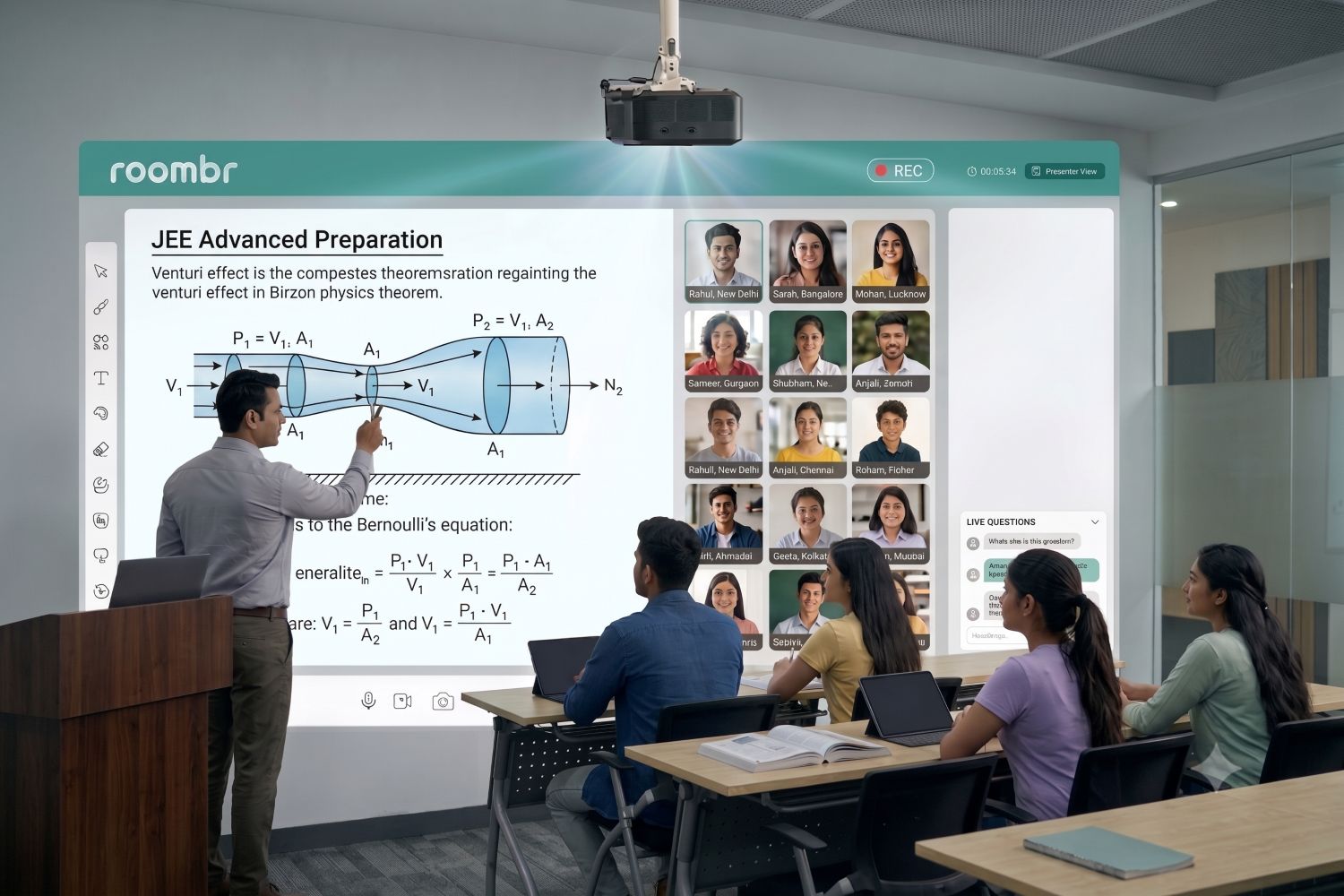
This is a newer, less understood category of smart board. Instead of a fixed LED panel, a compact device projects an interactive display onto a wall or existing whiteboard surface. It still has its own built-in computer and software, so it qualifies as a smart board, but the display technology and economics work differently from a panel.
The main advantage is size. Display area isn't capped by panel manufacturing cost, so a projection-based unit can throw a 50 to 200-inch interactive display at a fraction of what an LED panel that size would cost. Roombr's digital classroom device is a widely used example of this approach in India, purpose-built for projection rather than a fixed panel, with automatic lesson recording, playback, and multilingual accessibility layered on top.
What Is an Interactive Whiteboard?
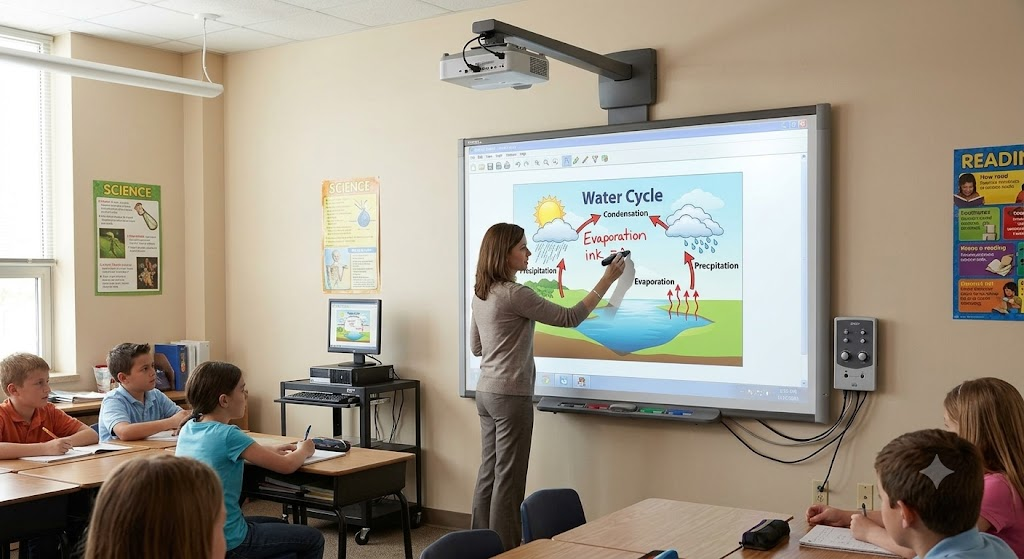
The term actually means two different things, and mixing them up is the biggest source of buyer confusion.
As a Legacy Device:
A traditional whiteboard of this kind is a passive touch-sensitive surface connected to an external projector and a separate PC. The surface itself has no processing power. It simply detects where you touch and sends that signal to the connected computer.
As a Feature
The ability to write, annotate, and interact directly with content on a large display is also a core capability built into every modern classroom display, panel, or projection-based system. So when someone says their device "has interactive whiteboard features," they're describing a capability, not a separate category of hardware.
The legacy device still has a place in schools with tighter budgets, but it comes with real limitations:
- Requires a separate projector and computer to function at all
- Wired setup, with limited or no built-in wireless connectivity
- Needs regular calibration and periodic bulb replacement
- No standalone software or AI-driven features without external hardware
Roombr's interactive wall display is a good example of this feature-focused distinction in practice. Interactive whiteboarding is built in as one core capability among several, alongside automatic lesson recording, playback, and multilingual accessibility, rather than being the device's only function.
Side-by-Side Comparison
Key Differences That Actually Matter
1. Ease of Use for Teachers
A smart board's built-in OS and pre-loaded apps mean a teacher can walk in and start a lesson within minutes. A legacy setup depends on a working projector-PC connection every single time, and that friction is the kind of thing that discourages regular classroom use, a challenge documented even in policy discussions around NEP 2020 rollout.
2. Fit for Hybrid and Remote Learning
Wireless connectivity, screen sharing, and video conferencing integration are standard on modern displays but largely absent on the legacy setup. For any institution running hybrid coursework, this isn't a minor convenience. It's often the deciding factor between the two.
3. Long-Term Cost of Ownership
The legacy option looks cheaper on paper but carries ongoing costs: projector bulbs, calibration, and a shorter effective lifespan. A smart board costs more upfront but typically needs far less maintenance over a five to seven-year use cycle, which is the realistic planning window most institutions budget around.
4. Content and Lesson Continuity
Older setups have no memory of their own. Whatever's written disappears once the projector switches off, unless a teacher manually saves it. Devices with a built-in computer can save, replay, and share lesson content automatically, which matters more than it sounds for revision-heavy subjects like math and science.
Installation and Maintenance: What to Expect
Procurement teams often underestimate this part of buying a smart board. Here's a realistic checklist before signing off on any purchase:
- Wall Structure and Mounting: LED panels are heavier and need reinforced mounting; projection-based units are typically lighter and faster to install.
- Room Lighting: Older projector setups need dimmer rooms for a clear image; most modern panels and newer projection units are built to perform in normal daylight.
- Power and Connectivity: Confirm whether the room has stable Wi-Fi and enough power points, especially in older buildings being retrofitted.
- Ongoing Service: Ask any vendor directly about bulb life (for projector-based legacy units), warranty terms, and local service response time before purchase, not after.
2026 Trends Shaping Classroom Technology in India
Adoption has moved from pilot programs to policy-backed scale. A few trends are shaping what institutions are buying this year:
- Government-backed rollouts are accelerating adoption. In 2025, the Delhi Cabinet approved a digital classroom expansion under NEP 2020 that included installing thousands of interactive displays across government schools, a sign of how central this technology has become to state-level education planning, not just private institutions.
- AI features are now a baseline expectation, not a premium add-on. Automated lesson recording, playback, and basic usage analytics are increasingly standard tasks in procurement conversations.
- Large-format displays are gaining ground in auditoriums and lecture halls, a space where projection-based units have a clear cost advantage over LED panels.
- NEP 2020 continues to push infrastructure investment, with the policy explicitly calling for sustained investment in digital classroom infrastructure across school and higher education.
Which One Should You Choose?
For a standard-sized classroom on a fixed budget, an IFPD or smart board is a safe, well-understood choice. For large classrooms, auditoriums, or institutions that want a bigger display without LED panel pricing, a projection-based unit is worth serious evaluation. A legacy interactive whiteboard should generally be treated as a stopgap, not a long-term investment, given its higher maintenance burden and lack of built-in intelligence.
If your institution is also evaluating how this fits into day-to-day teaching, our guides on applications across different classrooms and interactive boards with projectors go deeper into practical use cases.
Frequently Asked Questions
1. Are smart boards and interactive whiteboards the same thing?
Mostly, yes. In everyday use, people often use the terms interchangeably. The main difference is that a traditional interactive whiteboard needs a separate computer and projector to work, while a smart board has a built-in computer and works as a standalone device.
2. Is an interactive whiteboard a feature or a type of device?
Both, depending on context. It's a standalone device category when referring to legacy projector-based setups, and a built-in feature when referring to the annotation capability inside a modern classroom display.
3. Does a smart board need a separate projector?
Does a smart board need a separate projector?
It depends on the type of smart board.
- An LED smart board (IFPD) has its own display, so it does not use a projector.
- A projection-based smart board uses a projector to display the image, but modern all-in-one systems combine the projector, computer, and software into a single solution, so they do not require a separate external computer. The best example of this is Roombr.
- A traditional interactive whiteboard, on the other hand, needs both an external projector and a separate computer to work.
4. What is a smart board used for in a classroom?
Multimedia lessons, real-time annotation, quizzes, student collaboration, and increasingly, automatic lesson recording and playback for revision.
5. How much does a smart board cost in India?
Pricing varies widely by size, touch technology, and brand. See our full smart board cost breakdown for a size-wise price guide.
6. Which is better for a large lecture hall, an LED panel or a projection-based unit?
For screen sizes above 100 inches, projection-based units are usually more cost-effective, since LED panel pricing rises sharply with size.
Explore Roombr's Digital Classroom Solution
Roombr is a cutting-edge projection-based wall-top computer built for all types of educational institutions, training centres, and learning environments. A ceiling-mounted unit projects a large interactive display directly onto the wall, eliminating the size limitations of a traditional LED panel. It combines an AI-powered classroom computer with automatic lesson recording, AI-generated chaptering, multilingual accessibility, on-demand playback, and more.
If your institution is comparing options, schedule a personalized demo to see how it fits your classrooms.

Foziya Abuwala
Share
Step Into the future of
Education with Roombr