

A lower projector price can look attractive until replacement costs enter the discussion. A long light-source rating can look reassuring until someone asks what the warranty actually covers.
For school IT and procurement teams, a lamp vs LED vs laser projector comparison should answer a practical question: which option will meet teaching needs at a manageable cost?
The answer starts with understanding the differences between the three light-source technologies. However, the final decision should also consider classroom readability, image size, operating conditions, maintenance, service support, and the complete teaching setup.
Lamp, LED, and Laser: What Is the Difference?
Lamp projectors generate light using a replaceable projection lamp. LED models use light-emitting diodes, while laser models use laser-based illumination.
These terms describe the light source, not the complete projector technology.
For example, DLP technology forms an image by controlling light with microscopic mirrors and can be paired with different light-source architectures, including LED and laser.
Both LED and laser are used in modern projection designs. One light-source category should not automatically be considered better for every school.
The more useful comparison is between the specific projector models and classroom configurations being considered.
When comparing an LED projector vs. a lamp projector, for example, schools can consider the advantage of avoiding recurring lamp replacement alongside brightness, image size, warranty terms, serviceability, and total cost.
The same evaluation should be applied when comparing laser projectors.
How Should You Compare Classroom Brightness?
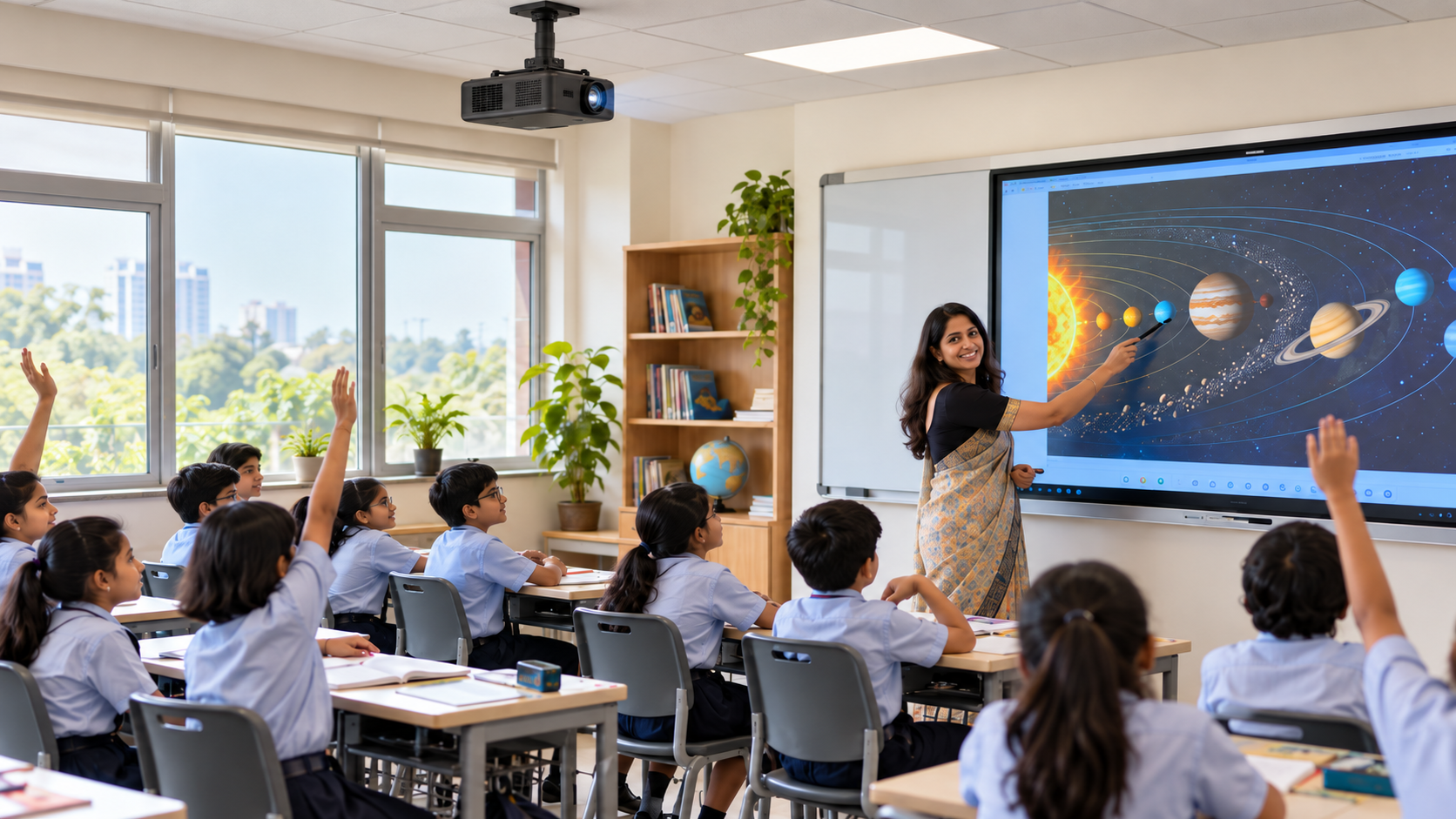
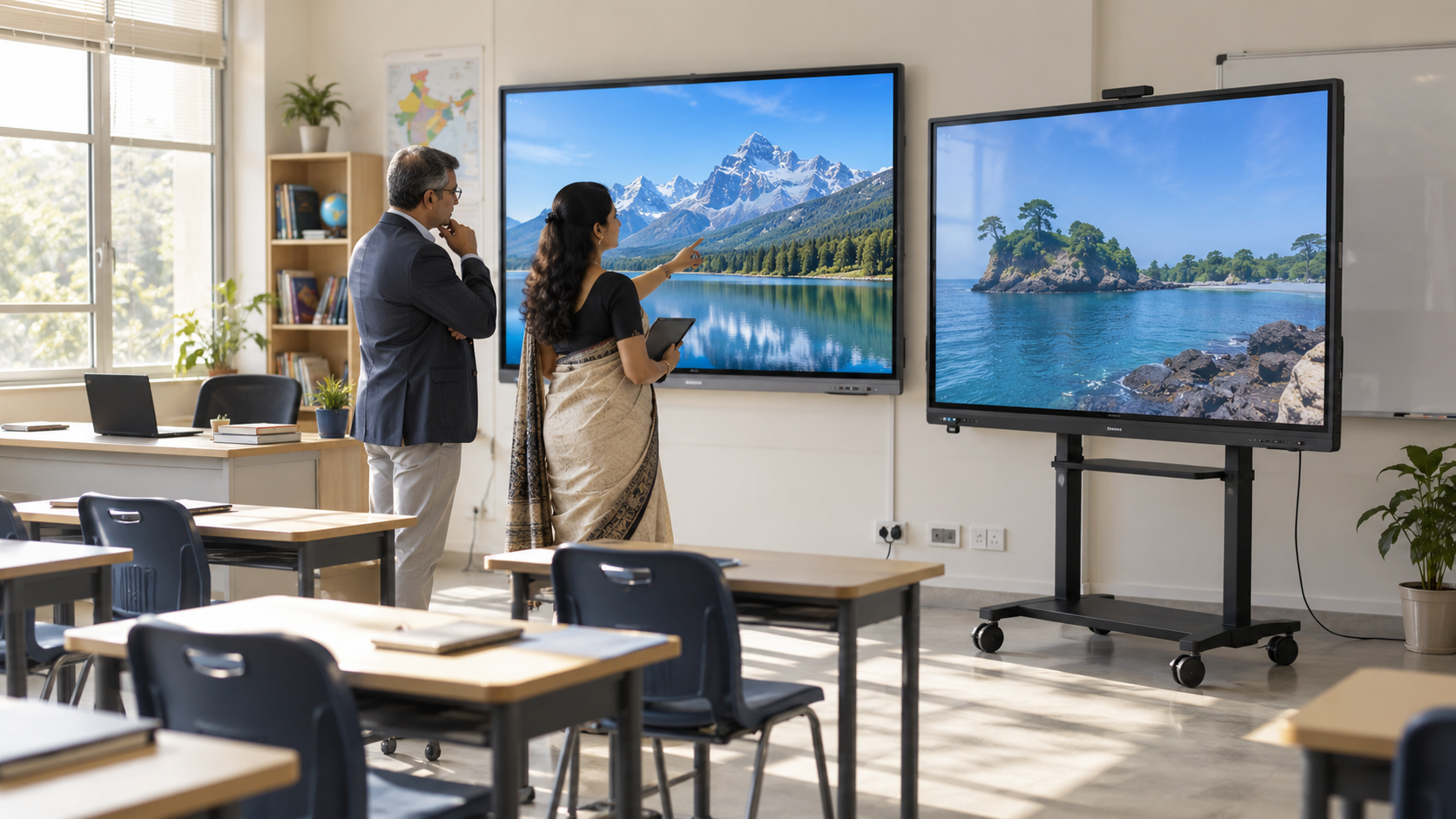
Test the image students will actually see.
Light-source type alone cannot establish whether worksheets, maps, diagrams, presentations, videos, or small text will remain clear in a particular classroom.
Compare Specifications on the Same Basis
Start with the specifications for the exact model being proposed.
Ask the vendor to identify:
- Rated brightness and the measurement standard used
- Native resolution
- Recommended or supported image size
- Throw ratio or required projector-to-screen distance
- Operating mode used for the stated specifications
- Rated light-source life and the conditions attached to it
Avoid comparing one projector using its maximum brightness figure with another using a different operating condition.
Similarly, a light-source-life figure should be treated as a rated specification, not as a guarantee that the entire projector will operate for that number of hours without servicing.
Use Your Own Lesson Materials
During the demonstration:
- Display a worksheet containing small text.
- Open a detailed diagram, graph, or map.
- Test a normal presentation and video.
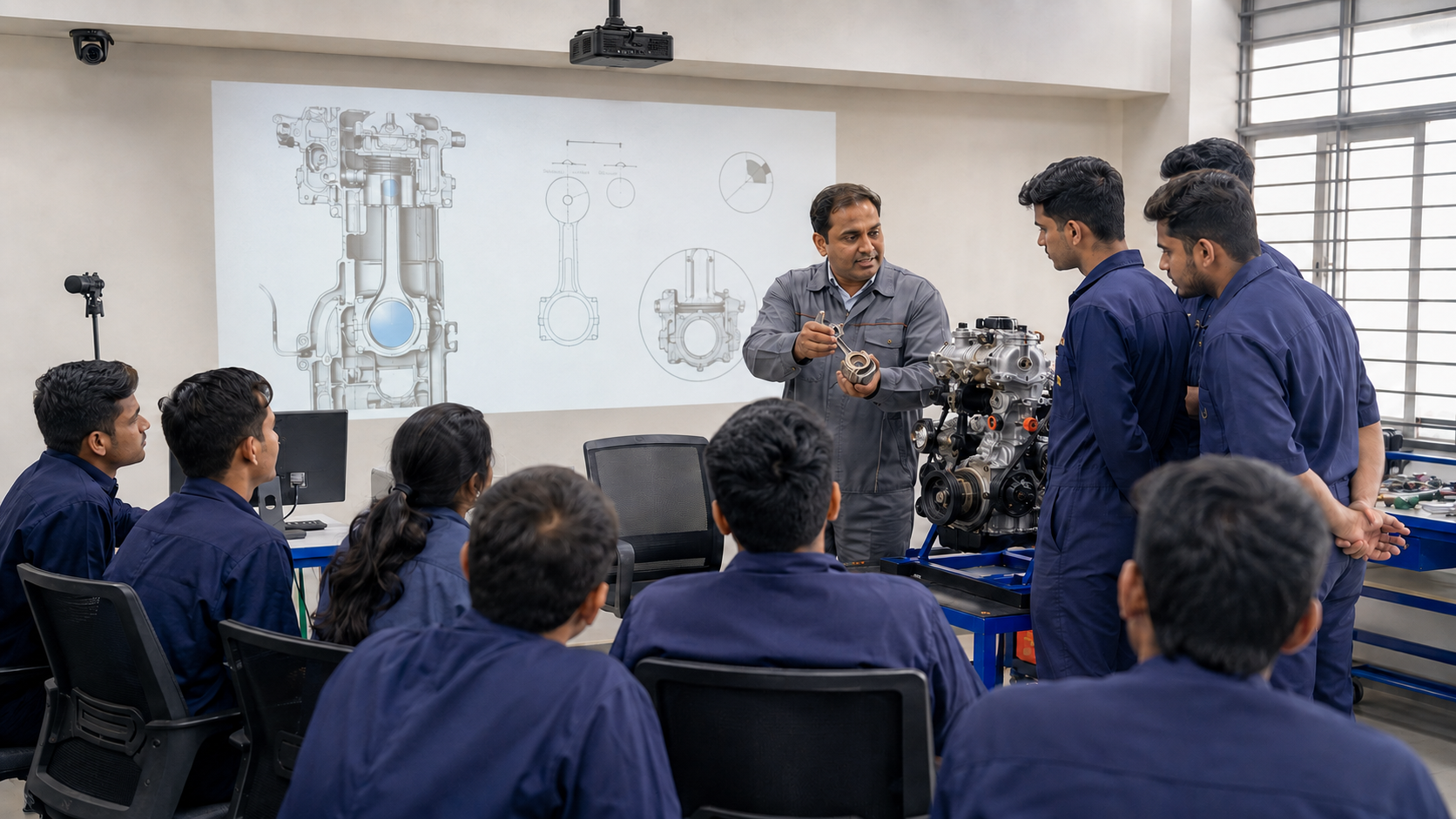
- Use approximately the image size expected in the classroom.
- Keep the room under its normal teaching-light conditions.
- Check readability from the back and side seats.
- Ask a teacher to assess focus, contrast, color, and usability.
A promotional video shown under ideal conditions tells you much less than your own lesson material shown in the actual teaching environment.
For broader room, installation, and equipment decisions, see our guide to choosing a classroom projector.
What Do Light-Source Life and Maintenance Claims Mean?

A rated light-source life is different from a whole-projector warranty.
This distinction applies whether you are considering lamp, LED, or laser technology.
For lamp projectors, ask about:
- Expected lamp replacement
- Replacement-lamp availability
- Cost of compatible lamps
- Replacement procedure and labor
For LED and laser projectors, periodic projection-lamp purchases may be removed from the maintenance plan, but schools should still understand:
- Rated light-source life
- Warranty coverage
- Repair arrangements
- Cleaning or filter requirements, where applicable
- Service turnaround
- Replacement or repair procedures if another component fails
Operating environment and usage conditions can also affect projector performance.
Therefore, avoid translating a rated number of hours directly into a guaranteed number of school years.
A projector installed in a difficult-to-access position can also create additional servicing time or disruption regardless of which light source it uses.
Which Option Offers Better Total Cost?
There is no single lamp, LED, or laser answer that establishes the lowest classroom cost without comparing actual products.
First identify the models that meet your teaching and room requirements. Then compare them over the same ownership period, such as five years.
Include:
- Purchase price and applicable taxes
- Installation
- Electricity based on expected use and rated power consumption
- Lamp replacement, where applicable
- Maintenance and repair
- Service contracts or warranty extensions
- Additional computing or audio equipment
- Interactive hardware or software required for the intended workflow
For an illustrative schedule, six hours of use each day across 200 teaching days equals approximately 1,200 operating hours annually.
Replace this with your institution's actual timetable before estimating ownership costs.
Do not assign zero servicing costs simply because an LED or laser system does not use a replaceable projection lamp. Other components may still require maintenance or support.
Look Beyond the Light Source for an Interactive Classroom
Lamp, LED, and laser comparisons are useful when schools are selecting projection hardware.
But the light source alone does not determine how easily a teacher can conduct a lesson.
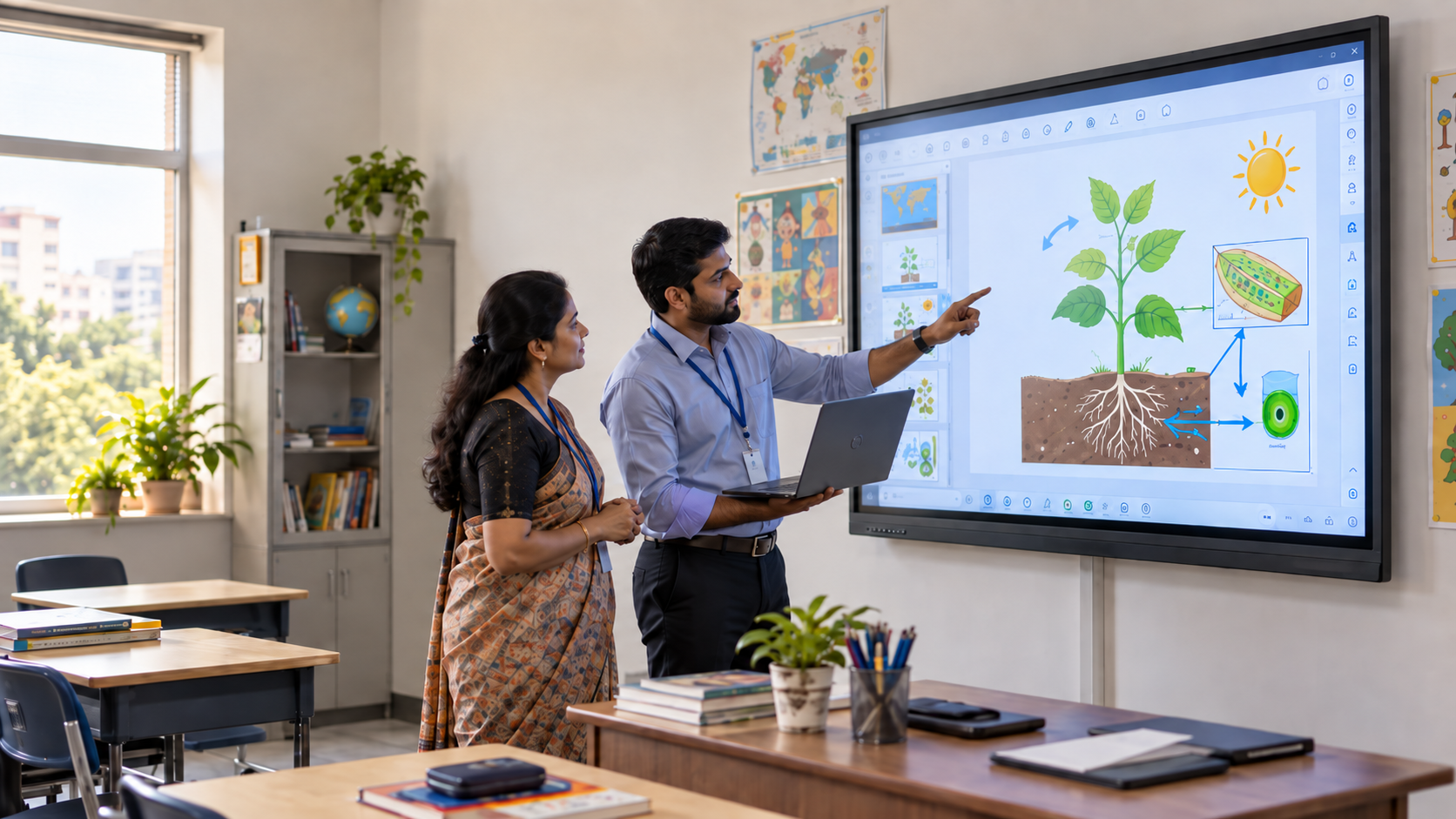
If your institution wants an interactive classroom, also evaluate how the proposed setup handles:
- Computing
- Lesson files
- Presentation
- Writing and annotation
- Audio
- Cameras and microphones
- Connectivity
- Content sharing
- Interactive input
- Classroom software
A projector can provide a large image without automatically providing these functions.
This distinction is particularly important when comparing a conventional projector purchase with an integrated digital classroom system.
What Evidence Should Vendors Provide?
Before approving a shortlist, request:
- A specification sheet identifying the exact model and configuration
- Brightness, resolution, light source, and projection specifications
- Written warranty coverage and exclusions
- Service and repair arrangements
- An itemized quotation showing what is included
- Details of any additional computing, audio, interactive, or connectivity hardware required
- A classroom demonstration using your own lesson files
Use the classroom demo checklist to assess the complete teaching workflow rather than evaluating the projector in isolation.
Conclusion
A lamp vs LED vs laser projector comparison is most useful when it helps schools ask better questions rather than choose a winner based solely on light-source technology.
Lamp systems use replaceable projection lamps. LED and laser systems generally avoid periodic lamp replacement. Beyond that difference, schools should compare the actual products for brightness, image size, readability, maintenance, service, warranty, operating cost, and classroom workflow.
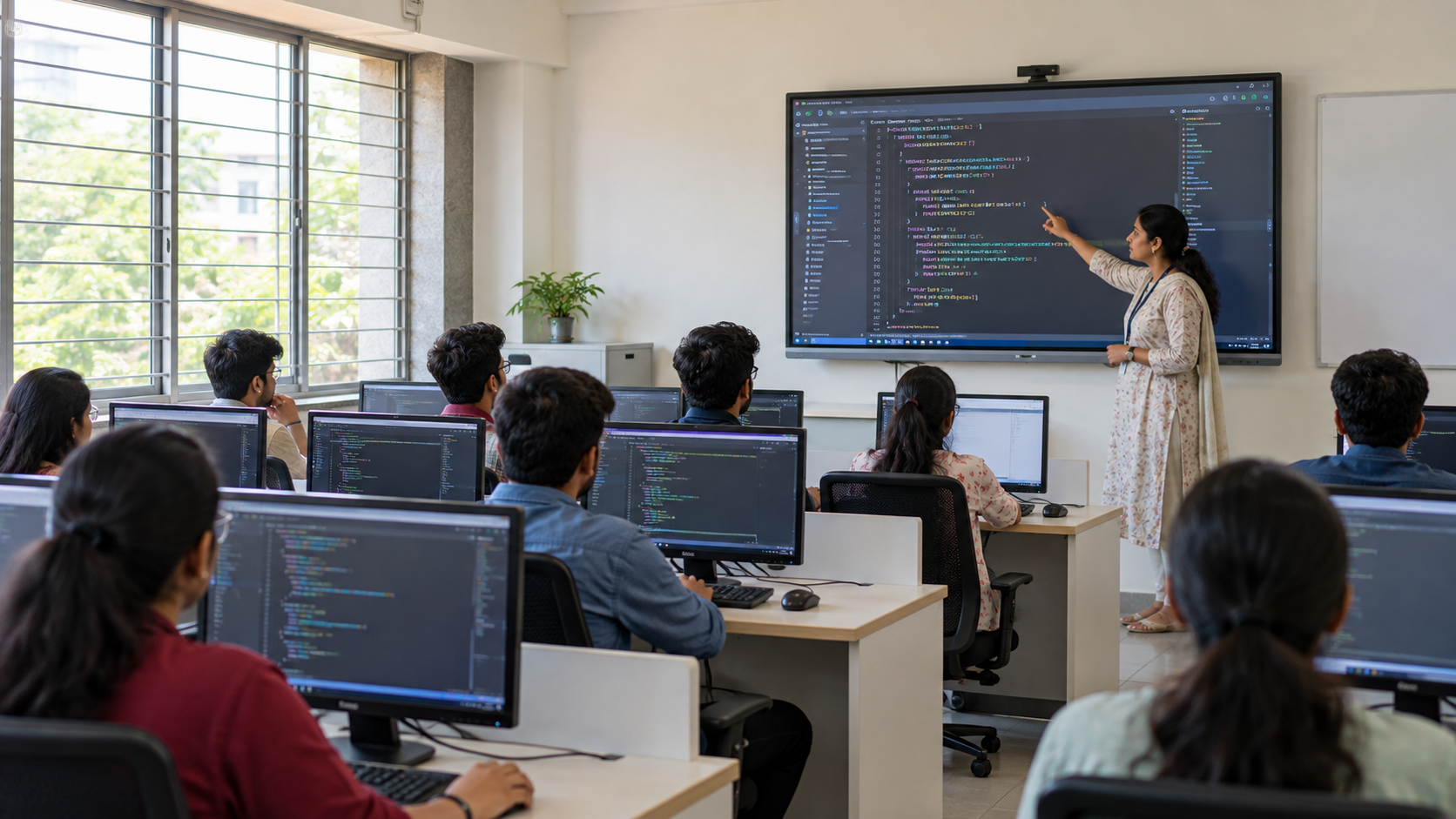
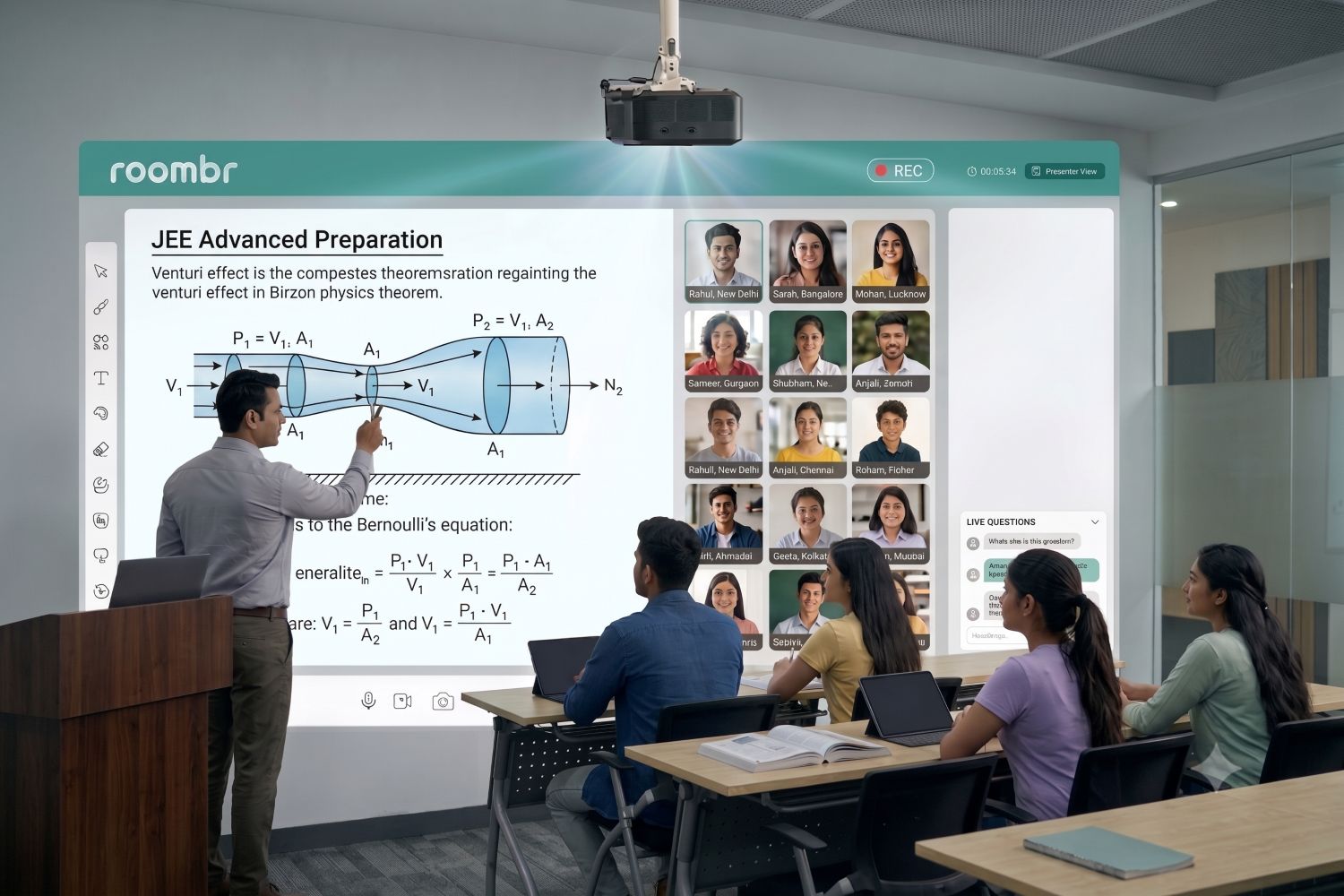
If teachers also need computing, annotation, audio, cameras, microphones, or interactive teaching capabilities, extend the evaluation beyond the projector and compare the complete classroom system.
Frequently Asked Questions
1. How Do Laser Projectors Compare With Lamp Projectors for Daily School Use?
Laser projectors generally avoid periodic lamp replacement, while lamp projectors use a replaceable projection lamp. For daily classroom use, compare the specific models for brightness, image size, maintenance, warranty, service support, power use, and total ownership cost rather than choosing based only on light-source type.
2. Is an LED Projector Suitable for a Classroom?
Yes. An LED projector can be suitable for classroom use when its specifications and configuration match the room and teaching requirements. Check brightness, resolution, intended image size, projector placement, classroom lighting, connectivity, service support, and teaching workflow. Test the proposed model in realistic classroom conditions before finalizing it.
3. Does a Laser or LED Projector Automatically Support Interactive Teaching?
No. A projector's light source does not determine whether teachers can write, annotate, or control content on the projected surface. Interactive teaching requires compatible hardware and software. Schools should confirm which capabilities are included and test the complete setup using their own lesson materials.
Explore an Integrated LED Digital Classroom With Roombr
Choosing between lamp, LED, and laser is only one part of selecting classroom technology. Schools also need to consider how projection, computing, interactivity, audio, and everyday teaching workflows work together.
Roombr Pro uses short-throw DLP projection with a high-intensity RGB 4-LED light source, delivering 1500 ANSI lumens, Full HD 1920 × 1080 resolution, a 0.8 throw ratio, and projection up to 200 inches. The LED light source is designed to deliver up to 30,000 hours of operation.
Instead of functioning as a standalone projector, Roombr Pro integrates projection with a Windows 11 computer, Intel Core i5 processor, 16 GB RAM, 1 TB SSD, 20W Harman Kardon audio, dual 8MP cameras, microphones, and interactive classroom capabilities.
The best way to assess whether the system fits your classrooms is to test it with your own teaching materials and workflows.
Request a Roombr digital classroom demo to evaluate the setup for your school.

Foziya Abuwala
Share
Step Into the future of
Education with Roombr