
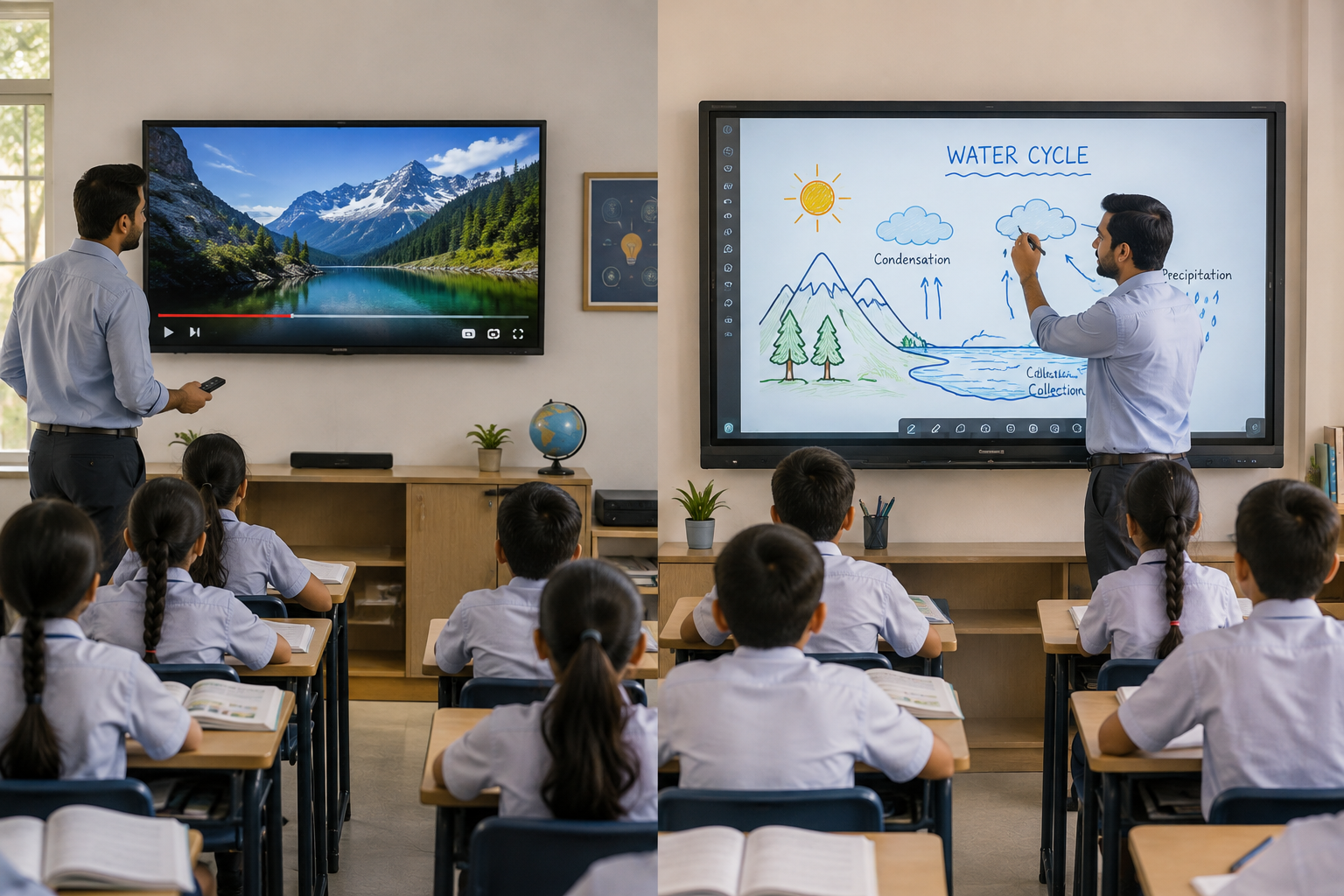
Screens are almost everywhere in Indian classrooms now. But a screen that streams videos and a screen that runs a lesson are not the same tool, even if they look identical from the back row.
Many schools buy a smart TV first because it is familiar and cheap. Then they find out, usually a term or two in, that teaching needs more than a bigger version of a living room television.
Why the Confusion Between Smart TVs and Interactive Panels Exists
Smart TVs are affordable and easy to find. Any electronics store stocks them, and most schools already know how to buy one.
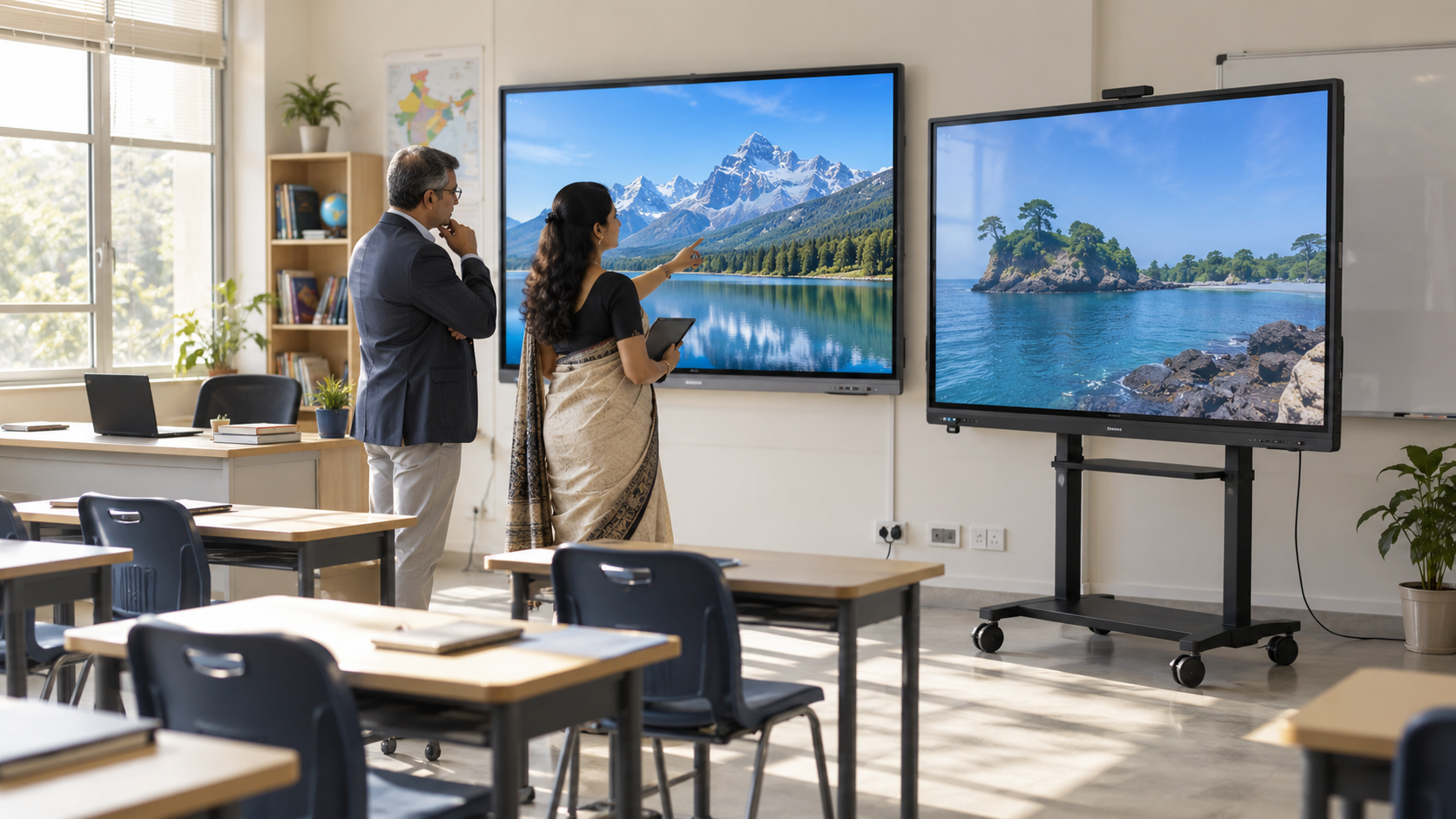
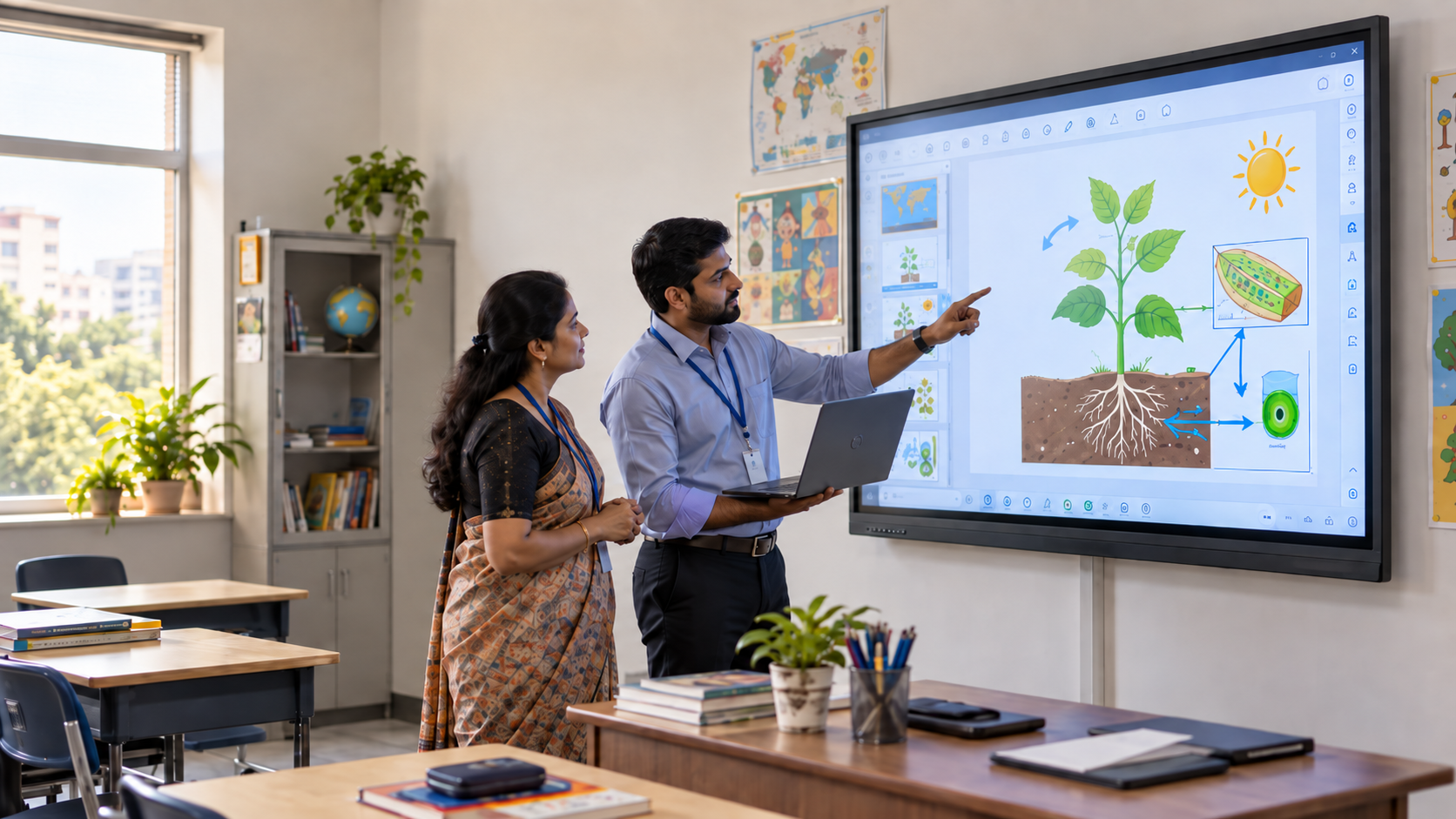
That familiarity is a trap. A connected TV can mirror a laptop or play a YouTube video, so it looks like it is doing the job of classroom technology.
But teaching is not just display. It is writing, marking, recording, and reacting to students in real time, none of which a standard smart TV is built to do.
Smart TV vs Interactive Panel for Classroom: A Side-by-Side Comparison
Here is how the two options compare on the features that matter most for daily teaching.
The pattern is consistent across every comparison a school runs. Smart TVs handle output. Interactive panels handle interaction.
What Smart TVs Miss in the Classroom
A screen alone does not make a lesson interactive. Teachers still need to write, mark answers, and record what happened for students who missed class.
On a smart TV, none of that lives on the screen itself. Teachers end up switching between the TV for video and a separate whiteboard for writing.
That split creates two areas of attention in one room. One for viewing, one for actual teaching, and the lesson keeps breaking flow between them.
Size is the other problem administrators underestimate. According to AVIXA, the global standard-setting body for audiovisual systems, a display used for standard instruction needs its screen height sized so the farthest viewer sits no more than six times that height away. In a real classroom with 25 to 30 feet of depth, that pushes the recommended screen size well past what a typical 55- or 65-inch connected TV can offer. Students in the back rows are simply too far to read a standard TV clearly.
Why Schools Are Shifting Beyond Screens to Advanced Projection-Based Classrooms
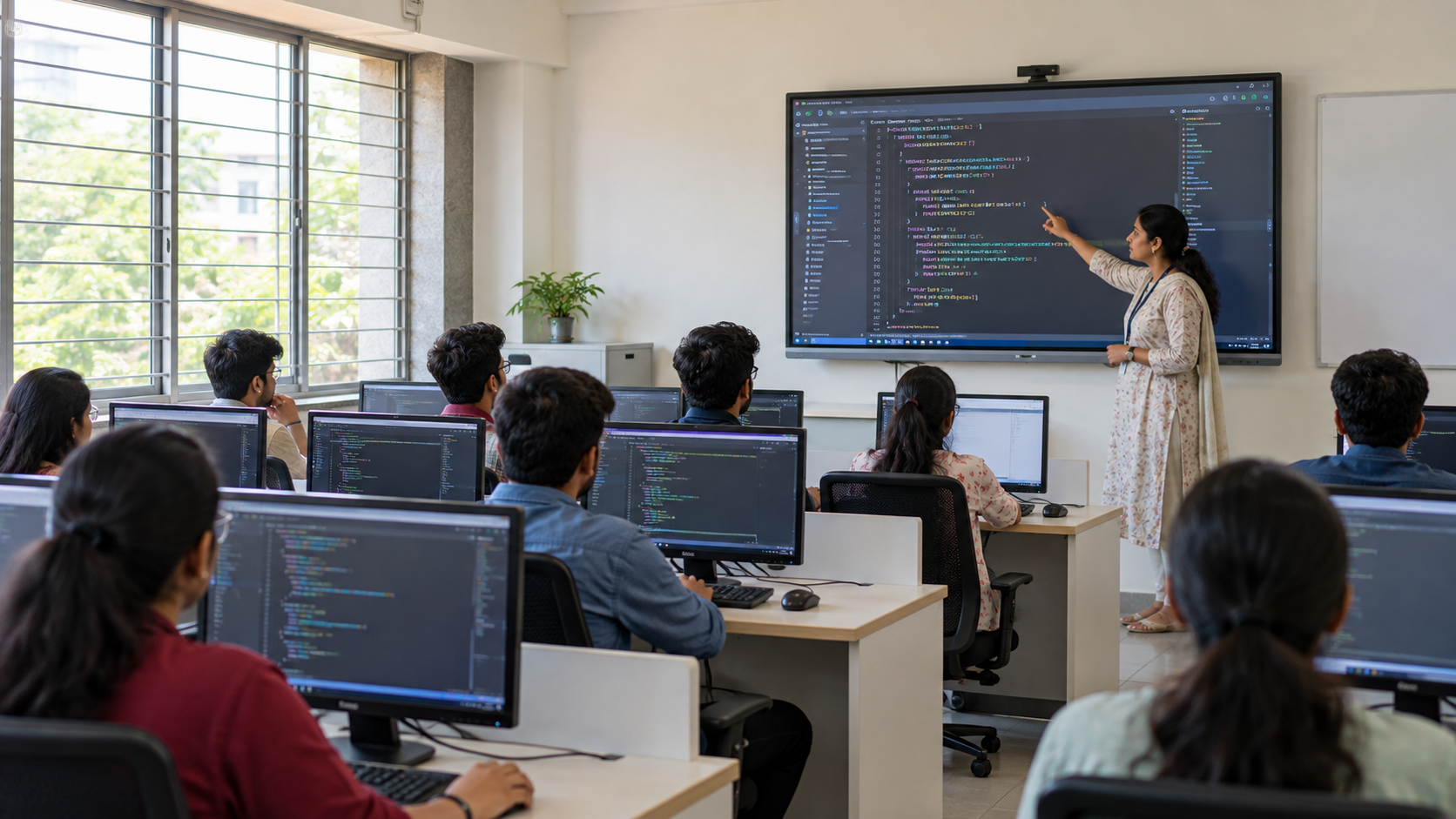
Interactive panels solve the writing and recording gap. But a fixed flat panel still runs into the same size ceiling as a smart TV, since most panels top out around 86 to 100 inches before pricing climbs sharply.
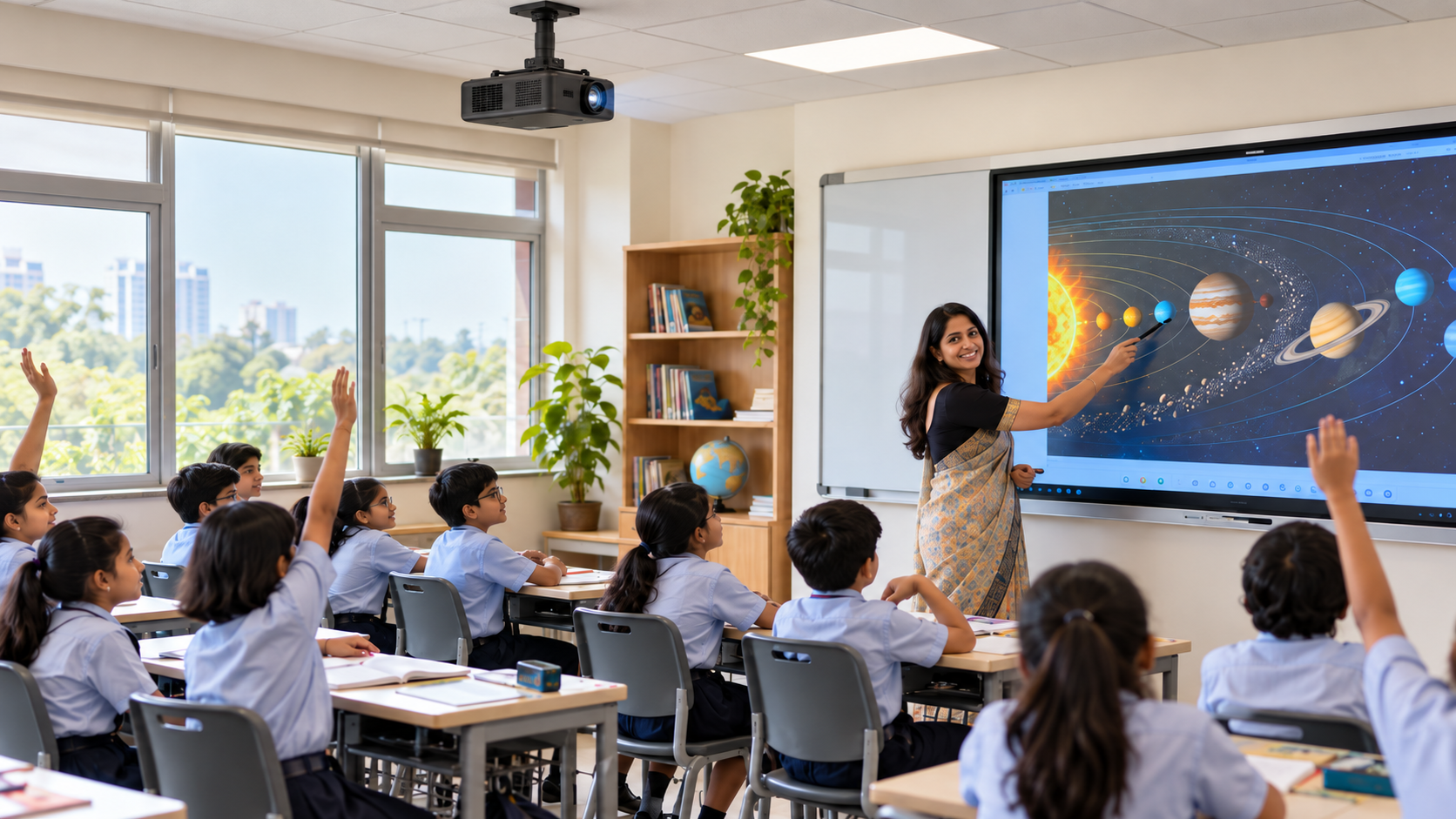
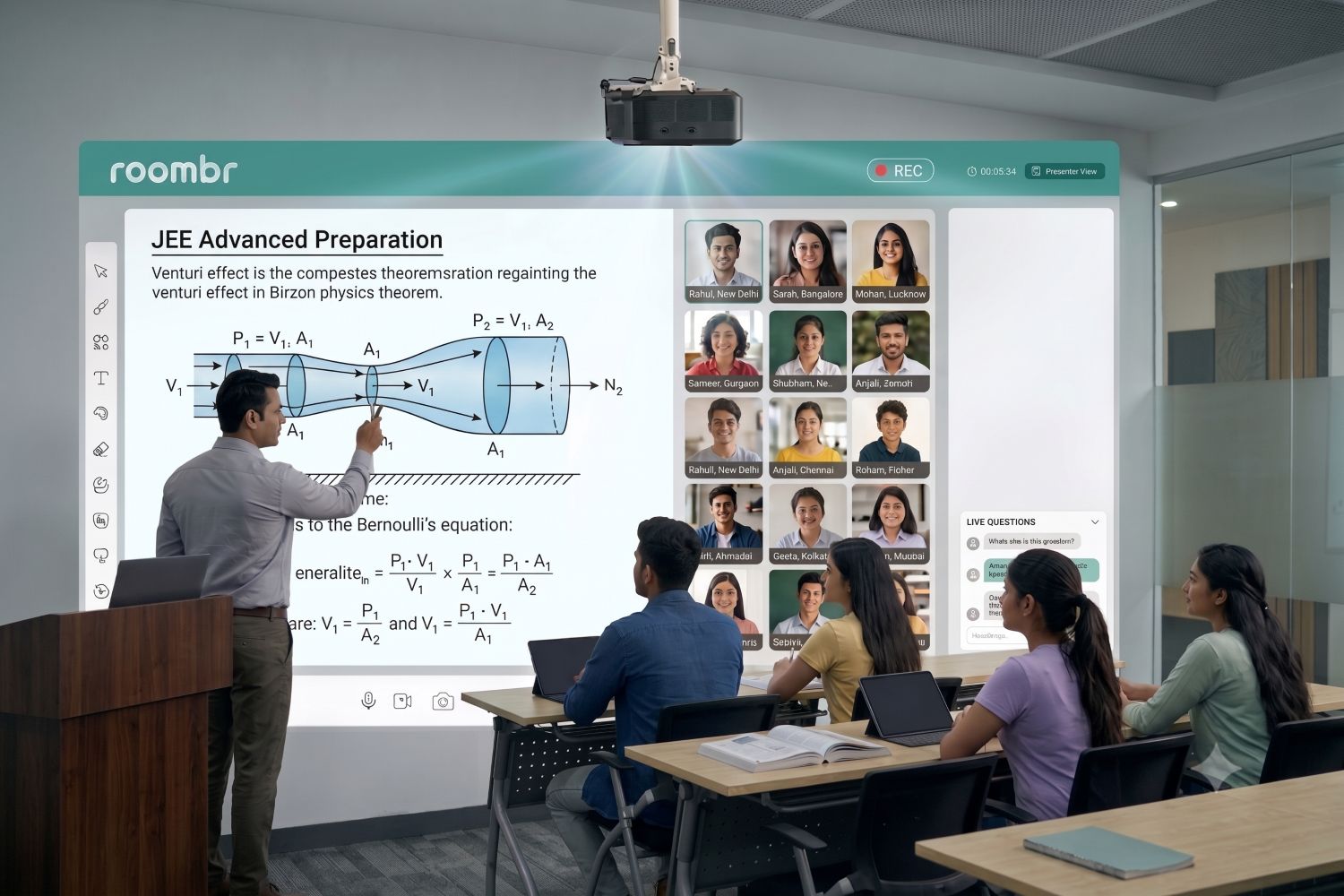
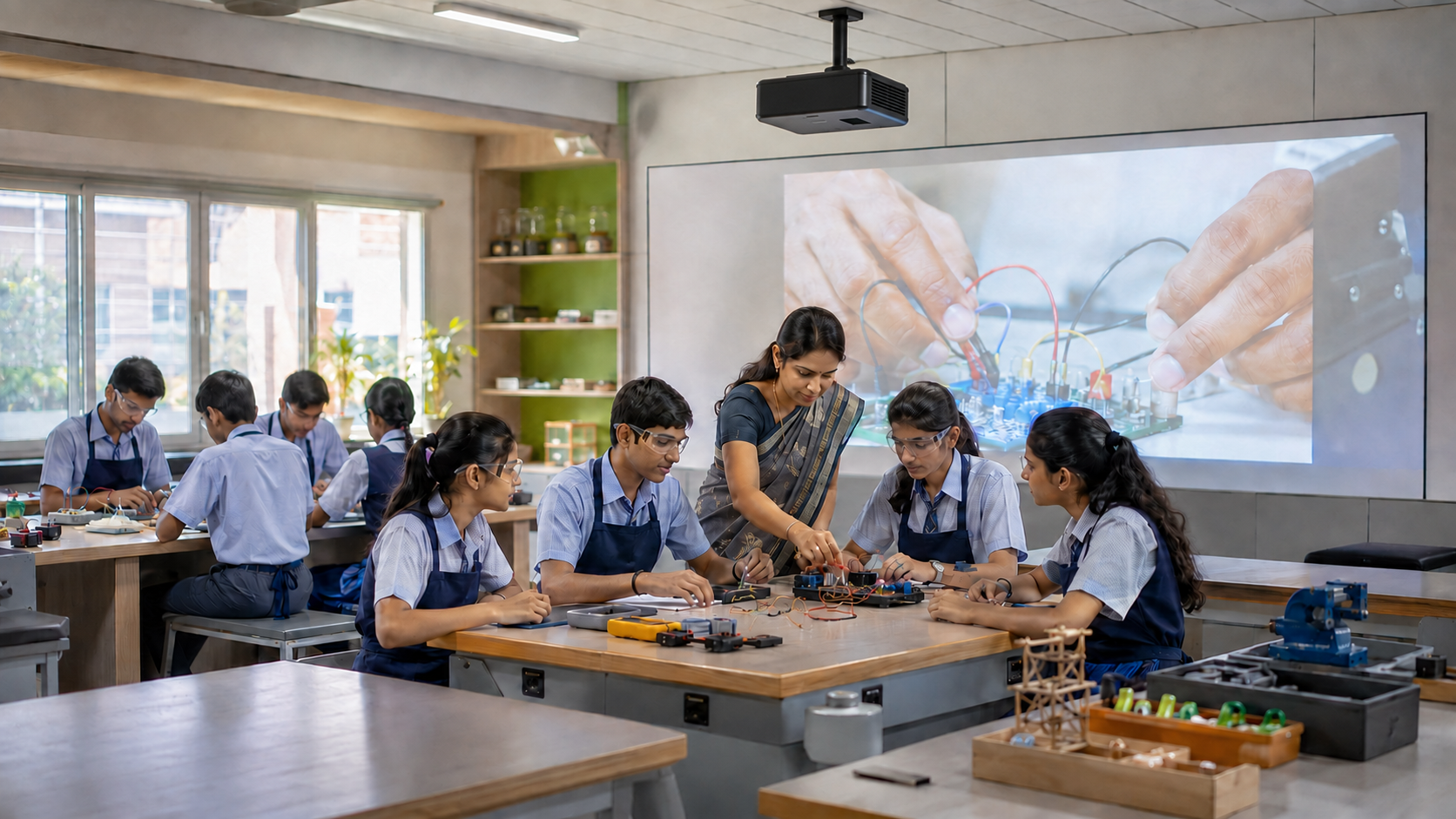
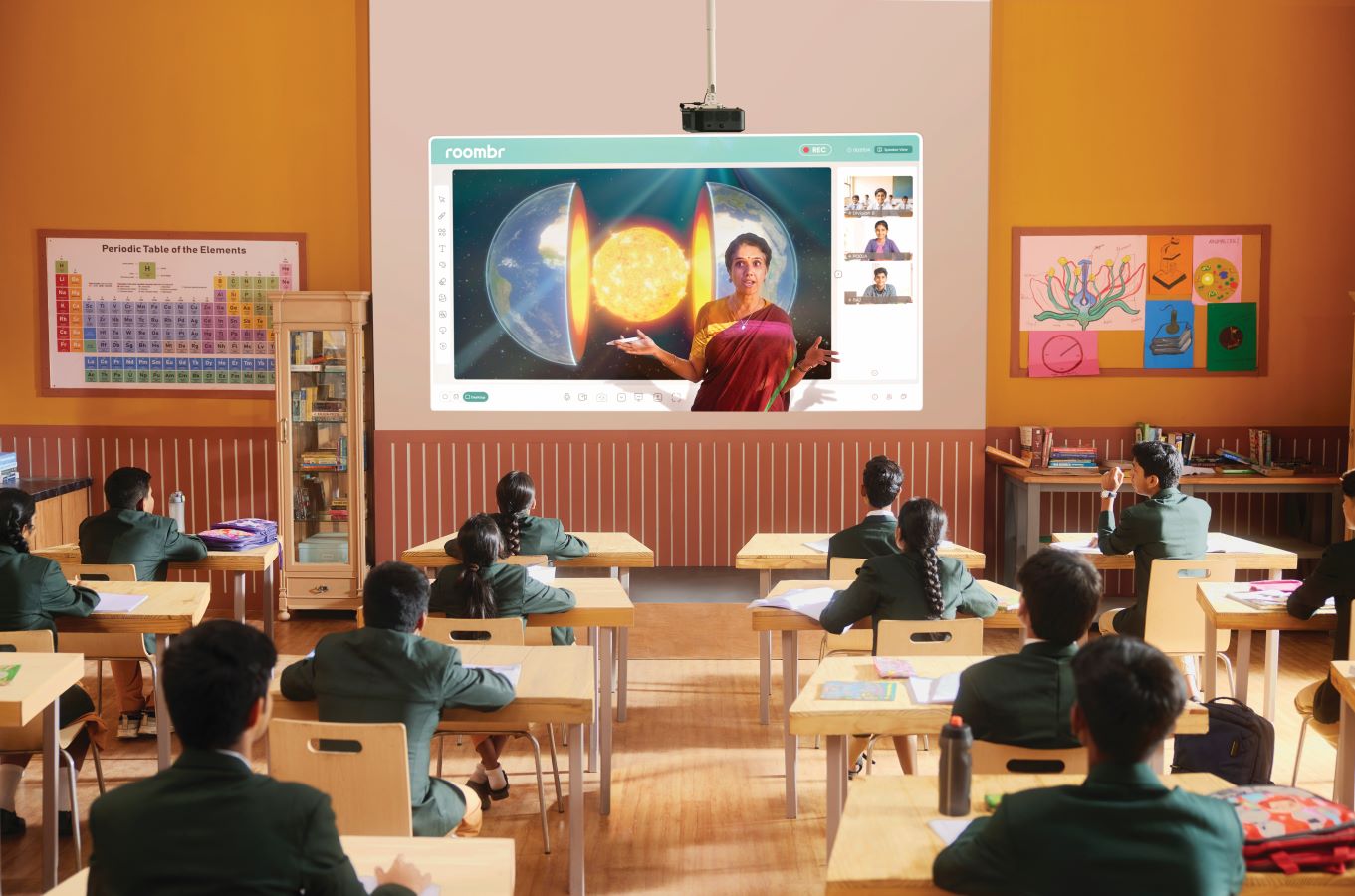
This is where a different category of classroom technology comes in. A smart class projector uses short-throw projection instead of a fixed panel, turning an ordinary wall into an interactive display that can scale to 120 or even 200 inches for a seminar hall.
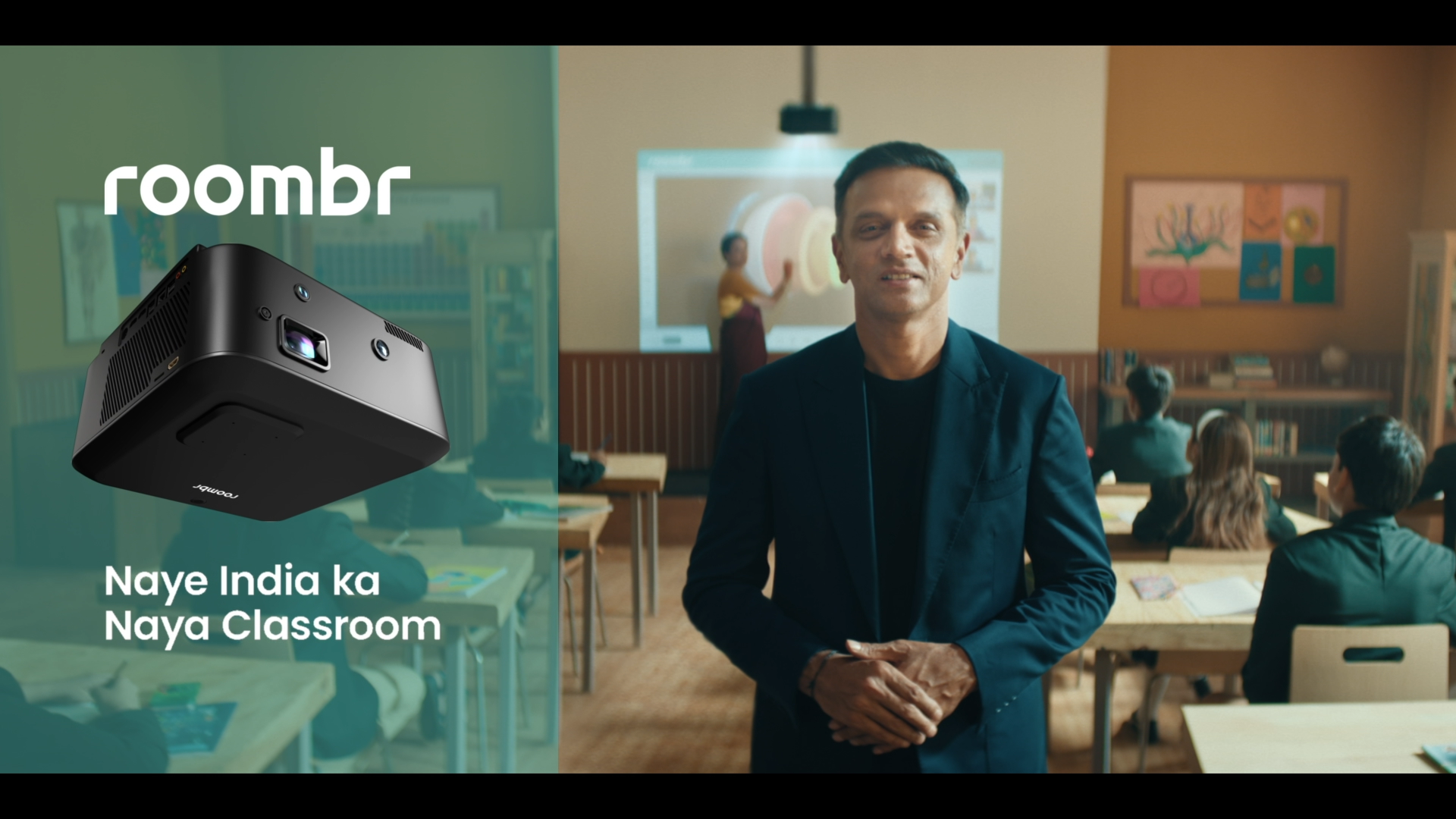
Roombr is one example of this approach. Instead of mounting a panel, it projects an interactive surface directly onto a classroom wall, combining touch input, dual-camera recording, and offline functionality in a single, compact unit.
That distinction matters for buyers. A smart class projector is not a smaller or cheaper interactive panel. It is a more advanced way to solve the same visibility and interactivity problem, often at a lower cost per inch of usable teaching surface.
The Bigger Picture Around Interactive Panel Price for Classroom
Cost is usually the first question school administrators ask, and it deserves a straight answer.
Smart TVs look cheaper on the purchase order. Once a school adds a separate whiteboard, markers, speakers, and a casting device, that gap narrows fast.
Search data shows this price sensitivity clearly. Terms like “interactive panel price for classroom” and “classroom smart board price” are searched heavily by educational institutions in India, comparing options before they commit to a vendor.
For reference, here is how the total cost typically breaks down:
- Smart TV Setup: Lower upfront cost, but requires a separate whiteboard, speakers, and casting device.
- Interactive Panel Setup: Costs more at purchase, but touch, writing tools, and audio come built into one fixed display.
- Projection-Based Setup: Larger interactive display at a lower cost per inch, with touch, lesson recording, and integrated classroom tools in one system.
The real number to compare is not the sticker price of the display. It is the cost of everything a school has to buy around a connected TV to make it classroom-ready.
Which Option Fits Your School Best?
If the goal is occasional video playback in a small room, a smart TV can still do that job.
But for daily teaching across a full classroom, the requirements are different. Look for:
- Real touch or pen-based interaction
- Built-in writing and annotation, not an add-on whiteboard
- Automated lesson recording without extra hardware
- A display size that reaches every row, not just the front half
- AI-powered lesson planning and student performance tracking
An interactive panel checks most of these boxes. A projection-based classroom system checks all of them, often at a better cost per square foot of screen.
Frequently Asked Questions
1. Is an interactive panel better than a smart TV for classrooms?
Yes, for daily teaching. Interactive or smart panels for classroom support touch, writing, and recording, all of which a connected TV lacks.
2. Can a smart TV work as a classroom whiteboard?
Not on its own. Most smart TVs have no touch input, so teachers still need a separate whiteboard for writing and marking.
3. Is an interactive panel more expensive than a smart TV?
The unit price is higher, but a smart TV setup often needs an added whiteboard, speakers, and casting device, which narrows the total cost gap.
4. Is Roombr an interactive flat panel?
No. Roombr is an advanced projection-based digital classroom solution, not an interactive flat panel. Instead of relying on a fixed-size screen, it transforms a classroom wall into an interactive display that can scale from 50 to 200 inches. Beyond touch interaction and digital annotation, Roombr also integrates AI-powered lesson planning, student performance tracking, and much more into a single platform.
5. What is the best interactive board for classroom use?
The best option depends on classroom size. For large rooms, a projection-based system scales past the 86-inch ceiling most flat panels hit, at a lower cost per inch.
6. Why is a smart class projector like Roombr better than an interactive panel or smart TV?
While an interactive panel or smart TV primarily serves as a display, a smart class projector like Roombr is a complete digital classroom solution. Along with a large interactive teaching surface, it includes AI-powered lesson planning, lesson recording, digital annotation, AI teacher and student assistants, student performance tracking, assessments, learning management tools, and collaboration features. This enables schools to deliver engaging instruction while simplifying lesson delivery, classroom management, and personalized learning from a single platform.
Built for India, Built for Every Classroom Size
Choosing the right classroom technology is about more than the display. It is about creating a teaching environment that can grow with your institution. Roombr is designed as an all-in-one digital classroom solution that adapts to classrooms of every size.
With an interactive display that scales from 50 to 200 inches, Roombr transforms an ordinary wall into a collaborative teaching space. As your requirements evolve, the display size and deployment can scale across classrooms without changing the teaching experience. Combined with touch interaction, AI-powered teaching tools, lesson recording, dual-camera capture, and offline functionality, Roombr brings everything educators need into a single platform.
Book a free demo and experience how a scalable, AI-powered projection-based classroom can transform teaching beyond what a smart TV or interactive flat panel can offer.

Foziya Abuwala
Share
Step Into the future of
Education with Roombr