
A language lab purchase often starts with screen size. Yet language learning also depends on sound, speaking practice, recording, content, and teacher control.
That raises an important question. Is an interactive flat panel for language lab use enough on its own, or does the institution need a complete teaching system?
India’s PM SHRI framework says a school language lab needs high-tech audio-visual equipment for direct sound transmission and visual aids.
Why Institutions Consider an Interactive Flat Panel for Language Lab Use
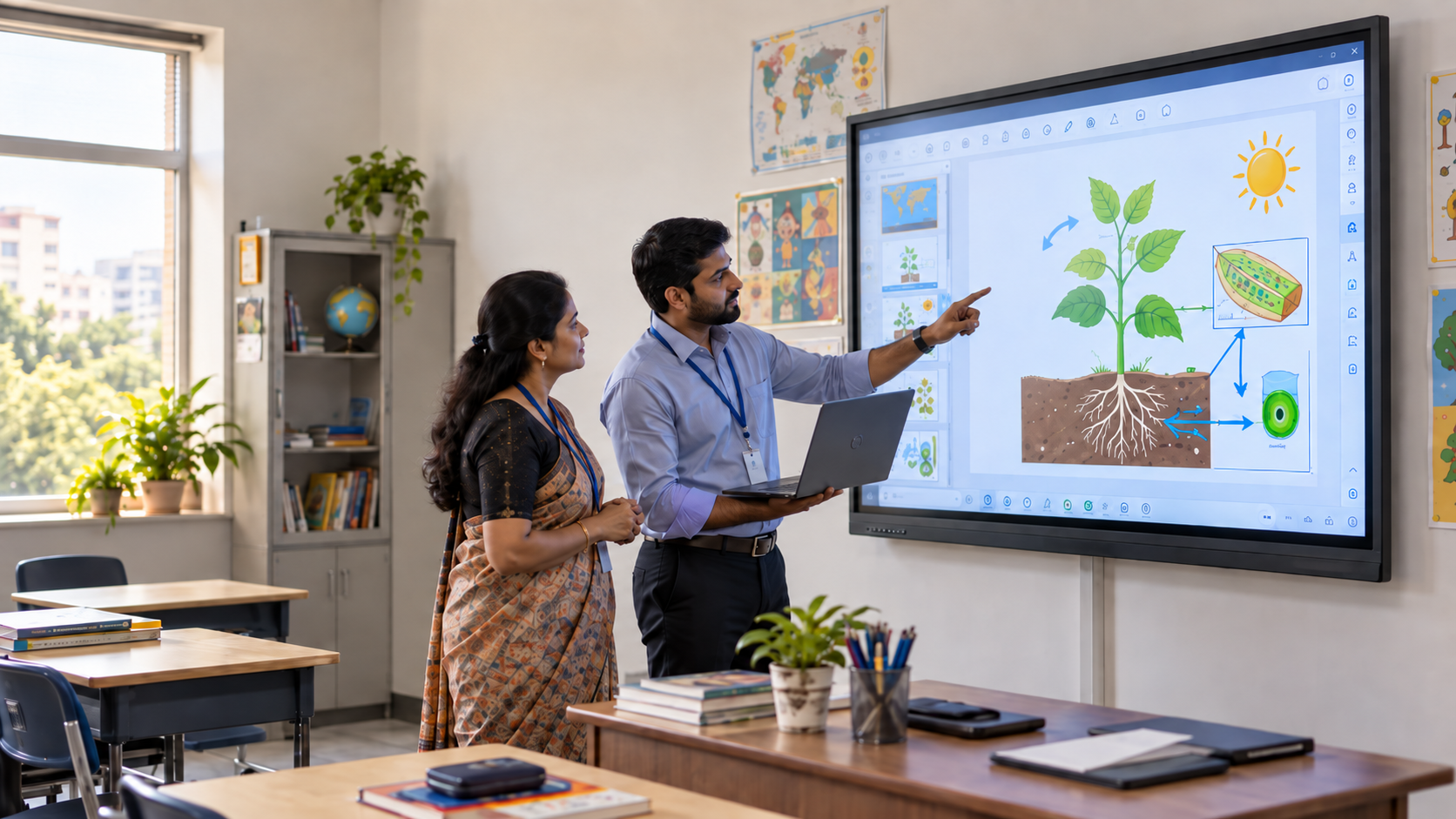
A touch display can serve as an interactive whiteboard. The teacher can play a dialogue, mark sentence stress, or move words into the correct order.
This makes an interactive flat panel useful for:
- Pronunciation practice
- Vocabulary sorting
- Listening exercises
- Subtitled videos
- Reading and writing tasks
- Group quizzes and role-play prompts
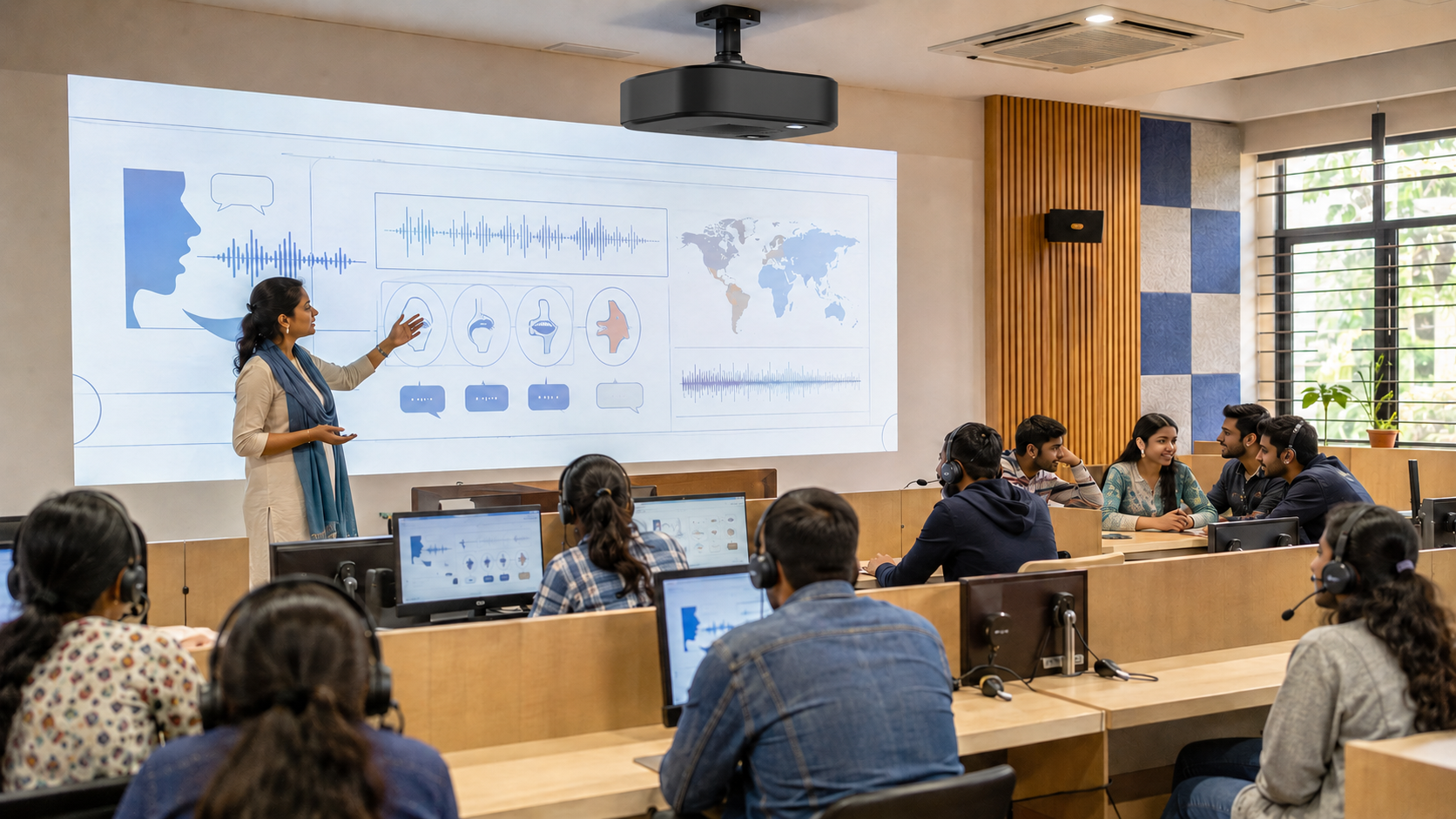
The digital language lab at PM SHRI Kendriya Vidyalaya No. 1, Raipur combines an interactive panel, 30 networked computers, and supporting software. Together, these tools help learners practise listening, speaking, reading, and writing.
This real-world setup shows why institutions should evaluate more than the display. A complete digital language lab should connect the display with computing devices, learning applications, and multimedia content.
What Should an Interactive Flat Panel Support?
A standard presentation delivers information in one direction. Language learning, however, depends on an active cycle of listening, responding, reviewing performance, and practising again.
The essential workflow may include:
- The teacher plays a model word or conversation.
- Learners listen and identify sounds, stress, or meaning.
- They speak, answer, or complete an activity.
- The teacher records or reviews the response.
- Learners receive feedback and repeat the task.
Evaluate language lab equipment as a connected system. A screen can show a phonetic chart. It cannot guarantee clear sound, capture speech, or manage practice material by itself.
Seven Features to Check Before Buying an Interactive Flat Panel for Language Lab
1. Screen Size and Visibility
Test small text, subtitles, and phonetic symbols from the last seat. Do not judge clarity using a colourful promotional video alone.
A fixed panel may suit a small room. A larger class may need a wider image so everyone can follow the same task.
2. Audio and Microphone Quality
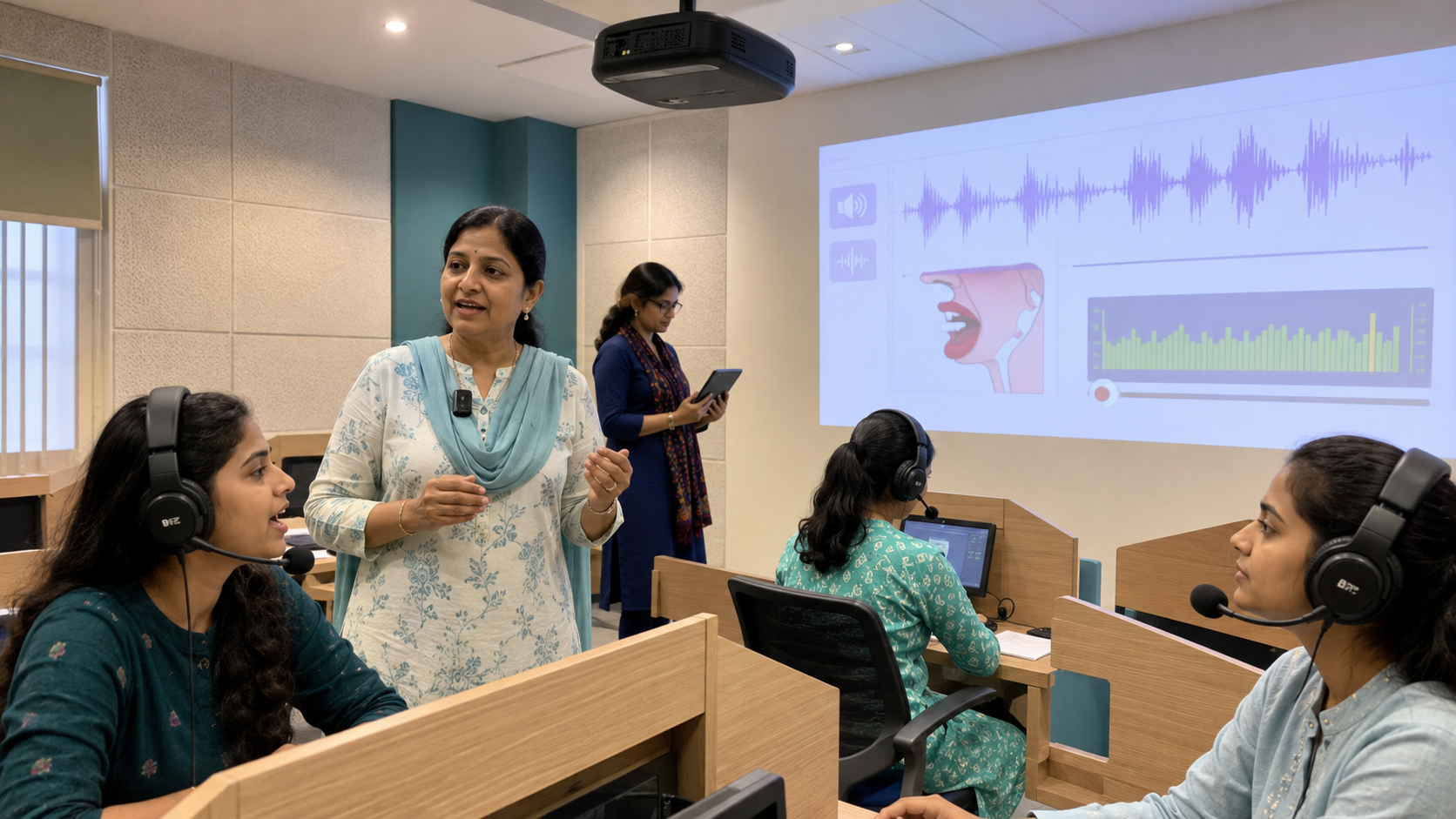
Sound clarity is central to building listening and speaking skills. Play recordings featuring similar vowel sounds, such as “ship” and “sheep.” Check whether learners can distinguish them from different seats.
Test the microphone while the teacher moves around the room. Confirm whether the classroom audio system is built into the solution or requires separate speakers and mixers.
For more practical checks, read this guide to clear audio in a digital classroom setup.
3. Computing and Connectivity
Check whether the system can run your chosen language lab software. Test HDMI, USB, Bluetooth, Wi-Fi and wireless screen sharing with real institutional devices.
If every lesson needs a laptop and several cables, include them in the final cost and setup time.
4. Recording and Content Reuse
Effective recording and playback should capture clear sound, teaching content, and useful classroom context. It should also make saved sessions easy to find.
One recorded pronunciation lesson could support another batch or a learner who needs more practice.
5. Multimedia and Software Compatibility
Bring your own videos, slides, audio files, and applications to the demonstration. Check whether teachers can pause, annotate, and save notes over multimedia learning content.
Do not accept a demo that only shows the vendor’s prepared slides.
6. Hybrid Language Teaching
Test a live call. Confirm that a remote trainer can hear the class, see the teacher, and follow the displayed content.
This is where an interactive flat panel for English language lab use may need extra cameras, microphones or conferencing software.
7. Training, Support and Total Requirements
Ask for an itemised list covering the display, computing, cameras, microphones, speakers, mounts, software licences and support.
The cheapest smart board for teaching may not remain the cheapest after these additions. Also ask who trains faculty and how quickly technical support responds.
Standalone Interactive Flat Panel vs Holistic Digital Classroom Solution
When comparing an interactive flat panel for language lab use with a holistic system, evaluate the complete teaching process.
Specifications vary between brands. Verify every feature during a live, use-case-based demonstration. An interactive flat panel for language lab use should be tested with a real lesson.
How Roombr Approaches the Language Lab Differently
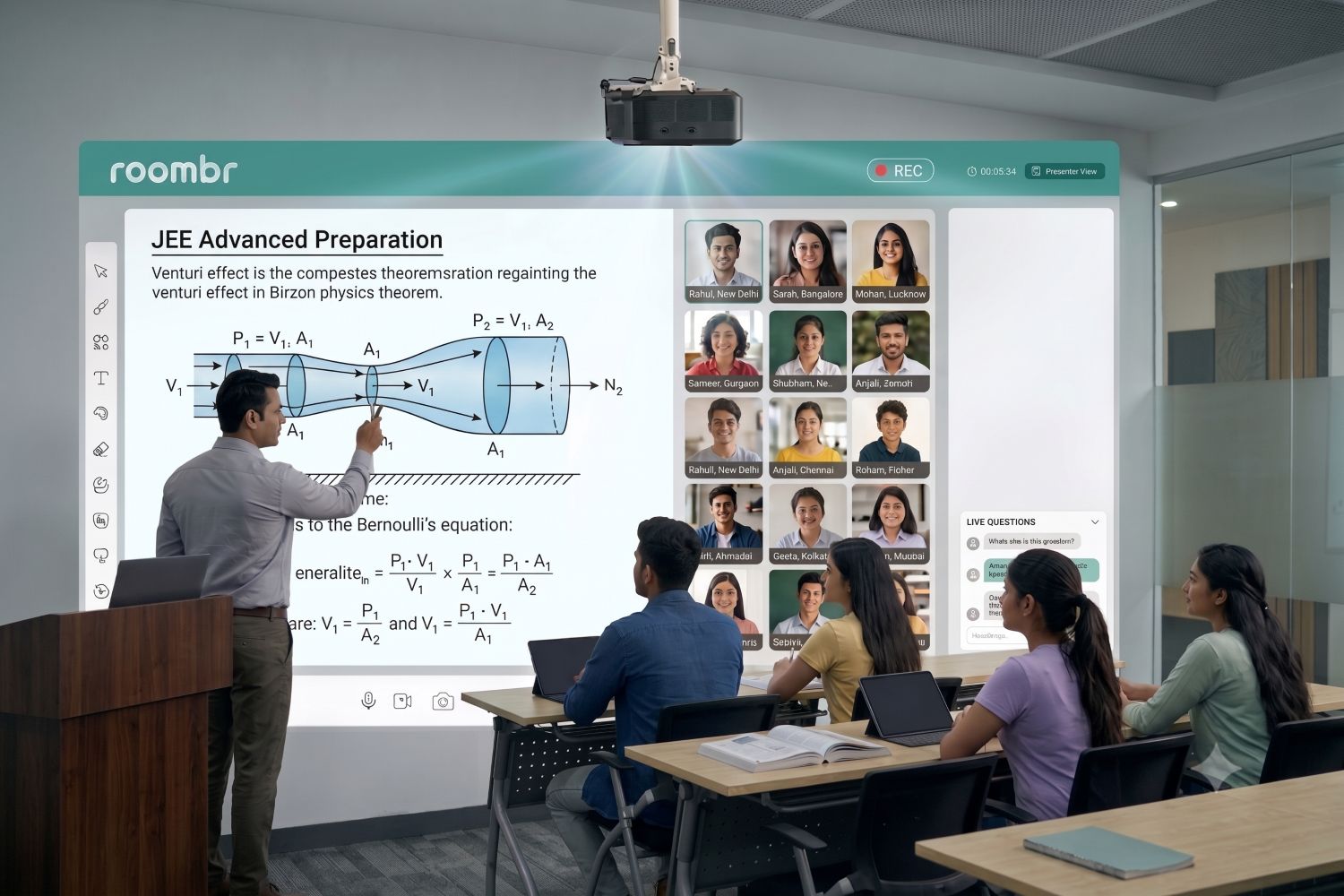
Roombr is not an interactive flat panel. It is a holistic digital classroom solution that combines an all-in-one ceiling-mounted hardware unit with teaching and learning software.
Roombr Pro integrates projection, computing, dual cameras, microphones, speakers and connectivity. It can turn a suitable wall into an interactive surface of up to 200 inches.
The software supports teaching, recording, content delivery, assessments and learning management. This reduces the need to operate disconnected devices.
Test Roombr with the institution’s chosen language software. A school may also need headsets or speech-analysis tools for individual practice.
Language Lab Demo Checklist
Before approving an interactive flat panel for a language lab project, ask the vendor to demonstrate:
- Your actual language software and lesson files
- Speech clarity from the first and last seats
- Microphone pickup during teacher movement
- Live annotation over audio-visual content
- Recording, saving, and reopening a session
- A remote instructor joining the class
- Startup by a teacher without technical help
- The complete list of required add-ons
Final Takeaway
The question is not simply how to choose an interactive flat panel for a language lab. The better question is whether the complete setup supports listening, speaking, practice, feedback, and content reuse.
An interactive flat panel may provide the shared display. However, institutions should also assess audio clarity, software compatibility, recording, connectivity, teacher usability, technical support, scalability, and future requirements. Evaluating the complete teaching workflow helps prevent underused equipment and unexpected add-on costs.
Frequently Asked Questions
1. Is Roombr an interactive flat panel for a language lab?
No. Roombr is not a flat panel. It is a flexible and holistic digital classroom solution combining ceiling-mounted, all-in-one hardware with integrated software. It provides interactive projection, computing, cameras, microphones, speakers, connectivity, recording, content delivery, and assessment tools for complete teaching workflows.
2. Is an interactive flat panel for language lab use enough?
Not always. It can support videos, annotation, and group activities. Institutions must still assess audio, microphones, recording, software, individual practice, and hybrid teaching needs.
3. What equipment may be required besides an interactive panel?
Depending on the teaching model, the lab may need computers, headsets, microphones, language software, cameras, speakers and network access.
4. What is the difference between an interactive flat panel and a complete digital language lab solution?
An interactive flat panel mainly provides a touchscreen for displaying and annotating content. A complete digital language lab solution also connects audio, microphones, recording, language software, assessments, content management, and hybrid teaching tools to support the entire learning workflow.
Turn Every Language Session Into Measurable Progress
Your language lab should do more than look modern. It should help teachers run confident sessions, give learners more chances to participate, and make improvement easier to observe across batches.
Whether you are upgrading an existing lab or starting from scratch, Roombr can help you identify gaps before they become costly decisions. Bring your room dimensions, language software, class size, and teaching plan to a consultation. Our team will demonstrate the workflow against your institution’s requirements and answer your implementation questions.
Book a Roombr demo to explore a practical, scalable approach your teachers will use, and your learners will value.

Foziya Abuwala
Share
Step Into the future of
Education with Roombr