
.jpeg)
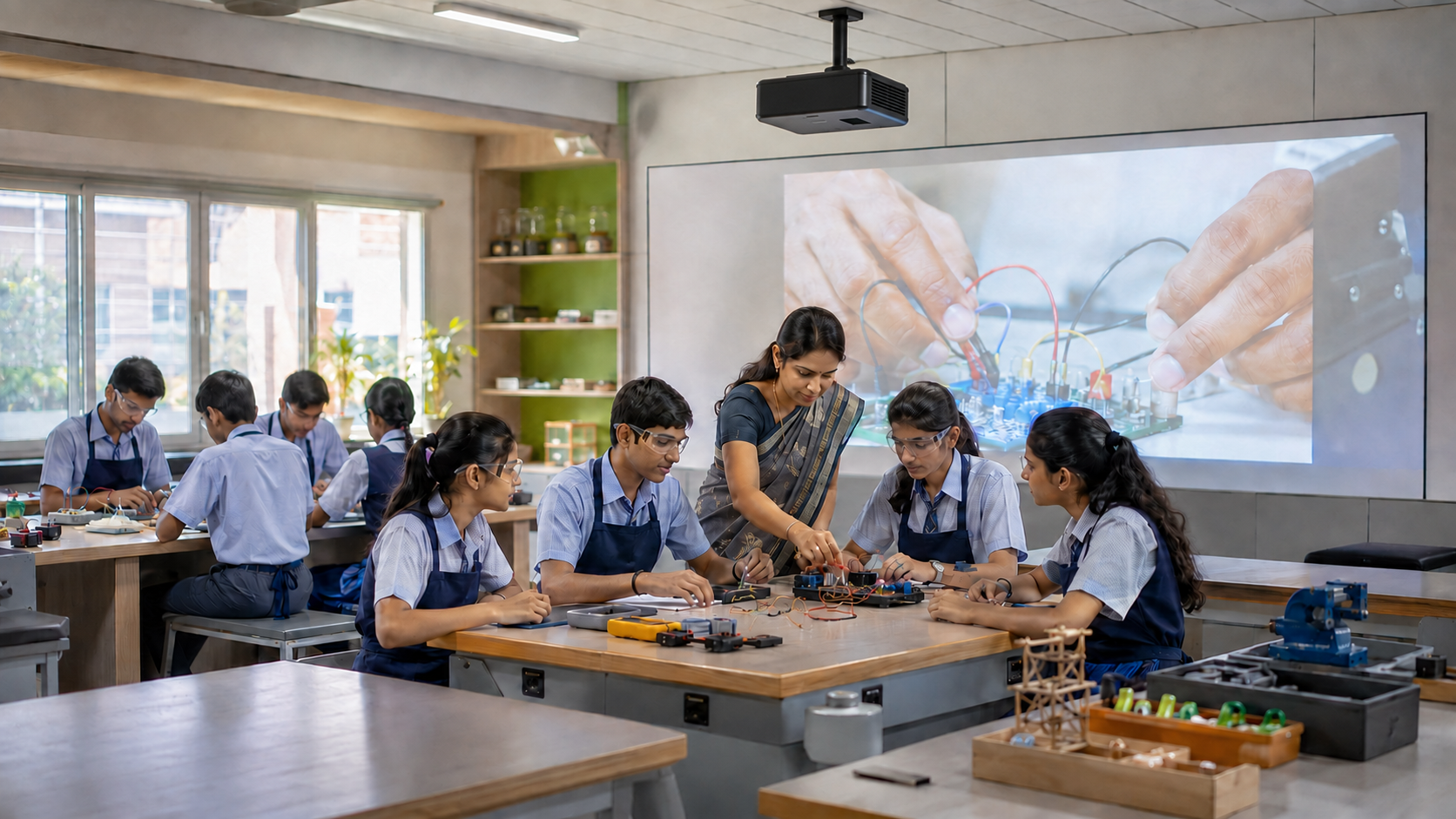
India’s schools are becoming more connected. Yet access is still uneven. The UDISE+ 2025–26 report shows that 69.9% of schools have computer access. Internet access has reached 67.4%.
This progress matters. But a connected computer alone does not create a useful digital classroom. Schools also need relevant content, trained teachers, reliable classroom technology, and ongoing support.
Several government initiatives for digital classrooms in India address these needs from different angles. Some guide policies. Others fund infrastructure, provide content, train teachers, or improve rural connectivity.
Government Initiatives Supporting Digital Classrooms in India
The term “government scheme” is often used for every education programme. That can be confusing. India’s digital education system includes policies, schemes, platforms, missions, and infrastructure programmes.
This table explains the difference:
How India’s Digital Classroom Ecosystem Works
No single programme builds the entire smart classroom ecosystem. Each solves a different need.
- Policy sets the direction for technology use.
- Funding schemes support approved infrastructure and training.
- Digital platforms give teachers access to learning resources.
- Connectivity programmes help schools reach online services.
- Teacher training helps technology become part of daily lessons.
Access to a public platform does not mean a school will receive funding. Funding rules and approval routes differ.
1. Samagra Shiksha: Supporting ICT Labs and Smart Classrooms
Samagra Shiksha is the most direct national scheme in this guide for school-level digital infrastructure. It brings several school education interventions under one framework.
In July 2026, the Ministry confirmed how states and UTs can propose ICT labs and smart classrooms. They use the Annual Work Plan and Budget. The Project Approval Board reviews these proposals.
Approved support may cover:
- ICT labs
- Smart classrooms
- Digital boards and related classroom technology
- Educational software and e-content
- Teacher training
- Recurring needs under approved norms
This is not a public grant form that every school can submit alone. State and UT priorities shape each proposal.
Government and aided schools should first speak with the relevant education department or Samagra Shiksha office. They should verify the current state process before planning purchases.
For a detailed explanation, read how digital classrooms can support Samagra Shiksha objectives.
2. PM SHRI: Building Technology-Enabled Model Schools
PM SHRI stands for PM Schools for Rising India. The scheme strengthens selected schools managed by central, state, UT, and local bodies.
These schools demonstrate NEP 2020 in practice. Their role covers infrastructure, teaching, inclusion, sustainability, and school leadership.
The scheme includes modern technology, smart classrooms, digital resources, and improved learning spaces. As of July 2026, 13,092 schools had been selected under PM SHRI.
A useful PM SHRI classroom links technology with a teaching need. A science teacher might pair a physical demonstration with a virtual lab.
That is more valuable than using an expensive screen only to display textbook pages.
3. NEP 2020: The Policy Foundation for Digital Learning
The National Education Policy 2020 provides the broad direction behind many digital education initiatives in India. It supports the thoughtful use of technology across teaching, assessment, planning, and teacher development.
Key areas include:
- Digital content in Indian languages
- Teacher preparation for digital pedagogy
- Blended and online learning
- Accessible learning resources
- Virtual labs and digital repositories
- Better use of education data
NEP 2020 is not a digital classroom funding programme. It does not give every school a fixed equipment list. Instead, it shapes how programmes such as Samagra Shiksha, PM SHRI, DIKSHA, and NISHTHA develop.
Schools should use NEP as a planning guide. Technology must support the learning goal, age group, language, and classroom.
4. DIKSHA: Digital Classroom Resources for Teachers and Students
DIKSHA is India’s national platform for school education. It hosts curriculum-linked resources from states, UTs, and national bodies.
Teachers can use DIKSHA content through QR codes in Energised Textbooks. They can also find videos, practice material, assessments, teacher courses, and virtual labs.
The platform supports online and offline access. This matters in schools where internet service is slow or unreliable. A teacher can download suitable material when connected and use it later in class.
The Ministry of Education reported in July 2026 that DIKSHA held more than 3.67 lakh pieces of content in mother tongues and regional languages. It had also recorded 579.41 crore learning sessions for 2.29 crore users. Students and teachers could access more than 836 virtual labs.
These figures show the scale of available digital classroom resources. Teachers must still check the board, grade, language, and difficulty.
5. PM eVIDYA: Extending Learning Beyond Internet Access
PM eVIDYA brings digital, online, television, and radio education into one multimode initiative. Its design recognises a simple fact: internet access is not equal across India.
Its major components include:
- DIKSHA as the national digital platform
- DTH television channels for school education
- Radio, community radio, and podcasts
- Accessible content for children with special needs
- Digital resources in Indian languages
According to a July 2026 Ministry update, PM eVIDYA includes 200 DTH television channels and 400 radio channels. These channels allow states and UTs to provide supplementary content in different languages.
If internet access stops, a live lesson may fail. Downloaded DIKSHA content or broadcast material gives the teacher another route.
That is why resilient classroom technology should support more than one mode of access.
6. NIPUN Bharat: Technology for Foundational Learning
NIPUN Bharat focuses on foundational literacy and numeracy. Its goal is for children to gain essential reading and numeracy skills by the end of Grade 3. The national target runs through 2026–27.
Technology can support this mission when it remains simple and teacher-led. Useful examples include:
- Visual phonics and word-building activities
- Read-aloud audio in the child’s home language
- Number lines and place-value tools
- Short quizzes for checking understanding
- Recorded explanations that children can replay
Young learners should not navigate complex software alone. The teacher should guide the activity and observe where children need help.
Explore how digital classroom solutions support NIPUN Bharat’s FLN goals.
7. BharatNet: Improving Connectivity for Rural Schools
BharatNet is not an education scheme. It is digital infrastructure that can make other education programmes more useful.
The Union Budget 2025–26 announced broadband connectivity for all government secondary schools in rural areas under BharatNet. Rollout takes place in phases.
Better connectivity can help schools:
- Reach DIKSHA and other public platforms
- Download curriculum resources
- Join remote teacher-development sessions
- Use video collaboration where bandwidth permits
- Update devices and software
Connectivity alone is not enough. Schools must also assess router placement, power backup, data limits, device security, and technical support.
An online speed test at the principal’s office does not prove that the connection will work inside every classroom.
8. NISHTHA: Preparing Teachers for Digital Classrooms
NISHTHA is the National Initiative for School Heads’ and Teachers’ Holistic Advancement. It provides professional development for teachers and school leaders.
The programme is delivered through DIKSHA. A 2026 Ministry update notes modules on AI, digital pedagogy, and educational technology.
This addresses a common failure in a classroom with technology. Equipment arrives, but teachers receive only a short demo.
Effective preparation should cover three levels:
- Basic operation: Starting the system, connecting devices, and opening resources.
- Teaching use: Annotating, questioning, demonstrating, and involving students.
- Lesson design: Choosing when technology improves a lesson and when it does not.
A teacher should not need technical support for every lesson. Ease of use is therefore part of educational value.
Supporting Initiatives: NDEAR and SWAYAM
Some programmes support digital education without directly funding a K–12 classroom setup.
National Digital Education Architecture
NDEAR provides a common digital framework for India’s education ecosystem. It helps systems work together.
NDEAR is an architecture, not an app that a school buys.
SWAYAM
SWAYAM provides online courses for secondary, higher, skill, and lifelong learning. It is not a funding route for K–12 smart classrooms.
What These Initiatives Mean for Indian Schools
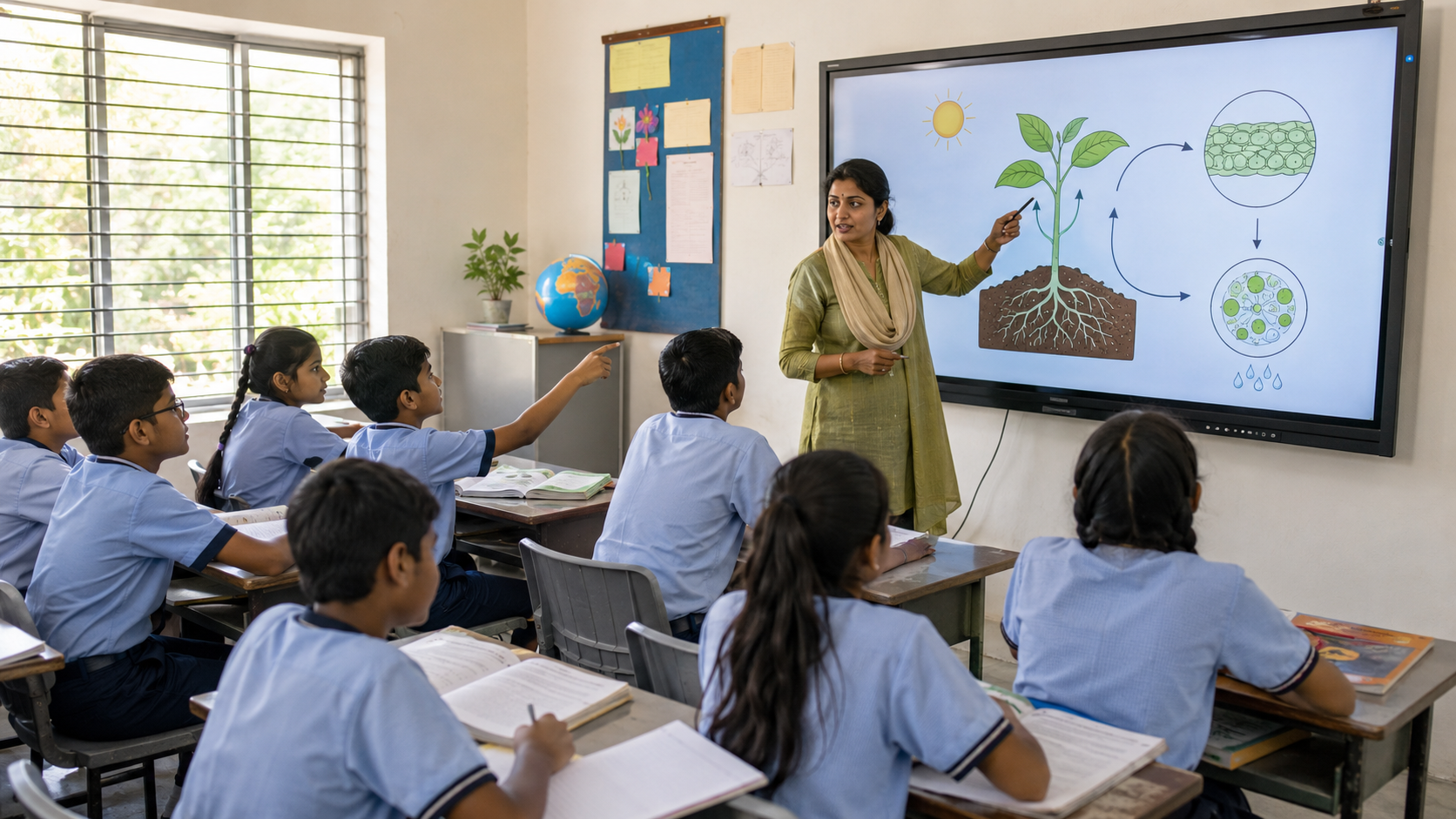
The value of government initiatives for digital classrooms in India becomes clearer when schools connect them with daily teaching.
1. Better Access to Learning Resources
DIKSHA and PM eVIDYA offer online, offline, television, and radio access.
2. Stronger Teacher Preparation
NISHTHA connects digital tools with pedagogy and subject teaching.
3. More Inclusive Learning
Regional-language and accessible resources can support more learners.
4. Better Rural Connectivity
BharatNet improves access, but each school still needs a local connectivity and power plan.
5. More Structured Implementation
Samagra Shiksha and PM SHRI place the modern digital classroom within a wider school plan.
Can Schools Apply for Digital Classroom Funding?
There is no single national application that guarantees digital classroom funding for every school.
Under Samagra Shiksha, states and UTs submit needs through their Annual Work Plan and Budget. Approved support depends on current scheme norms, school category, local priorities, and earlier implementation.
Schools should never purchase equipment only because a product resembles an item used in a government project. Eligibility, technical specifications, procurement rules, and approved vendors may differ.
What Schools Should Check Before Choosing Classroom Technology
Government policy can create opportunity. The final classroom result still depends on planning.
Before choosing smart classroom solutions, assess the following areas.
1. Teaching Need
Define what teachers must do. This may include annotation, demonstrations, assessments, remote lessons, or lesson playback.
2. Room and Display
Check room depth, lighting, wall space, sightlines, and last-row readability. One fixed display size will not suit every room.
3. Connectivity and Offline Use
Test the connection inside the teaching space. Confirm whether core features and saved content work without the internet.
4. Teacher Usability
Ask teachers to complete a real task during the demo. They should open a lesson, write, switch sources, and save their work.
5. Content Compatibility
Confirm that the system can use the school’s board, language, file types, and chosen digital classroom resources.
6. Accessibility
Check text size, audio clarity, captions, contrast, input options, and support for students with different needs.
7. Training and Support
Clarify who handles installation, onboarding, repairs, software updates, and refresher training.
8. Expansion
Plan for more classrooms. Device management, accounts, content access, and support become harder at scale.
Digital Classroom Government Initiatives: Frequently Asked Questions
1. What government initiatives support digital classrooms in India?
Major initiatives include Samagra Shiksha, PM SHRI, DIKSHA, PM eVIDYA, NIPUN Bharat, NISHTHA, and BharatNet. NEP 2020 provides a broad policy direction. Each initiative supports a different need, such as funding, content, connectivity, or teacher development.
2. Does Samagra Shiksha fund smart classrooms?
Samagra Shiksha can support approved ICT labs and smart classrooms. States and UTs submit their requirements through the Annual Work Plan and Budget. Individual schools should verify the current route with the relevant education authority.
3. Can private schools receive government funding for digital classrooms?
Private schools should not assume that they qualify for Samagra Shiksha infrastructure funding. Eligibility varies by scheme and component. They may still use open public resources such as DIKSHA and PM eVIDYA.
4. How does PM SHRI support digital learning?
PM SHRI strengthens select government-managed schools as NEP 2020 exemplars. The scheme supports modern infrastructure, technology, smart classrooms, laboratories, and improved teaching practices as part of a broader school development plan.
5. What is the difference between DIKSHA and PM eVIDYA?
DIKSHA is a national digital platform for school resources and teacher learning. PM eVIDYA is a wider multimode initiative. It brings together digital platforms, television, radio, podcasts, and accessible content.
6. How does NIPUN Bharat use digital classroom resources?
Digital tools can support NIPUN Bharat through visual phonics, read-aloud audio, number activities, home-language resources, and short assessments. These tools should assist the teacher rather than replace guided interaction.
7. What training do teachers need for a digital classroom?
Teachers need basic system training, subject-specific examples, lesson-design practice, and ongoing support. They should also learn when not to use technology. The tool must serve the learning goal.
8. What should schools test before selecting classroom technology?
Test readability, writing response, content access, connectivity, offline use, audio, ease of operation, and technical support. Use the actual classroom and a real lesson during the evaluation.
Turning Digital Education Policy Into Daily Teaching
India’s digital education system is not built around one device or one platform. It connects policy, funding, content, connectivity, teacher development, and classroom practice.
That is the central lesson from the leading government initiatives for digital classrooms in India. Technology creates value only when teachers can use it with confidence and every student can see, hear, and participate.
Schools should begin with the teaching requirement. They can then match the room, content, connectivity, training, and support to that need.
Considering a smart classroom or ICT lab? Explore the Roombr digital classroom solution to understand the display, connectivity, teaching, and support options available for different learning spaces.

Foziya Abuwala
Share
Step Into the future of
Education with Roombr