



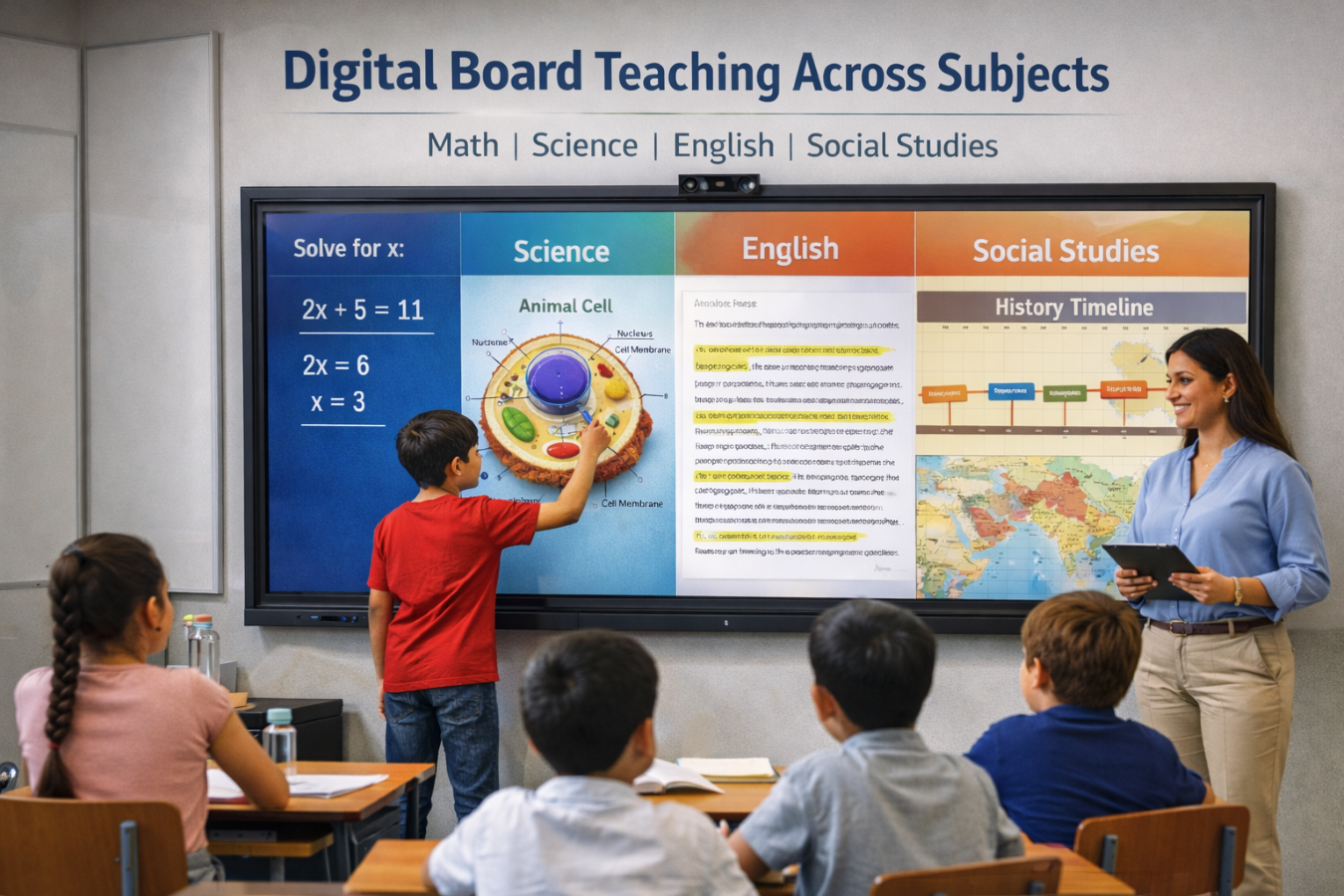
A digital board for the classroom is most useful when it changes how a lesson is taught, not just how it is displayed. Many teachers start by using it like a bigger screen. That is a good first step, but it is not the best use of the tool. A strong lesson uses the board to explain, annotate, compare, save work, and involve students directly. Whether your school uses an interactive panel or a smart board, the real value comes from matching the board to the subject and the learning task.
Why Teaching with a Digital Board Should Change by Subject
Every subject asks students to think in a different way. Math needs step-by-step logic. Science needs diagrams, labels, and process flow. English depends on close reading, language analysis, and response. Social studies works best with timelines, maps, comparisons, and evidence. That is why a digital board for the classroom should not be used in the same way in every period.
In a well-run digital classroom, the board supports the lesson goal. It should help the teacher make ideas visible, reduce confusion, and create a point of shared attention. When the board is used this way, it becomes more than classroom hardware. It becomes a teaching surface.
Using a Digital Board in the Classroom for Math
Math is one of the clearest use cases for a digital board in the classroom because students often need to see how an answer is built, not just the final result.
Start by revealing one step at a time. Instead of showing a full solution at once, write or uncover each stage gradually. This helps students follow the logic and notice where mistakes happen. Teachers can also use annotation tools to circle operations, separate terms, or highlight patterns in a problem.
The board also works well for side-by-side comparison. One student may solve an algebra problem one way, while another uses a different method. Displaying both on the same screen makes class discussion easier and helps students understand that there can be more than one path to the correct answer.
For geometry and graphs, an interactive whiteboarding feature is especially helpful because shapes, axes, and labels can be moved or adjusted live. In fractions, students can match values visually. In graphing, teachers can build the relationship between the equation and the line step by step. The lesson becomes easier to follow because the thinking stays visible.
Using a Digital Board in the Classroom for Science
Teaching science often becomes stronger when students can see structure, sequence, and change. That makes a digital board for the classroom useful for far more than showing slides.
For biology, teachers can display a diagram and label it live instead of presenting a finished image with everything already marked. In chemistry, reaction steps or changes of state can be shown in sequence. In physics, circuit layouts, forces, and motion diagrams become clearer when the teacher builds them in front of the class.
The board is also useful during demonstrations. A teacher can place the experiment steps on screen, mark observations during the activity, and return to those notes while explaining the result. This keeps students connected to the process instead of treating the demo as a separate event.
An interactive screen also helps in science revision. Saved annotations, screenshots, or recorded explanations can be reused later when students need to revisit a difficult concept. That saves time and keeps explanations consistent across sections.
Using a Digital Board in the Classroom for English
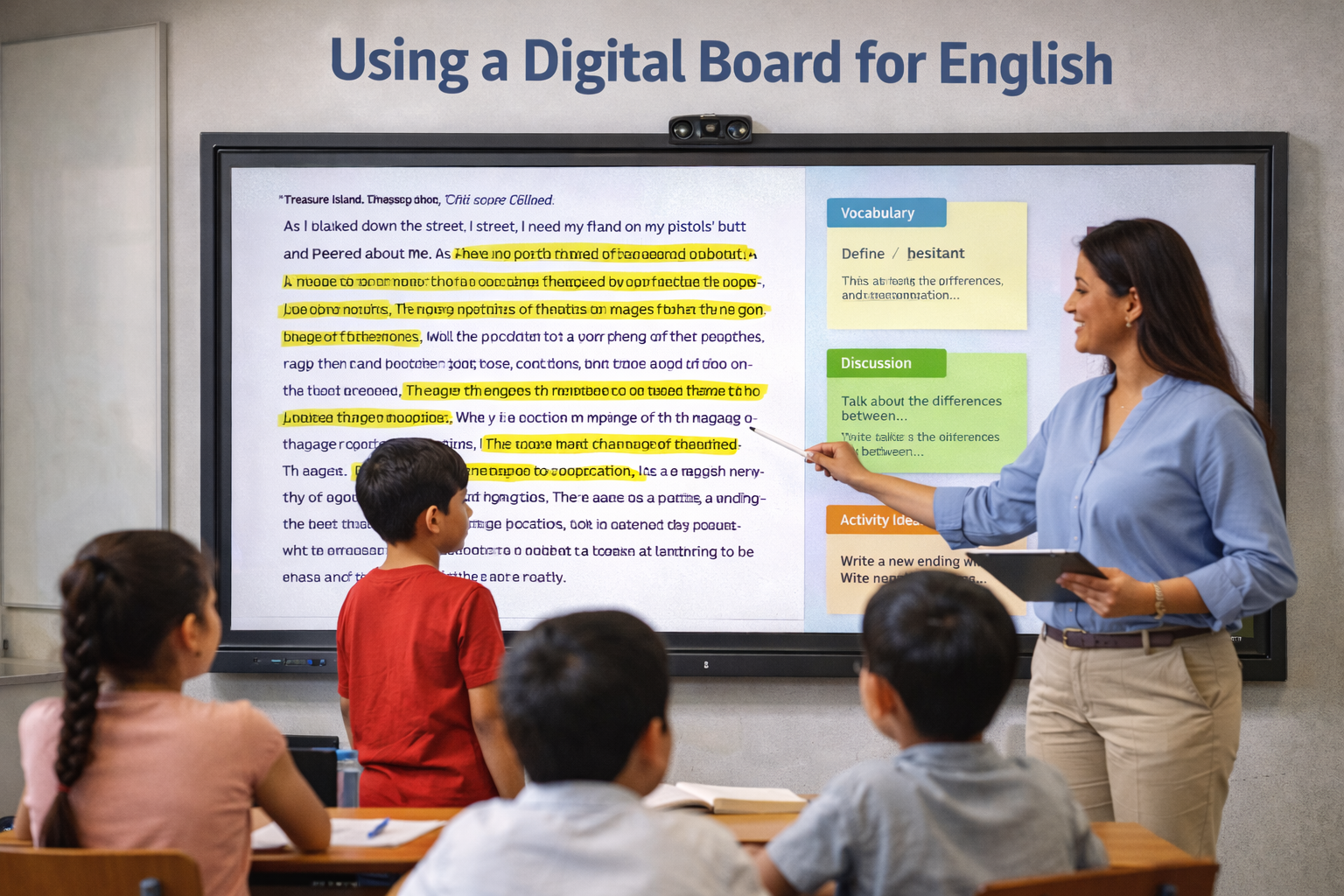
English lessons benefit when the board turns text into something students can work with, not just read from a distance. A digital board for the classroom makes that easier.
During reading comprehension, teachers can highlight keywords, underline tone markers, identify transitions, and break long passages into smaller parts. This helps students see how meaning is built inside the text. In grammar lessons, the board can be used to correct sentence errors live, rearrange word order, or compare weak and improved versions of the same sentence.
Vocabulary work also becomes more engaging when students interact with the language. Teachers can create matching tasks, sort words by meaning or usage, and invite students to complete a sentence on the screen. Even short writing exercises feel more collaborative when the class can build a paragraph together.
A smart board for classroom teaching is especially useful in English because it supports both analysis and expression. It helps the teacher move from explanation to participation without changing tools.
Using a Digital Board in the Classroom for Social Studies
Social studies often requires students to connect events, places, systems, and causes. A digital board for the classroom supports this well because it can organize information visually.
In history, teachers can build timelines instead of listing dates in a block of text. In geography, maps become more useful when regions, routes, rivers, or climate zones are marked live. In civics, charts can be used to compare institutions, roles, and processes. In economics, simple diagrams can explain sectors, markets, or resource flow more clearly than a long verbal explanation.
This subject also benefits from comparison. A teacher can place two periods, leaders, systems, or policies side by side and ask students to identify differences. That makes the lesson more analytical and less dependent on memorization alone.
In a digital classroom, these visual comparisons help students remember context, not just isolated facts.
4 Practical Tips to Use the Board Better in Any Subject
- Plan One Interactive Moment in Every Lesson: Keep it simple. Ask one student to solve the next step, label a diagram, move an item, or place an event on a timeline.
- Keep the Screen Clean and Easy to Follow: A board should help students focus, not overwhelm them. Avoid filling it with too much text or too many visuals at once.
- Save the Work That Is Worth Revisiting: Store solved examples, labelled diagrams, corrected sentences, or key notes so you can use them again for revision or another section.
- Use the Board Based on the Lesson Goal: For discussion, compare ideas side by side. For explanation, build the concept step by step. For revision, bring back what the class already created.
Frequently Asked Questions (FAQs)
1. How is a digital board for the classroom used in daily teaching?
It is used to explain concepts visually, annotate in real time, invite student participation, and save lesson work for revision.
2. Is a smart board for classroom teaching useful in all subjects?
Yes, but the use should change by subject. Math needs steps, science needs visuals, English needs text work, and social studies needs structure and comparison.
3. What is the difference between an interactive panel and an interactive whiteboard in practice?
In classroom use, both support touch-based teaching and visual explanation. The more important question is how the teacher uses the board during the lesson.
4. Can a digital classroom become more interactive with the right board use?
Yes. Even one planned activity on the board can make the lesson more participative and easier to understand.
Discover how to make every lesson more engaging and effective with the right digital classroom approach. Learn more about Roombr here.

Foziya Abuwala
Share
Step Into the future of
Education with Roombr












