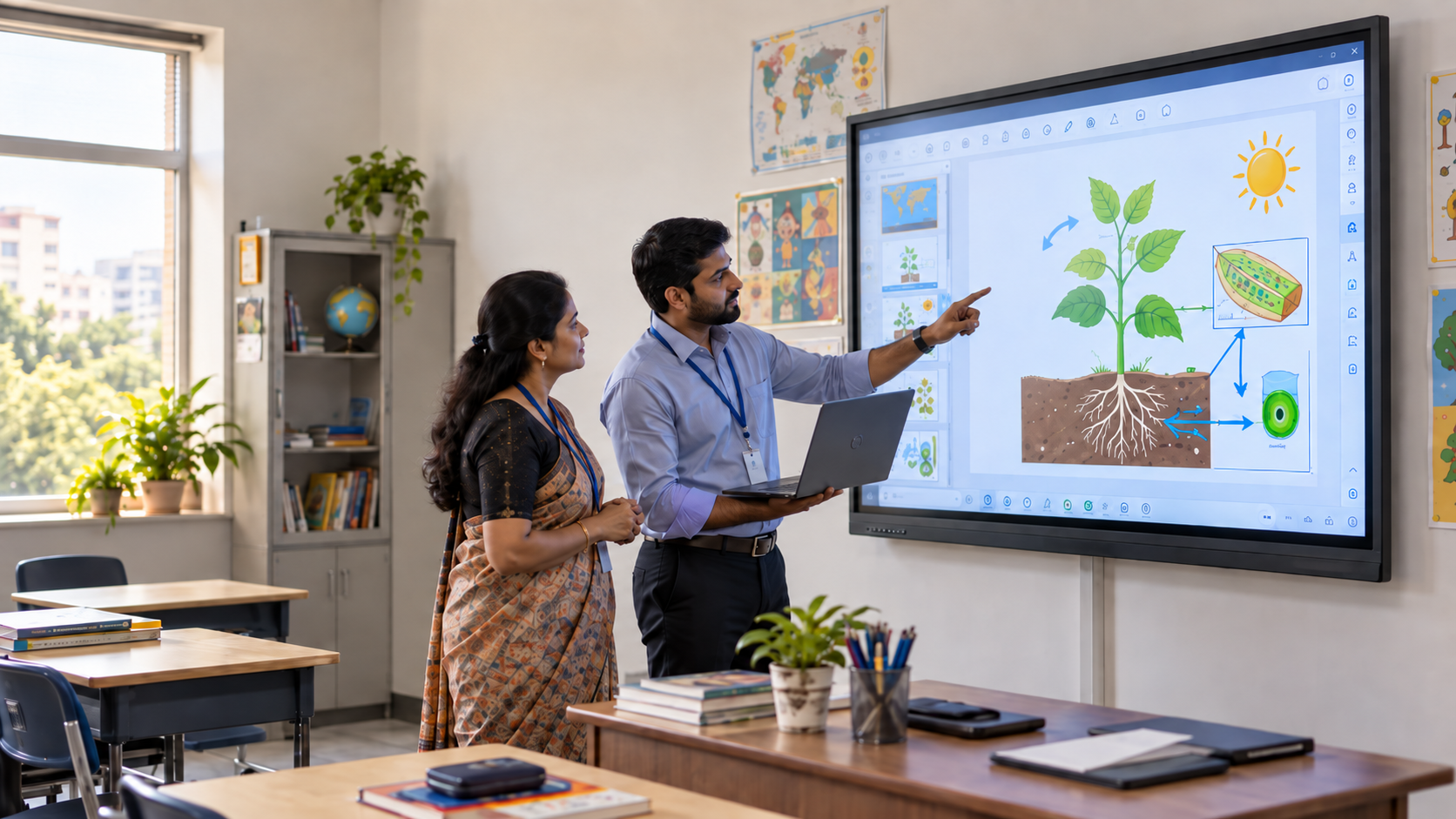

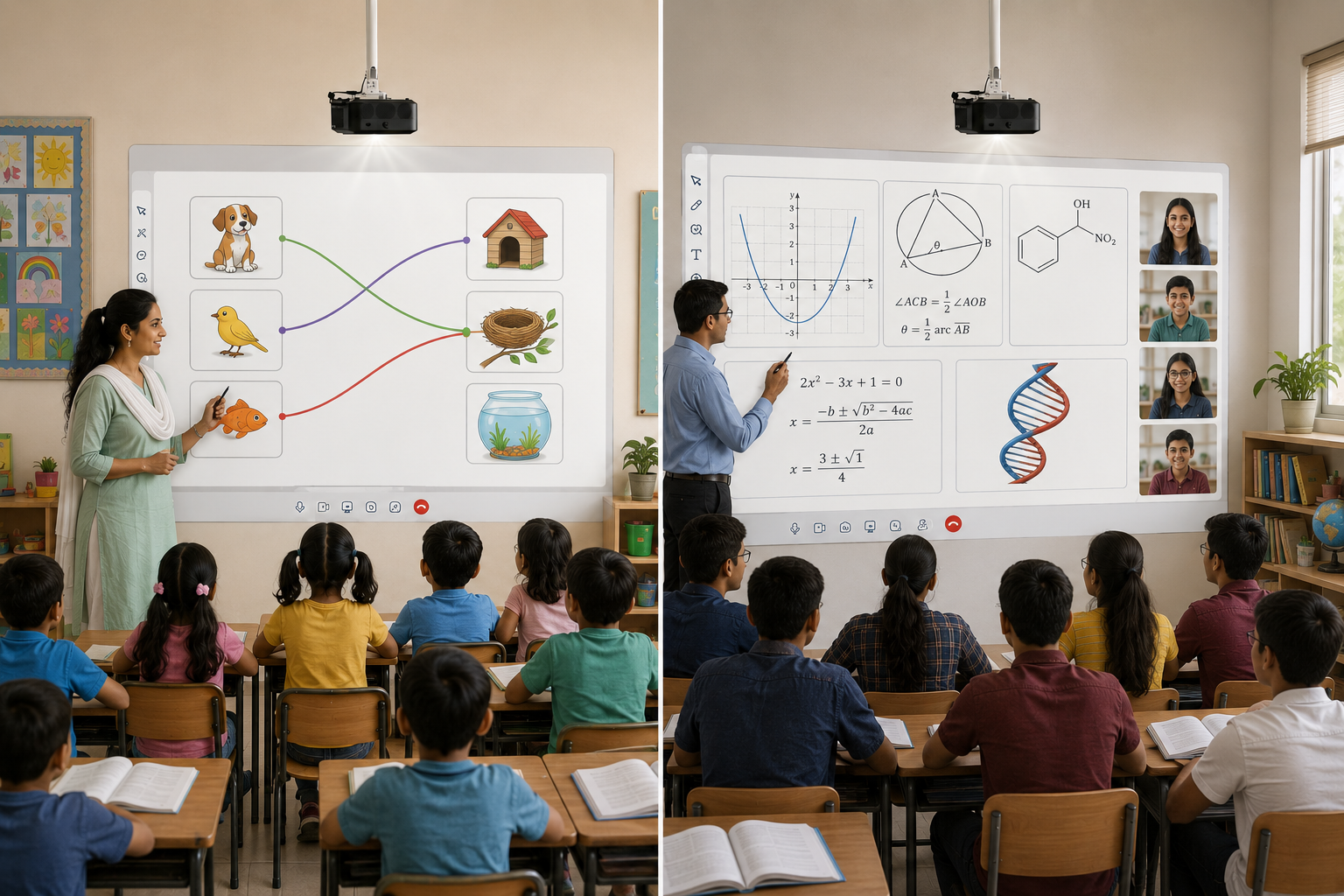
The smart board technology in the classroom for a Class 3 section looks almost identical to the one in a Class 12 section. Same screen size. Same software. Same setup.
That's usually a procurement shortcut, not a deliberate choice. And it quietly costs schools more than they realize — not in rupees, but in how well the technology serves the way each grade learns.
Let's find out why, and what a school should look for at each stage.
The Assumption Most Schools Get Wrong
When a school upgrades its classrooms, the usual approach is to buy a single digital board configuration and roll it out across the school. It's simpler to procure, easier to budget, and faster to install.
But smart board technology in the classroom isn't just a display. It's the delivery mechanism for whatever a student is supposed to learn that year. And what a Class 4 student is learning looks nothing like what a Class 12 student is learning, in structure or in stakes.
The real question isn't "which smart board is best?" It's "best for which classroom, at which stage?" Getting this right means looking at how India's education policy separates these learning phases.
How NEP 2020 Redefines the Secondary Stage (Classes 9–12)
India's National Education Policy (NEP) 2020 doesn't just tweak the old system. It restructures it. Under the new 5+3+3+4 framework, schooling is split into four stages: Foundational, Preparatory, Middle, and Secondary.
The Secondary Stage covers Classes 9 to 12, roughly ages 14 to 18. This is where the policy gets specific about how different this phase is meant to be:
- Students get far more specialized subject choice, with NEP 2020 pushing schools away from rigid Science/Commerce/Arts silos and toward interdisciplinary combinations — think physics paired with music, or economics paired with computer science.
- The policy preserves flexibility even after Class 10, explicitly allowing students to exit and re-enter in Grades 11–12 to pursue vocational or specialized tracks instead of a fixed academic path.
- Vocational exposure begins as early as Grade 6 and deepens through the Secondary Stage, with senior secondary building toward genuinely hands-on, skill-based learning.
None of this is abstract policy language for a classroom. It's a direct instruction about what content should be flowing through the room. This has real implications for the smart board technology in the classroom a high school actually needs.
If a Class 11 student is combining subjects across streams, sitting for board-exam-format assessments, and possibly working through a vocational module, the board in that room needs to support a completely different rhythm of teaching than a Class 5 room built around one subject at a time.
What Changes in High School (Class 9–12) Smart Board Technology
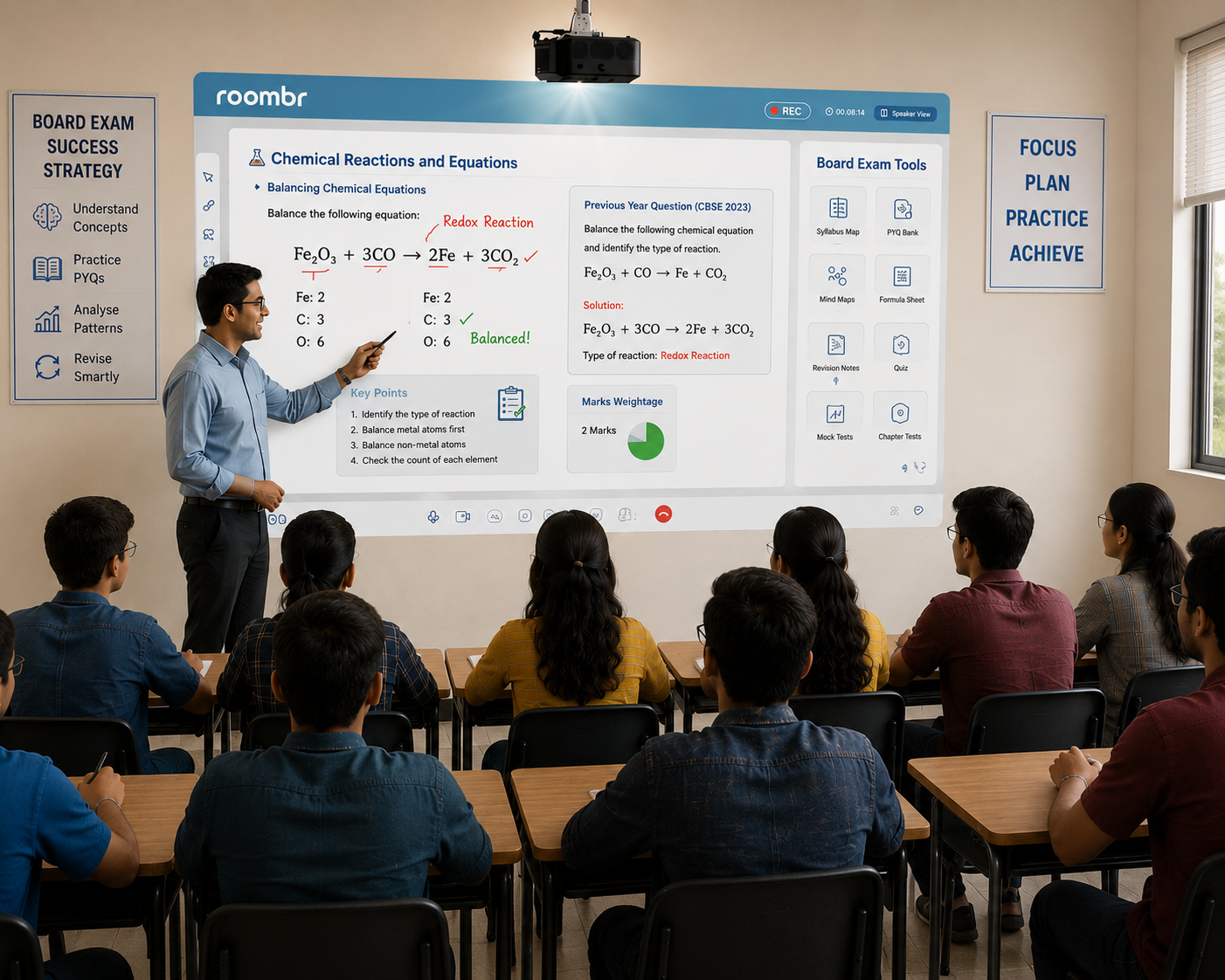
This is where smart board technology in the classroom needs to earn its place — not as a generic display, but as a tool matched to what senior secondary teaching demands.
1. Board-Exam Syllabus Alignment
Class 10 and 12 are board-exam years under CBSE, ICSE, and state boards. That changes what "useful content" means on a screen.
- Teachers need to structure lessons around exam-specific syllabus sequencing, not just general topic coverage.
- Previous-year question (PYQ) integration matters more here than almost anywhere else in the school. Students revise by pattern recognition as much as by concept.
- Revision-mode content organization (unit-wise, chapter-wise, marks-weightage-wise) becomes a daily teaching need, not an occasional one.
A junior classroom rarely needs this level of structured, exam-format content organization. A senior secondary one runs on it for the better part of two academic years.
2. Stream-Specific Display Needs
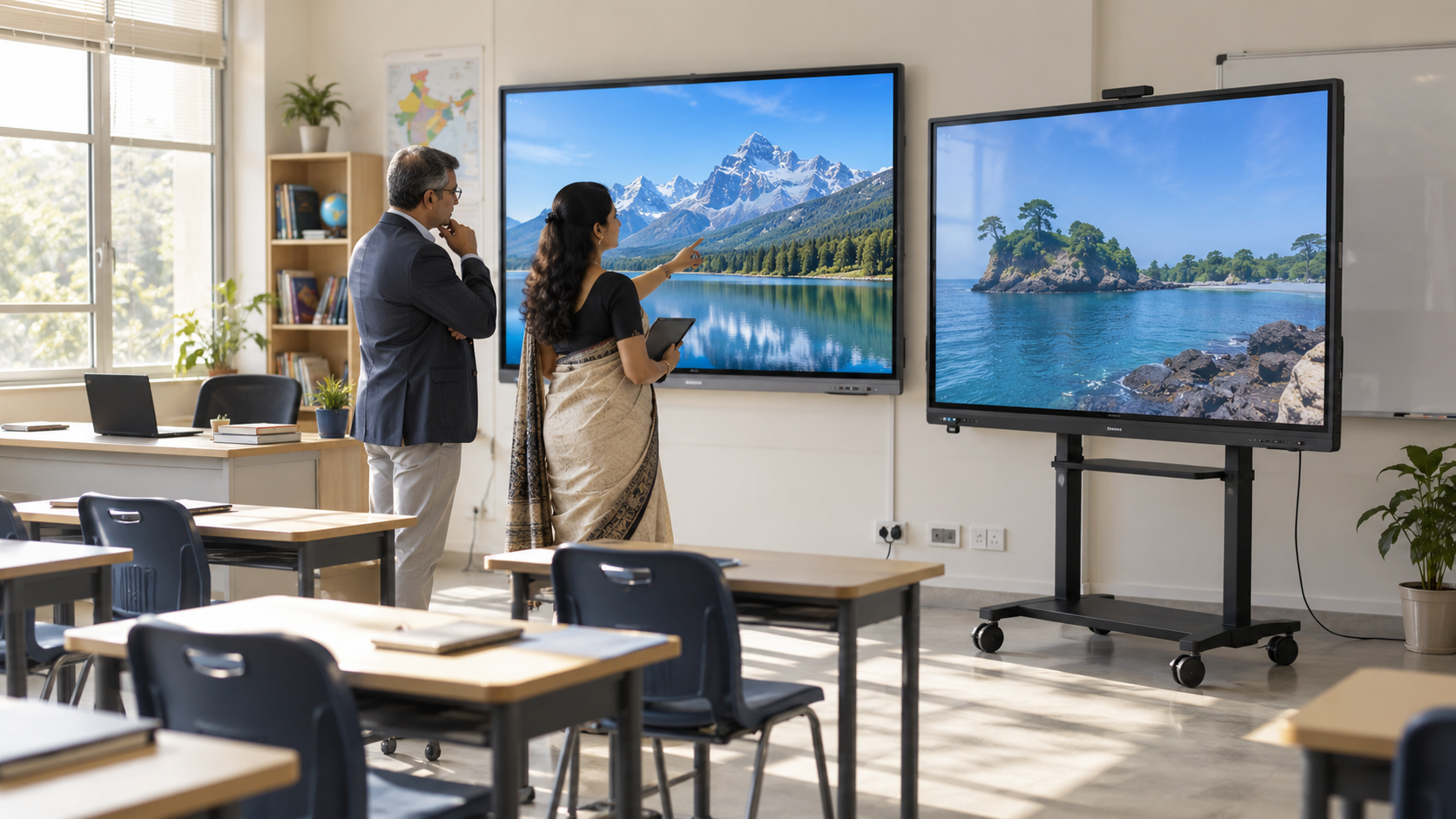
Once NEP 2020's multidisciplinary flexibility kicks in, a single high school floor might be running Science, Commerce, and Humanities sections simultaneously — each needing different things from the same category of smart board technology in the classroom:
A junior classroom board rarely needs to flex across three different content formats in the same school day. A high school one does — often period to period.
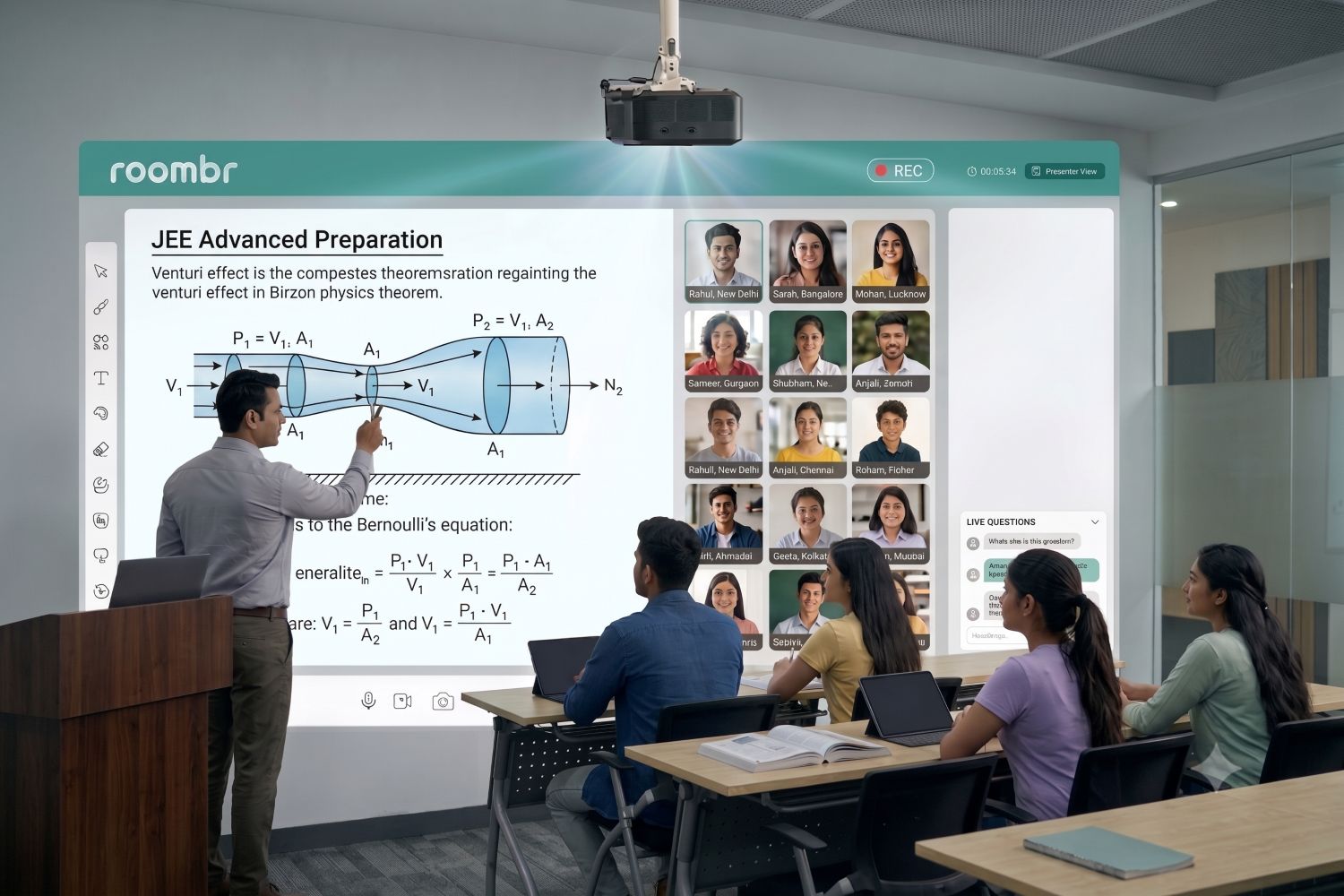
3. Longer-Format Lecture Capture for Board-Exam Revision
There's an important distinction here that's easy to miss: lecture capture in a high school classroom serves a different purpose than it does lower down the school.
Younger students benefit from short, digestible recap clips — a five-minute review works better than a full lesson replay for a Class 4 student. High schoolers preparing for board exams need something different: full-period lecture archives they can return to weeks later while revising an entire chapter.
While establishing an efficient, teacher-facing recording workflow often comes down to mastering a few simple smart class features, the strategy here goes beyond daily convenience. The capture format itself must shift the moment a student enters their board-exam years.
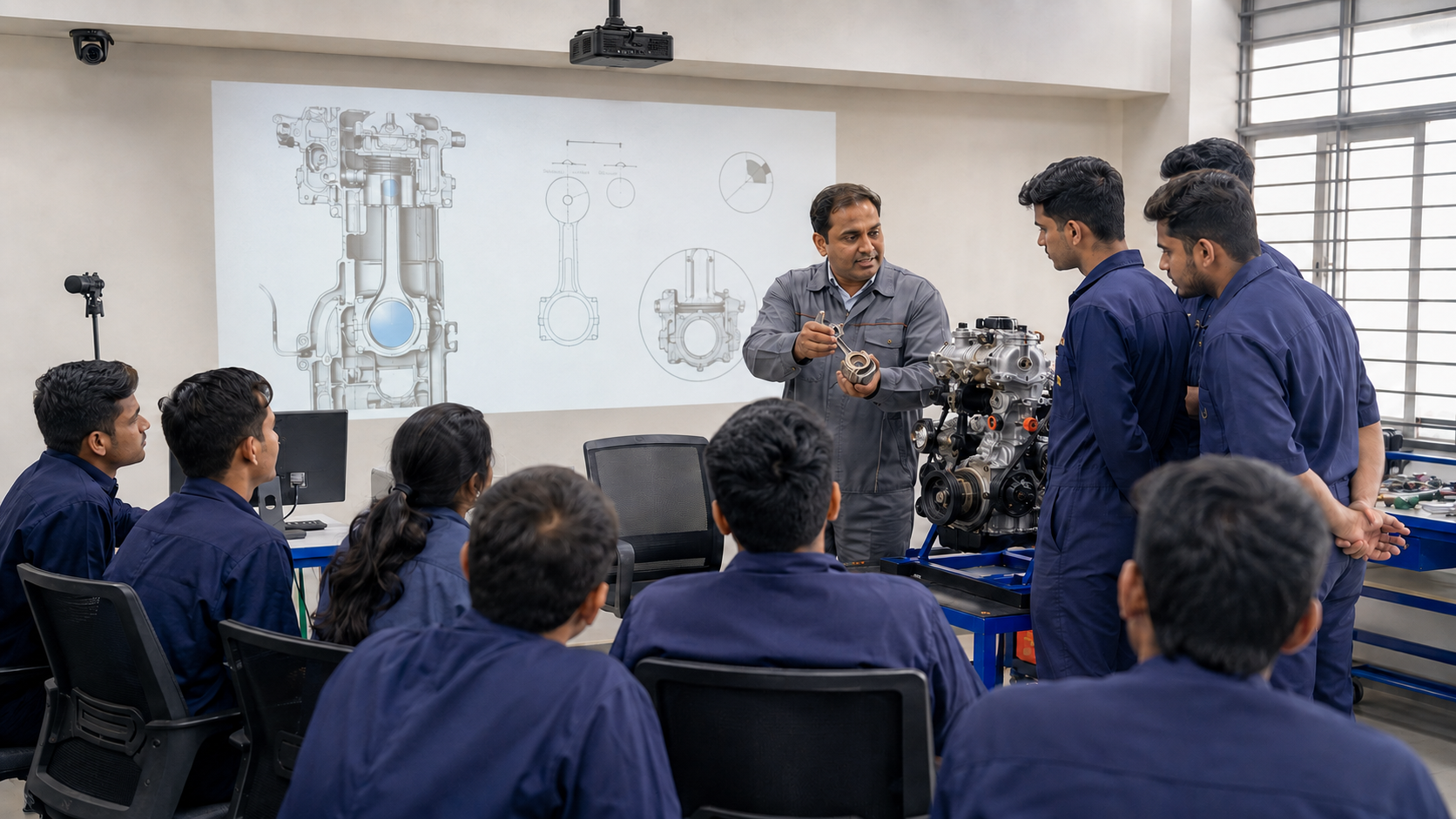
4. Vocational and Skill-Track Support
NEP 2020's vocational integration doesn't stay theoretical at the senior secondary level. Schools offering vocational or skill-based subjects in Grades 11–12 need classroom technology that can display and support hands-on, industry-aligned content. This is a different use case from a standard lecture-format classroom.
This is one of the clearest arguments against treating smart board technology in the classroom as a single, uniform purchase decision across a school.
A Practical Example: Same School, Two Different Classrooms
Picture a mid-sized CBSE school with 30 classrooms. Rooms 1 through 20 cover Classes 1–8. Rooms 21 through 30 cover Classes 9–12.
If the school buys an identical package for smart board technology for all 30 classrooms, here's what happens in practice:
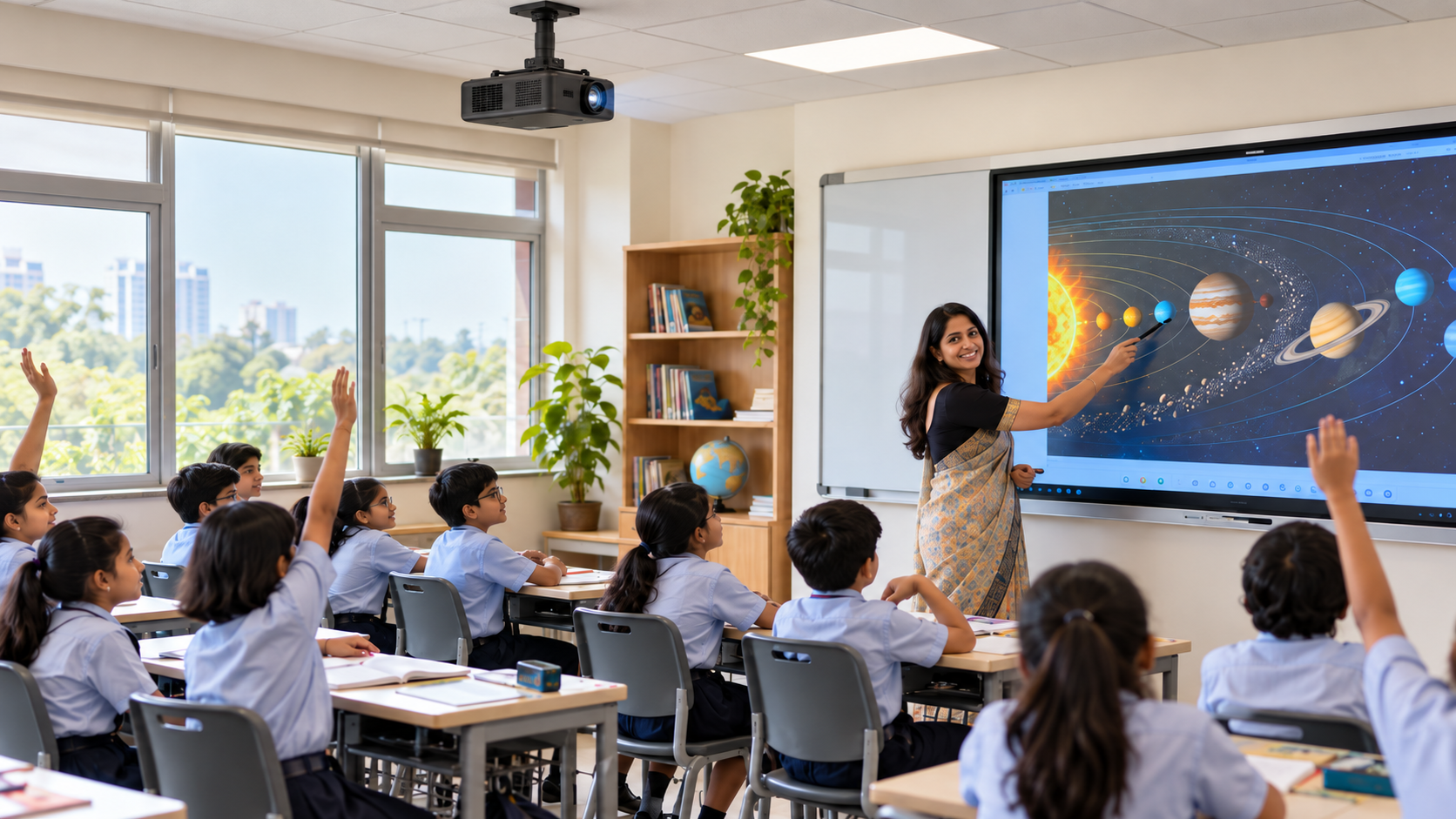
- In a Class 5 room, teachers use maybe a third of the board's capability — the exam-format content tools, PYQ banks, and long-form recording sit largely unused.
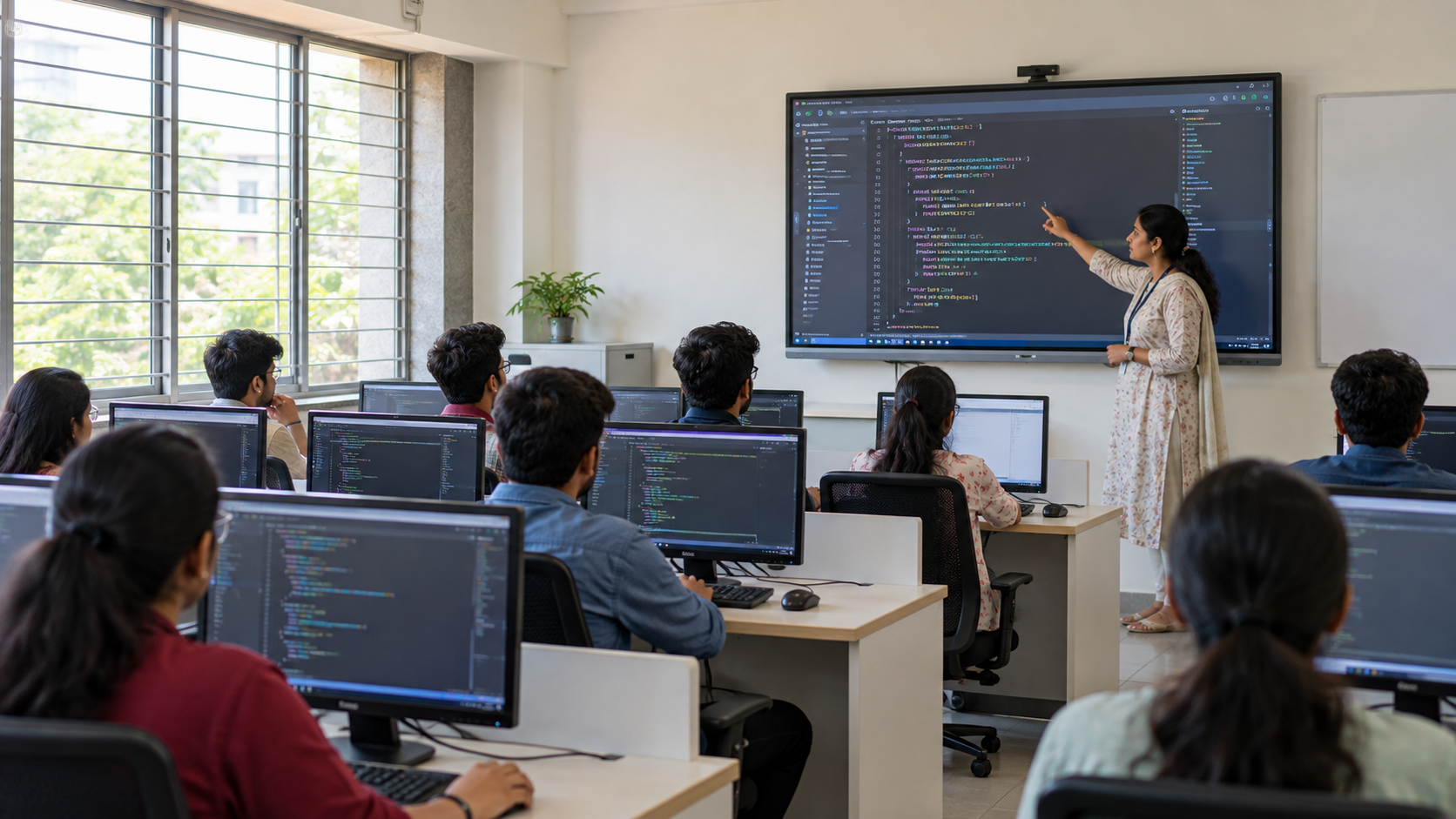
- In a Class 12 Science room, teachers hit the ceiling of what the board can do within the first term. There is no dedicated space for multi-step numerical work, no easy way to archive full-period revision lectures, and no stream-specific display flexibility.
Neither classroom is actually well served. The junior room paid for capability it doesn't need; the senior room is under-equipped for what it needs most. This is the gap that grade-appropriate smart board technology planning is meant to close.
What Junior Classroom Smart Board Technology Needs Instead
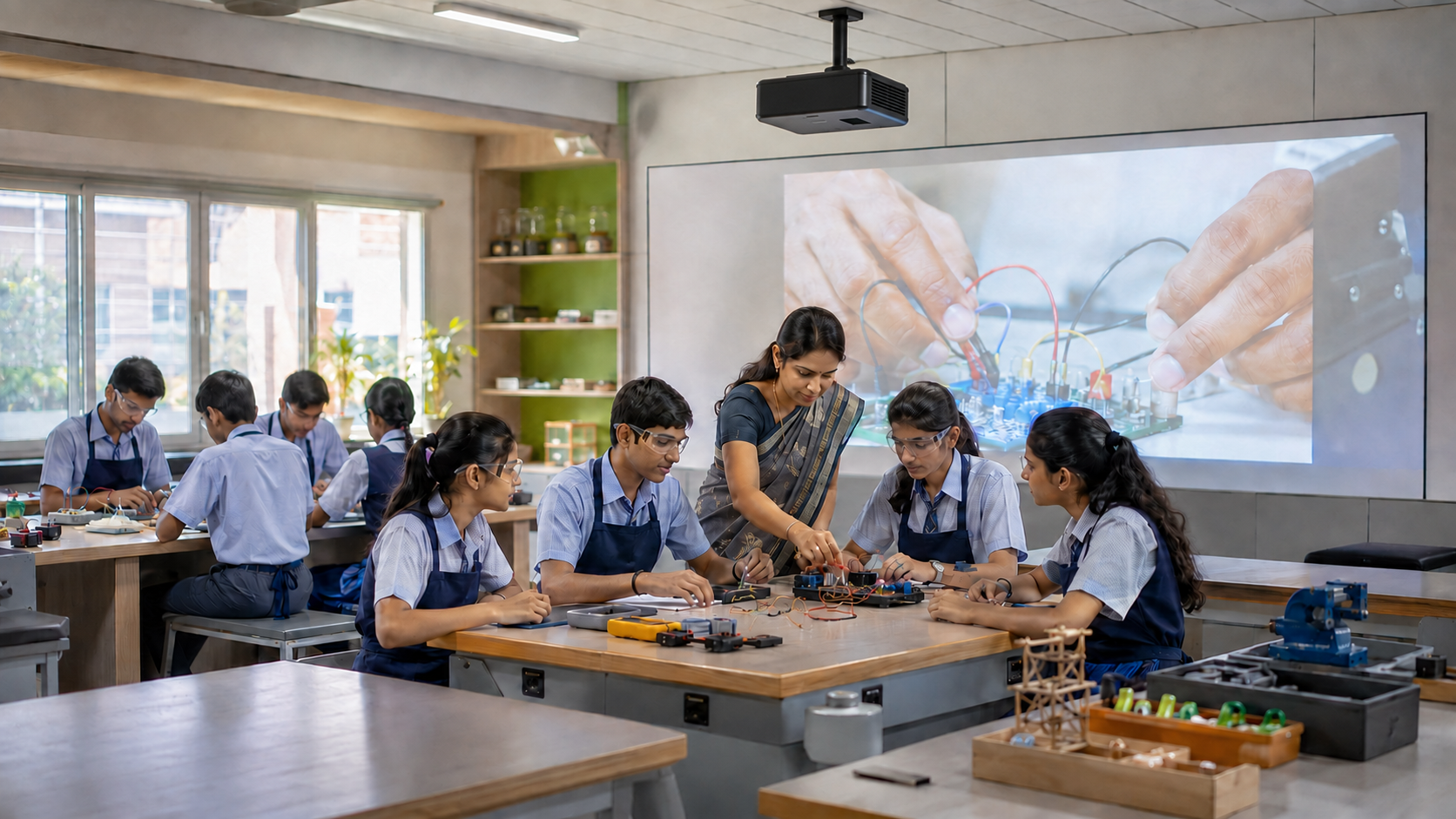
To be fair to the other end of the spectrum, junior classrooms aren't just "high school technology, simplified." They have their own distinct requirements:
- Single-Subject Continuity: One classroom teacher, one flowing lesson structure, rather than the subject-rotation model of senior secondary.
- Gamified, Play-Based Interaction: Younger students engage better with game-like formats than with structured exam-revision tools.
- Shorter-Format Content: Attention spans at this age don't support 40-minute uninterrupted lecture capture.
- Simple, SEL-Friendly Interfaces: Navigation needs to be intuitive enough for a seven- or eight-year-old to interact with directly, with room for social-emotional learning activities built in.
This is the opposite pole from everything a Class 11 Science section needs from its board. And it's why identical specs across grades rarely serve either group well.
Why This Matters for Procurement Decisions
Here's the practical takeaway for anyone making the purchase: buying the same smart board technology in the classroom for every grade isn't a cost-saving decision. It is a decision that optimizes for the wrong variable entirely.
A school that puts board-exam-ready, stream-flexible technology in a Class 3 room is overspending on capability that room will never use. A school that puts simplified, gamified junior-classroom technology in a Class 12 room is undersupplying a classroom that genuinely needs more.
Cost naturally differs between these configurations too, as screen size, software depth, and content tools all shift the price. While evaluating the factors that impact smart classroom pricing is a necessary next step when comparing quotes, getting the capability decision right must always come first. The budget conversation should follow the classroom's needs, not lead it.
Before finalizing any purchase, it helps to ask three questions for every grade being equipped:
- What actually goes on the screen? Do the students need quick, interactive games, or full-length lectures for serious exam prep?
- How many subjects share the room? Does one teacher use it all day, or do different streams rotate through and need completely different visual layouts?
- How high are the testing stakes? Are teachers just doing casual knowledge checks, or are they prepping students for high-pressure board exams?
The answers should shape the specifications of smart board technology in the classroom. Not the other way around. A vendor conversation that starts with "what screen size do you want" before asking these questions is starting in the wrong place.
The Takeaway
Smart board technology in the classroom isn't a single product decision. It's a set of decisions that should look different at every stage of a student's schooling. NEP 2020 makes that difference explicit at the policy level; good classroom procurement should reflect it at the purchasing level.
Before your next classroom upgrade, it's worth asking not just "which board?" but "which board, for which grade, doing what job?" That one question changes what a school should actually be buying.
Frequently Asked Questions
1. Do high school classrooms need different smart board technology than primary classrooms?
Yes. High school classrooms (Class 9–12) need board-exam-aligned content, stream-specific display support, and longer lecture-capture formats. Primary classrooms need shorter, gamified, single-subject tools built for younger attention spans.
2. What smart board features matter most for Class 11–12 exam-focused classrooms?
The priorities are syllabus-sequenced content organization, previous-year question integration, and full-length lecture recording for revision — not quiz-and-poll style interaction, which matters more in junior classrooms.
3. Can one smart board configuration work across all grade levels?
It can function, but it won't serve either end effectively. A single configuration typically under-delivers for high school's exam and stream-specific needs while over-delivering unnecessary complexity for junior classrooms.
4. How does NEP 2020 affect classroom technology choices for high schools?
NEP 2020 restructures Classes 9–12 as the Secondary Stage, with more subject flexibility, interdisciplinary combinations, and vocational tracks starting from Grade 6 and deepening through senior secondary. This directly shapes what content and therefore what technology a high school classroom needs to support.
Give Every Grade the Right Tools
Every classroom has its own rhythm, and your technology should naturally adapt to it. Roombr’s all-in-one digital classroom gives schools the flexibility they need to support every learning stage without the procurement headaches. Whether you are running interactive primary lessons or recording full-length lectures for Class 12 board exam revision, our technology effortlessly adjusts to how your teachers actually teach.
Let's create a smart classroom setup that genuinely fits your school's needs.
Explore Roombr's integrated classroom solutions.

Foziya Abuwala
Share
Step Into the future of
Education with Roombr