



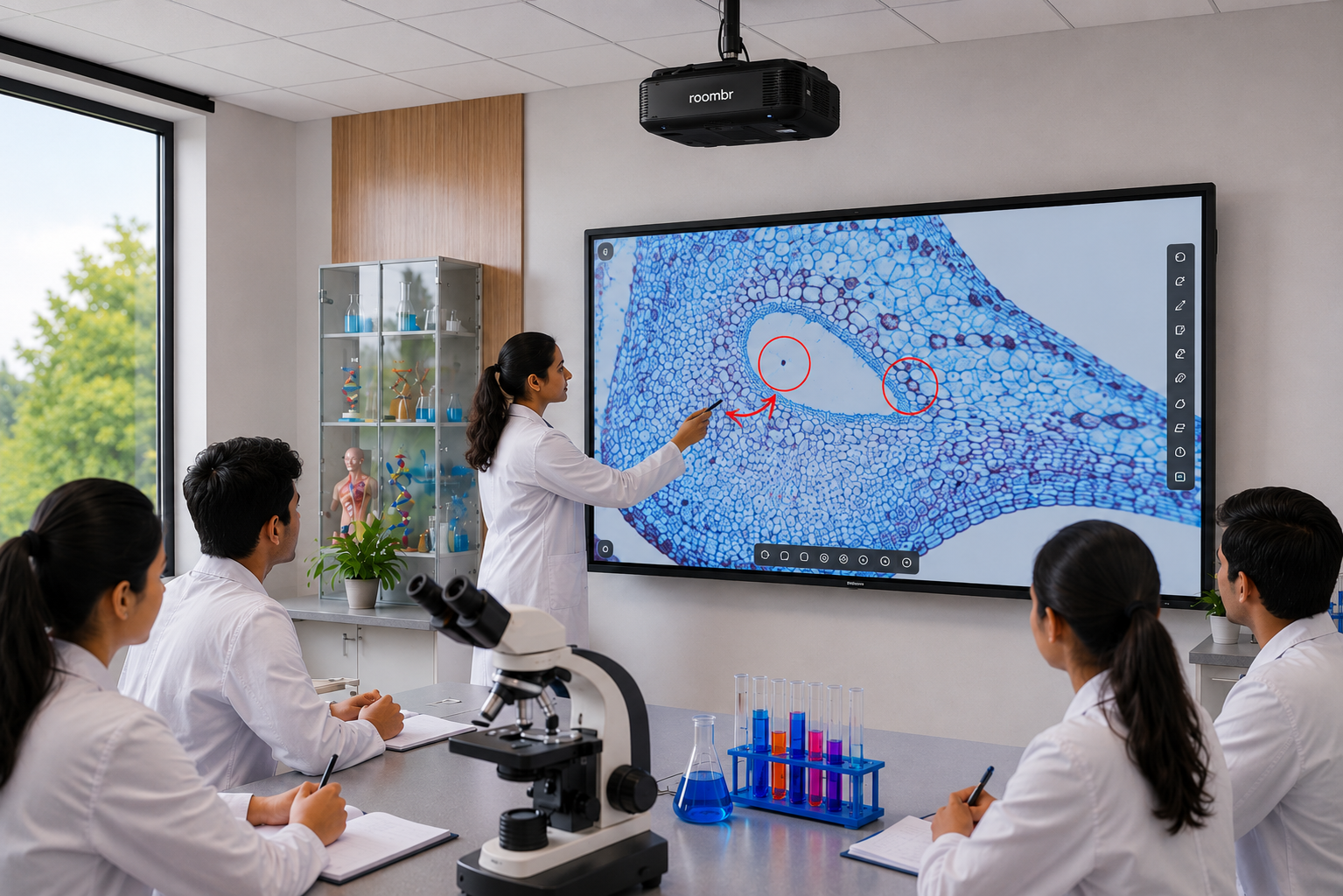
Most colleges today use class recording software to capture lectures, support hybrid learning, and provide students with access to recorded lectures. However, problems emerge when the same recording setup is used inside an engineering or science laboratory. Unlike a traditional classroom, a lab is a dynamic environment filled with equipment, instrument displays, student groups, safety restrictions, and constant movement.
While standard lecture capture software works well for theory-based teaching, it often struggles to document practical learning effectively. As a result, institutions may end up with recordings that exist on paper but fail to capture the evidence needed for learning review, quality assurance, and accreditation.
What Standard Class Recording Software Is Built For
Most lecture capture technology is designed for a front-of-room teaching style. It usually assumes one fixed camera, one ambient microphone, and one clear focus: the instructor, the board, or a presentation screen.
That setup is useful in a classroom. It is not enough in a chemistry lab, electronics lab, machine shop, or engineering demonstration room. A lab session needs more than a wide shot. It needs proof of process.
Five Ways Lab Environments Break Standard Recording Setups
1. No Close-up on Instruments or Readouts
A wide camera can show the room, but it cannot reliably show an oscilloscope trace, a multimeter reading, a microscope slide, or a titration colour change. Without that detail, the video may look complete while actually proving very little.
2. Ambient Noise Defeats Single-Point Microphones
Lab acoustics are different from classroom acoustics. Fans, exhaust systems, motors, beeps, and cross-talk can easily drown out a single microphone. In a noisy lab, a voice-only recording becomes hard to follow within minutes.
3. Instructor Mobility Breaks Fixed Framing
In a lecture hall, the teacher often stays near the board. In a lab, the instructor moves from bench to bench, checks setups, corrects technique, and answers questions on the spot. A standard camera often leaves that person out of frame for most of the session.
4. Recordings Become Difficult to Find Later
Recording a lab session is only half the job. Many colleges end up with long video files that are not tagged by experiment, batch, or subject. When faculty need a specific lab demonstration video, practical exam recording, or accreditation evidence, finding the right recording can become time-consuming and frustrating.
5. Safety and PPE Requirements Limit Camera Placement
Lab spaces are not free-form shooting environments. Fume hoods, electrical panels, moving parts, heat sources, and restricted zones limit where hardware can be mounted. Safe placement often matters more than perfect framing, which makes generic classroom systems even less suitable.
Quick Comparison
Why This Gap Matters Beyond Convenience
This is not just about better videos. It is about evidence.
The NBA’s January 2025 UG Engineering SAR format evaluates institutions through clear criterion boundaries. Under Outcome-Based Assessment, colleges must demonstrate direct CO coverage through continuous assessment tools such as unit tests, class tests, mid-term tests, and assignments.
The framework also treats laboratory assessments, mini-projects, and capstone projects as direct evidence of student competency. At the same time, laboratories and technical manpower are assessed as infrastructure and support requirements.
That matters because practical classes are where students demonstrate outcomes, not just recall theory. If the recording is poor, the evidence chain is weak. If the evidence chain is weak, review, internal audit, and accreditation preparation become harder.
What Engineering and Science Colleges Should Look for Instead
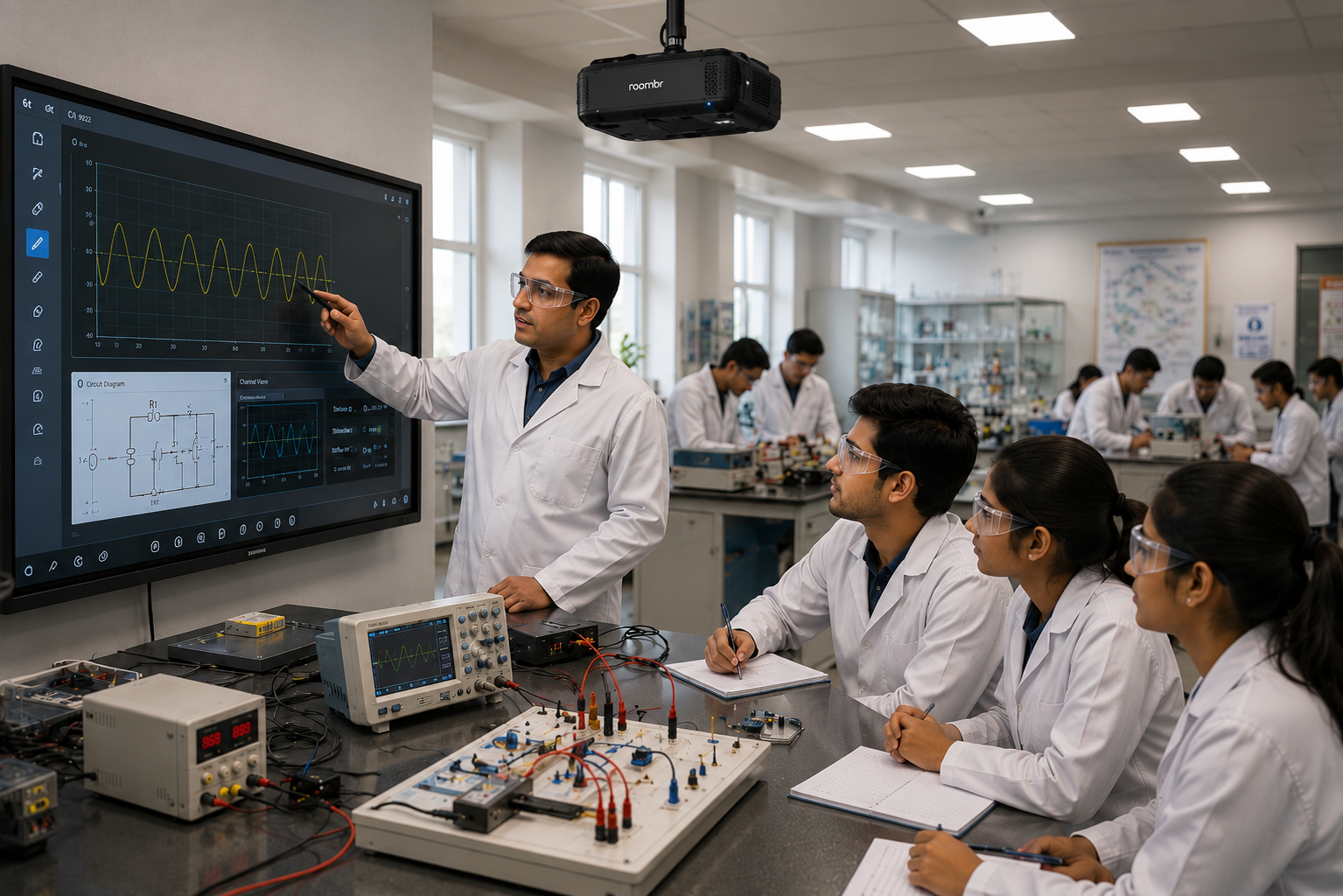
A lab-friendly setup should do four things well.
- It should capture multiple angles, so both the instructor and the bench activity are visible.
- It should support clear audio, even when the room is noisy.
- It should record the instrument or screen output, not just the room.
- It should make files easy to find later by class, batch, date, or experiment name.
Colleges should also look for platforms that support recording management and learning content organization, making it easier for faculty to store, search, review, and retrieve practical-session recordings when needed.
A practical system is less about “record everything” and more about “record the right evidence.” That includes:
- Bench-level action
- Close-up instrument output
- Instructor demonstration
- Student response or viva interaction
- Timestamped storage for easy retrieval
Key Features of a Lab-Ready Recording System
This is where a lab-aware setup stands apart from a generic classroom recorder. The goal is not just to create a video. The goal is to create usable, practical evidence.
Conclusion
Lab teaching needs more than recorded lectures. It needs clear, practical evidence that shows process, performance, and learning outcomes.
If your college wants a class recording software setup that is effective in labs, it is time to move beyond generic lecture capture and look at lab-focused recording built for practical teaching.
Frequently Asked Questions (FAQs)
1. Why doesn’t regular lecture capture software work for lab sessions?
Because it is built for a single front-facing view, while labs need close-ups, multiple work zones, and clearer audio. The recording often misses the actual experiment and the student's action.
2. What should be recorded during a practical or lab class?
Record the setup, the process, the instrument readings, the instructor demonstration, and key student interactions. For assessment, the useful evidence is the method, not only the final result.
3. Does NBA accreditation require video evidence of lab work?
NBA guidance does not say every lab must be video recorded. It does expect institutions to show CO attainment through direct assessment tools, and it recognizes lab work as valid evidence in the attainment process.
4. Can one camera cover an entire engineering lab?
One camera can show the room, but it usually cannot show enough detail for review or accreditation evidence. A single angle is rarely enough for complex practical sessions.
Transform Lab Recording Into Clear Academic Evidence
Roombr Digital Classroom brings together AI-powered tools, interactive displays, hybrid learning, automated assessments, recording, and accreditation support in one platform. It is designed to help institutions simplify teaching, track learning, and create structured academic evidence for better outcomes.
For colleges that need stronger practical-session documentation, this is the right time to move beyond generic class recording software. Explore a lab-ready digital classroom experience that supports teaching, assessment, and compliance in one system.
Book a demo with Roombr and see how your practical classes can become easier to record, review, and present with confidence.

Foziya Abuwala
Share
Step Into the future of
Education with Roombr












