



.jpg)
Most universities don't end up with bad assessment software on purpose. They end up with good software doing the wrong job.
A quiz feature inside the LMS handles MCQs just fine. A shared spreadsheet tracks course outcomes — until it breaks down right before an NAAC visit. A separate proctoring tool works in isolation but doesn't talk to anything else on campus.
The mismatch usually shows up at the worst possible moment: during an accreditation audit, a semester-end exam, or a faculty meeting where nobody can explain why two reports show different numbers.
When that happens, the cost isn't just embarrassment. It's re-submission delays, lost accreditation points, and faculty spending weeks rebuilding evidence that should have existed automatically.
This checklist exists to help higher education institutions avoid exactly that. It's not a list of vendors. It's a framework you can use with any vendor, in any demo, before you sign anything.
What Is Assessment Software?
Assessment software is a digital platform that helps faculty and exam cells create, deliver, evaluate, and report on student assessments — from weekly quizzes to semester-end exams.
Unlike a basic LMS quiz module, true assessment tools built for higher education handle descriptive answers, map results to learning outcomes, and generate accreditation-ready reports automatically, without manual spreadsheet work.
Why 2026 Is a Different Buying Decision for Higher Education
Three things have changed the buying criteria for assessment software over the last two years.
First, NEP 2020 pushed institutions toward outcome-based and competency-based evaluation, not exams built around memorisation. Software now needs to track learning outcomes at the course level, not just final scores.
Second, more institutions are pursuing NAAC and NBA accreditation, and both now expect traceable, timestamped digital evidence. NAAC's revised assessment framework, which moves toward binary accreditation paired with maturity-based grading levels, leans even more heavily on continuous, verifiable data rather than a one-time bundle of documents submitted before a visit. A spreadsheet of course outcomes updated once a semester no longer satisfies an auditor asking for real-time data.
Third, AI-assisted grading has matured enough to attempt descriptive answer evaluation — but it has also raised fair questions about accuracy, consistency, and how much faculty oversight is still genuinely needed before a result goes on record.
Together, these shifts mean a tool that looked adequate in 2022 may already be a liability in 2026.
The Complete Assessment Software Buyer's Checklist for 2026
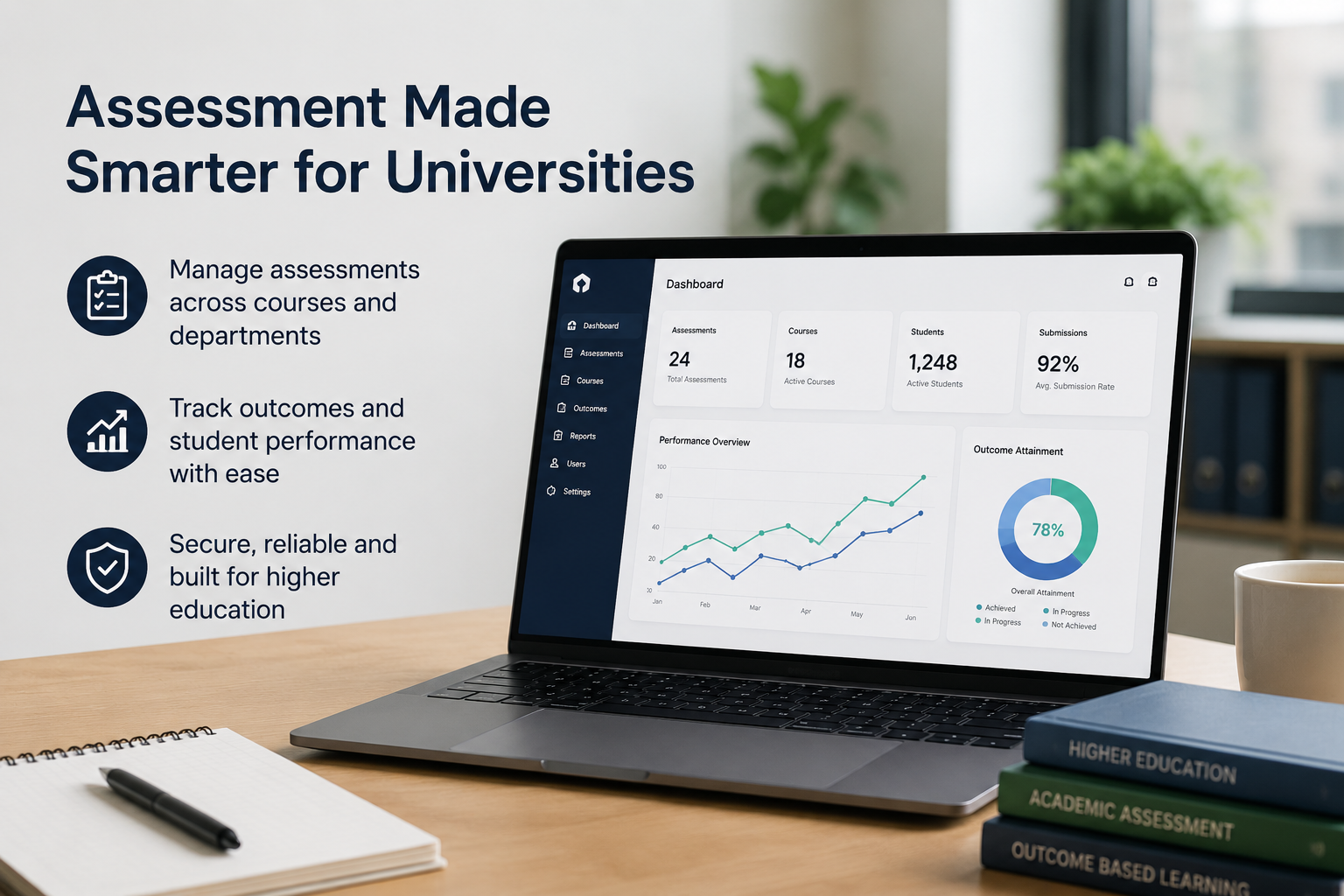
Use this section as a working scorecard during vendor demos. Score every vendor against each point — a polished interface shouldn't distract from a missing capability.
1. Question Authoring and Item Bank Quality
Good assessment software should support MCQs, descriptive answers, case-based questions, and viva formats, not just objective tests.
Ask vendors whether they support Bloom's taxonomy tagging and bulk question import from existing question banks. A weak item bank means faculty rebuild papers from scratch every semester, which defeats the purpose of buying software at all.
2. Objective vs. Subjective Answer Evaluation
This is where many "AI-powered" assessment tools quietly fall short. Plenty only auto-grade MCQs and still route every descriptive answer to manual evaluation.
Ask for a live demo grading a real, unfamiliar descriptive answer — not a sample dataset the vendor has pre-tuned. The difference between a marketing claim and an actual capability shows up fast.
3. Accreditation and Outcome Mapping
For institutions preparing for NAAC or NBA accreditation, the software should help collect, organize, and track course outcome and program outcome data in one place, so faculty coordinators do not have to manage everything manually in Excel. It should make it easier to compile evidence for audits and reporting, even if final NAAC-ready reports are prepared separately.
4. Exam Security and Anti-Malpractice Controls
Question paper leaks remain a real and recurring risk across Indian higher education. Look for encrypted question paper distribution, detailed access logs, and randomized question sequencing.
Ask who at the institution and at the vendor can access a question paper before the exam window opens, and whether every access attempt is logged and time-stamped.
5. Integration With Existing Systems
Assessment software shouldn't operate as an island. It needs to connect cleanly with your LMS, ERP, or student information system.
Without integration, faculty re-enter the same student data in three different places, which is a guaranteed source of mismatched records and wasted hours during exam season.
6. Data Privacy and Residency
Student assessment data is sensitive by nature. Confirm where the data is hosted and whether the vendor complies with India's Digital Personal Data Protection (DPDP) Act, 2023.
Ask specifically who on the vendor's team can view raw student records, under what circumstances, and how long that data is retained after a student graduates.
7. Scalability Across Departments and Campuses
A single-department pilot is the easy part. Running the same assessment tools consistently across ten departments or three campuses is the real test of any platform.
Check whether the software supports centralized question banks with department-level customization, rather than forcing every faculty member onto a separate, disconnected login.
8. Analytics Depth and Early Intervention
Static, post-exam reports aren't enough anymore. Strong assessment software should provide early visibility into learning outcome gaps, giving faculty enough time to implement targeted interventions before final assessments take place.
Ask whether the dashboard can identify at-risk students mid-semester, while there's still genuine time left to run remedial sessions before the final exam.
9. Faculty Usability and Total Cost of Ownership
The most feature-rich platform fails the moment faculty refuse to use it. Ask how long it takes an average instructor to create, deliver, and grade one full exam from start to finish.
Also confirm the complete pricing model upfront. Per-student licensing, proctoring add-ons, and storage limits often hide the real cost until the second year of the contract.
10. Multilingual and Regional Language Support
NEP 2020 actively encourages instruction and assessment in regional languages alongside English, especially across state universities.
Check whether question papers, descriptive answer evaluation, and result reports can be generated in regional languages, not just delivered in English with a translated interface around it.
Red Flags to Watch for When Evaluating Assessment Software
Some warning signs appear early, well before a contract is on the table:
- The tool was originally built for K-12 and loosely "adapted" for higher education, without real accreditation logic baked in.
- The vendor can't demo descriptive answer grading live and only shows MCQ examples.
- There's no offline or low-bandwidth mode for exam days when campus internet inevitably struggles.
- The contract has no clear data-export clause if your institution decides to switch vendors later.
- Pricing is quoted only "per institution" with no itemized breakdown of what's actually included.
- The demo team can't answer a direct question about regional language support without checking with engineering.
If even two of these show up in a single demo, treat it as a reason to slow down, not a minor detail to negotiate around later.
Cloud, On-Premise, or Hybrid: Which Model Fits Your Institution?
There's no universally correct answer here. It depends on your institution's internet reliability, IT staffing, and data-sovereignty preferences.
None of these models is inherently superior. The right fit depends on what your institution can realistically support long-term.
A 4-Step Process to Evaluate Assessment Software Before You Buy
- Define requirements with IQAC and the exam cell, not IT alone. They know exactly what NAAC auditors and faculty ask for.
- Shortlist three to four vendors against the checklist above, not their marketing brochures.
- Run a live pilot using real question papers and real student responses, not a canned vendor demo.
- Check references from an institution before signing anything long-term.
One of the biggest mistakes schools make is signing a contract after seeing just one impressive demo.
A short one-week trial may add a little time before full implementation, but it helps ensure the software works well in real exam situations. This small step can prevent the institution from getting stuck in a long-term contract with a system that fails when it's needed.
Quick-Reference Checklist Table
Before you sign anything, run through this table one final time with your evaluation committee.
Final Thoughts
The best assessment software is not simply the one with the longest feature list. It is the one that fits your institution’s academic processes, supports outcome tracking, strengthens exam management, and works smoothly with your existing systems.
A platform that helps teams organize assessments, centralize question banks, track outcomes, and collect accreditation-related data can save time and reduce manual work across departments. The real value lies in choosing a solution that fits the way your institution works, not just how it looks in a demo.
The right decision can make assessment processes more consistent, more manageable, and more useful for faculty and administrators over the long term.
Frequently Asked Questions About Assessment Software for Higher Education
1. What is assessment software used for in universities?
Assessment software helps universities create, deliver, manage, and track student assessments digitally. It streamlines processes such as question paper creation, exam administration, outcome tracking, and assessment record management while giving faculty and administrators better visibility into student performance and academic progress.
2. How is assessment software different from an LMS quiz feature?
Most LMS quiz tools are built to support simple assessments within individual courses. Dedicated assessment software offers broader capabilities such as centralized question banks, outcome-based assessment tracking, exam management workflows, analytics, and accreditation-related data collection. It is designed to support institution-wide assessment processes rather than individual course-level quizzes alone.
3. Can assessment software grade subjective or descriptive answers accurately?
Some advanced platforms can, using AI-assisted evaluation with faculty review built in. Always request a live demo with real answers before trusting this claim.
4. Does assessment software help with NAAC accreditation?
Yes. A well-designed system helps institutions maintain organized assessment records and outcome data, making it easier to support accreditation and audit requirements. It reduces manual spreadsheet work and helps teams keep records in one place.
5. How much does assessment software cost for an Indian university?
Pricing varies based on per-student licensing, optional add-ons like proctoring, and storage needs. Always request a complete cost breakdown before comparing vendors side by side.
6. Is student data safe with cloud-based assessment software?
It can be, provided the vendor complies with India's DPDP Act and is transparent about where data is hosted and who can access it internally.
7. Is assessment software the same as a proctoring tool?
No. Proctoring tools mainly monitor exam-taking behaviour to prevent cheating. The full platform covers the entire cycle: authoring, delivery, evaluation, and outcome reporting, with proctoring as just one possible feature inside it.
Why Higher Education Institutions Choose Roombr
Roombr is an all-in-one hardware and software solution that makes teaching, learning, and progress tracking seamless. Roombr Learn is our software solution that brings assessment management, outcome tracking, and classroom delivery into one connected platform.
To help universities evaluate the platform in a real academic environment, we offer a one-week trial period that allows faculty and administrators to assess the hardware and software capabilities before making a long-term commitment.
For institutions exploring solutions, a hands-on trial often provides more meaningful insights than a product demo alone. If you'd like to see how Roombr aligns with your institution's assessment and outcome-tracking requirements, you can request a demo to start the conversation.

Foziya Abuwala
Share
Step Into the future of
Education with Roombr












